


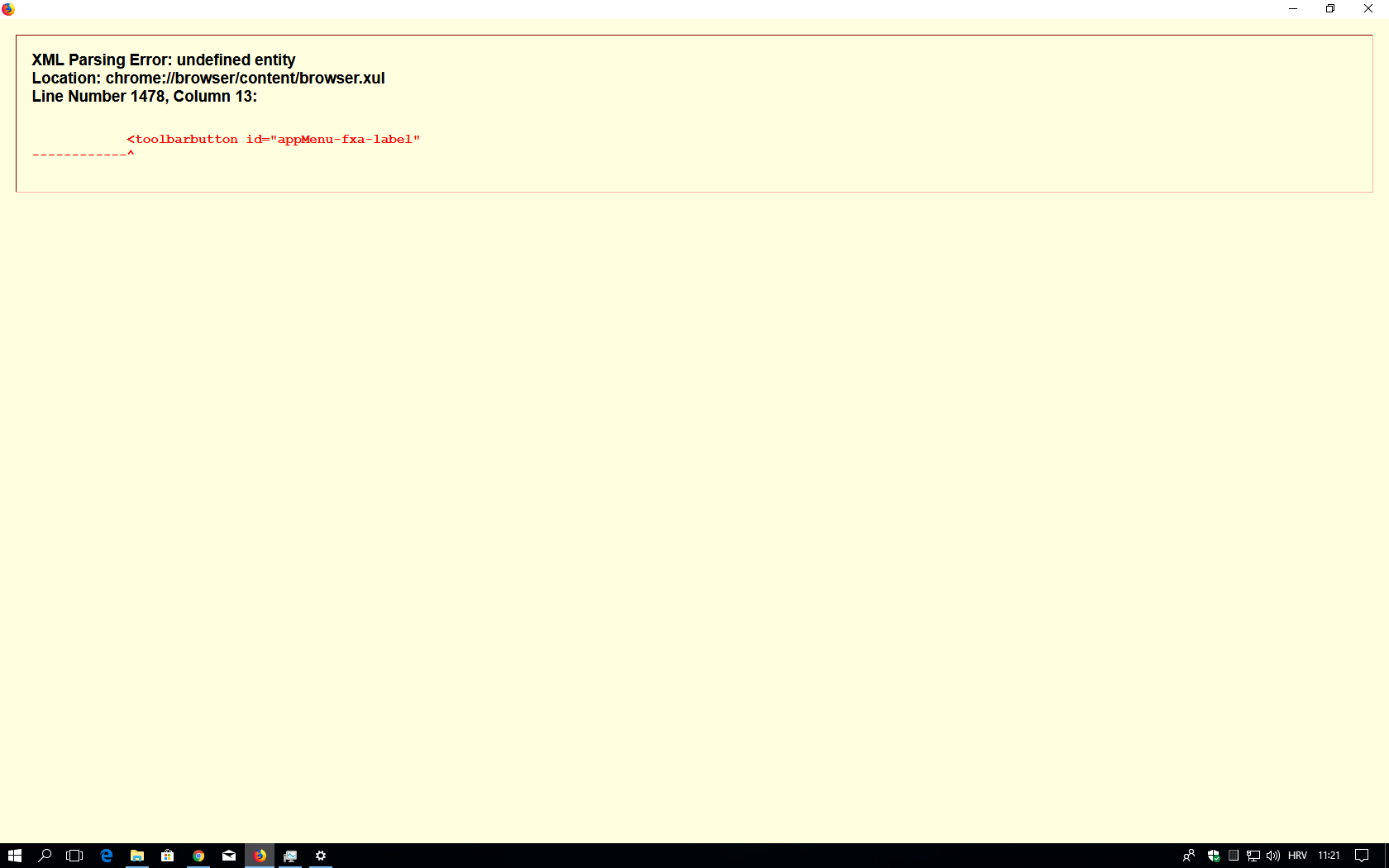
XML Parsing Error: undefined entity Location: chrome://browser/content/browser.xul Line Number 1478, Column 13

After Windows 10 update Mozilla Firefox broken, recieved :XML Parsing Error: undefined entity Location: chrome://browser/content/browser.xul Line Number 1478, Column 13 , tried uninstall Mozilla Firefox, and fresh download , reinstall, and again same message, please help, Thank you very much
Wšykne wótegrona (3)
MY system is Windows 32bit
i tried this: Chosen Solution I'm not sure what is causing that, but could you try starting Firefox in its Safe Mode? In Safe Mode, Firefox temporarily deactivates extensions, hardware acceleration, and some other advanced features to help you assess whether these are causing the problem.
If Firefox is not running: Hold down the Shift key when starting Firefox.
If Firefox is running: You can restart Firefox in Safe Mode using either:
"3-bar" menu button > "?" button > Restart with Add-ons Disabled Help menu > Restart with Add-ons Disabled and OK the restart.
Both scenarios: A small dialog should appear. Click "Start in Safe Mode" (not Refresh).
Any improvement?
If Firefox starts in Safe Mode, please try updating your extensions on the Add-ons page. Either:
Ctrl+Shift+a (Mac: Command+Shift+a) "3-bar" menu button (or Tools menu) > Add-ons type or paste about:addons in the address bar and press Enter/Return In the left column of the Add-ons page, click Extensions. Then on the right side, find the small "gear" button above the list, click that, and try "Check for Updates." and it solved the problem,
What Firefox locale (user interface language) do you use?
Such an error can be caused by a broken locale.