


when I open a new tab I have lost the space to enter sought address

The top of my firefox is 1 the red orange green buttons. 2 the next line is the opened tabs. 3 the next line are my bookmarks then just open space.
Alle Antworten (3)
Right-clicking on a blank spot where address/location bar should be and select Navigation Bar.
thank you
Please mark "Solved" the answer that really solve the problem, to help others with a similar problem.
thanks for the reply. However this doesn't have a result. The space where the location bar should be is the total page...all blazing white. the image attached is the part I am missing. That is my bookmarks bar.
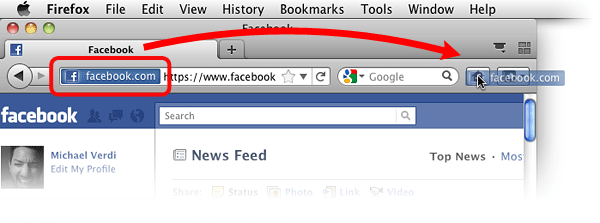
Thanks again ideato. While the specific answer you provided didn't immediately solve the problem you did give me an important clue..ie the name of my missing piece which is 'navigation bar'. I googled this as missing.....and the firefox menu (Mac user here ) has a drop down box 'view' you then click on 'toolbar' and there it was..'navigation bar' .I clicked on that and dah dah it appeared. Thanks.