

Windows 10 reached EOS (end of support) on October 14, 2025. If you are on Windows 10, see this article.

Hilfe durchsuchen

Vorsicht vor Support-Betrug: Wir fordern Sie niemals auf, eine Telefonnummer anzurufen, eine SMS an eine Telefonnummer zu senden oder persönliche Daten preiszugeben. Bitte melden Sie verdächtige Aktivitäten über die Funktion „Missbrauch melden“.

Weitere Informationen
Offen

Firefox 160 - NoFrames (???) seems to be blocking images for certain programs

dharmatrails

Noting being a great tech person here is what I have learned from research of others for the website affected.

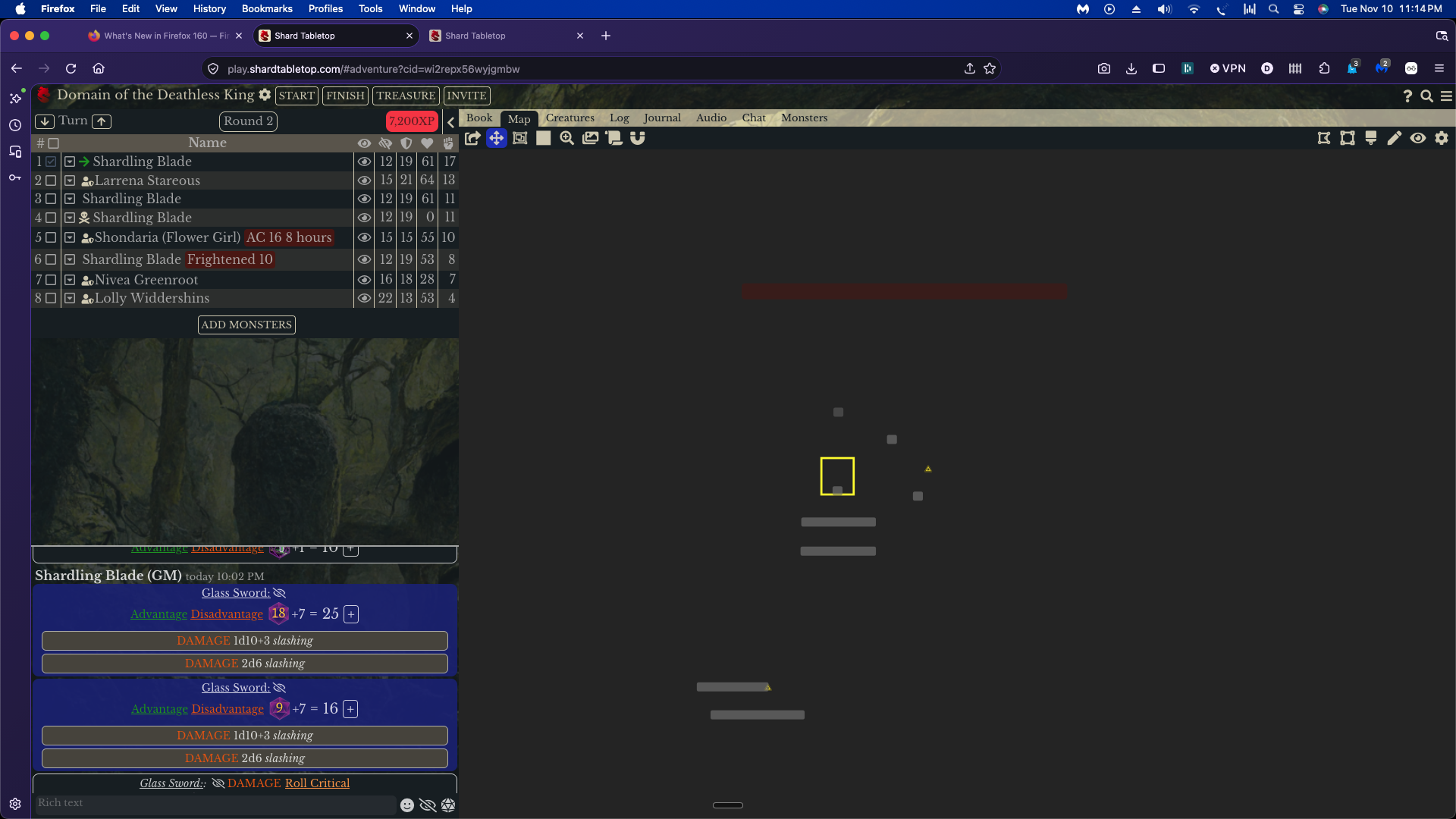
The first image shows a screenshot. Normally, in this image, there would be a map where the black is located. Since Firefox 160, images are not showing up on this website.

I also noticed today, perhaps connected, where I added a photo on eBay for an item I was selling, that photo also did not display on Firefox when added.

Here are two notes from someone on the tech side for the website I was using since the Firefox update.

"Disabling NoScript entirely for the tab lets the page load, but it would be nice to not have to turn off my security."

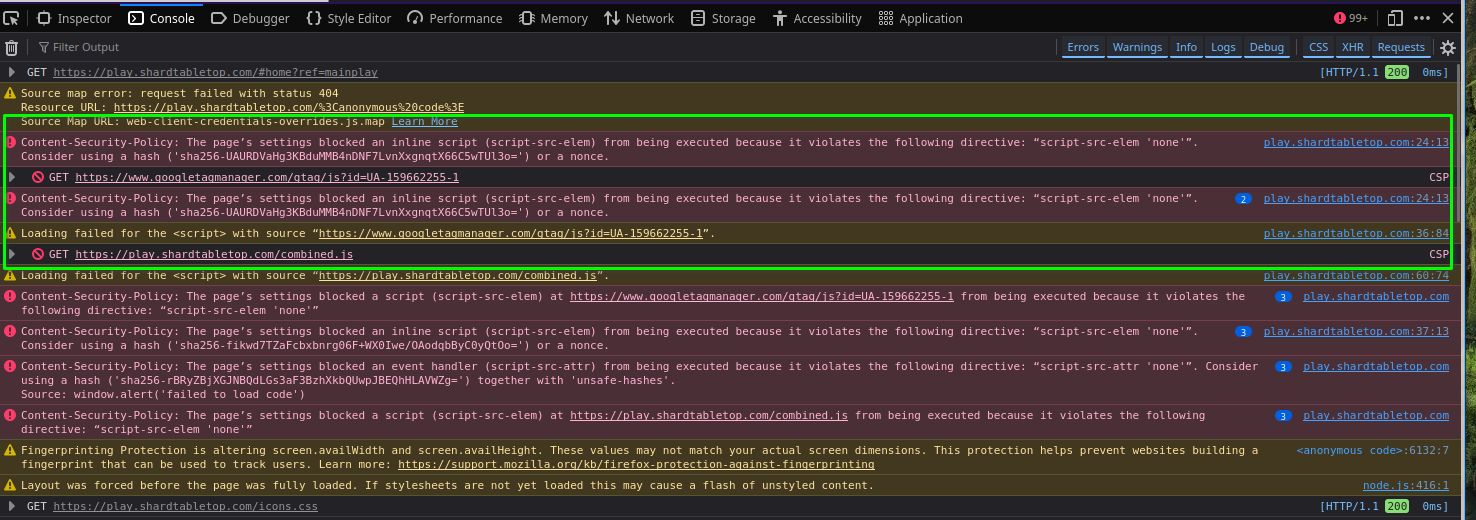
"Disabling noscript for the tab seems to work in a Private window, but before doing so I also saw this in console when trying to log in - which is somewhat concerning."

For the record, I have never had a NoScript extension for Firefox.
Noting being a great tech person here is what I have learned from research of others for the website affected. The first image shows a screenshot. Normally, in this image, there would be a map where the black is located. Since Firefox 160, images are not showing up on this website. I also noticed today, perhaps connected, where I added a photo on eBay for an item I was selling, that photo also did not display on Firefox when added. Here are two notes from someone on the tech side for the website I was using since the Firefox update. "Disabling NoScript entirely for the tab lets the page load, but it would be nice to not have to turn off my security." "Disabling noscript for the tab seems to work in a Private window, but before doing so I also saw this in console when trying to log in - which is somewhat concerning." For the record, I have never had a NoScript extension for Firefox.
Angefügte Screenshots

Alle Antworten (1)

Enter about:config in the address bar and check the value of the privacy.resistFingerprinting preference.

Stellen Sie eine Frage

Sie müssen sich mit Ihrem Benutzerkonto anmelden, um auf Beiträge zu antworten. Bitte stellen Sie eine neue Frage, wenn Sie noch kein Benutzerkonto haben.
