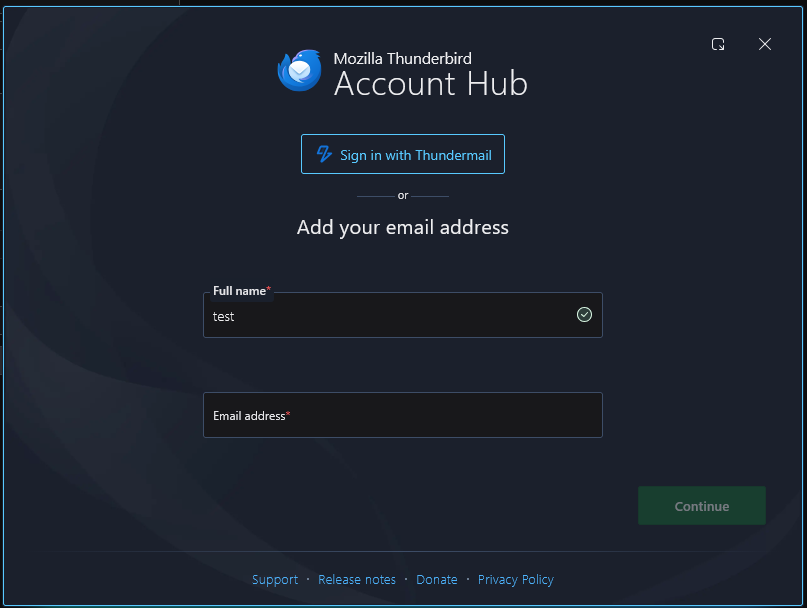
How to get rid of the account wizard?

There used to be an option before, but now it just always pops up. It is never useful for me and constantly switching to offline mode or using some other account first is a pain. There is no button to continue manually.
Alle Antworten (2)
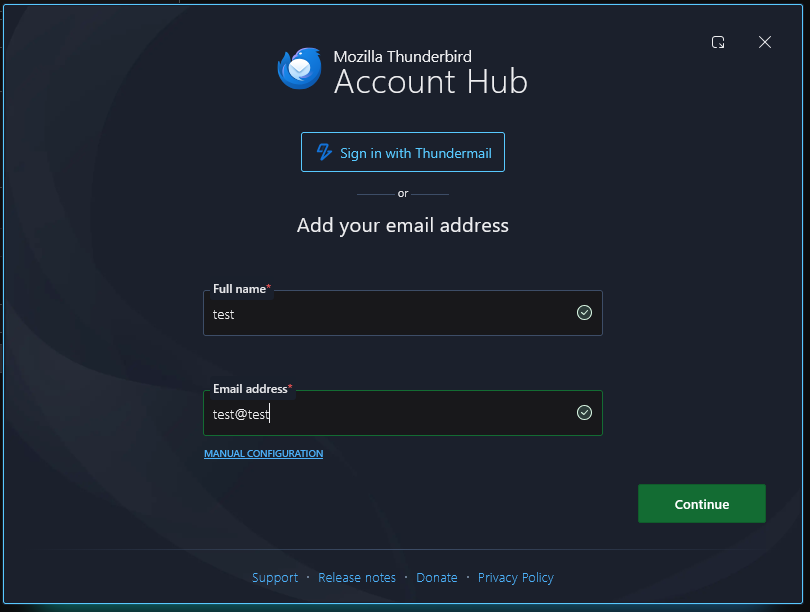
What version are you using? The setup option is still in settings>general menu, and the screen to enter email address includes an option for manual setup. Can you please post a screenshot of your setup screen? That may help. thank you
Ausgewählte Lösung
Ohhh, it's a tiny link under the field that only appears when you put in the email. I didn't notice it, the screenshots from older versions (that this site has when you look it up) have a full button in the bottom left corner.
My bad for being blind, but I would still like the option in Settings to remove the wizard entirely back.