


How to remove all tabs from a previous session

How can I remove all tabs from a previous session in my browser

Ausgewählte Lösung
Oh wait, I didn't realized you're on iPad.
If that's the case, please follow what jbr suggested above.
Alle Antworten (4)
Hi Alan,
You can simply closed the window to remove all tabs.
Thanks Kiki The only way I can think of closing the window with Firefox is to swipe upwards on the screen. I’ll try that next time I have a browser full of open pages. Personally, I prefer the DuckDuckGo method of having a flame at the top rh corner of the page which I can just click on to delete all cookies and open tabs. Anyway, thanks for your help.
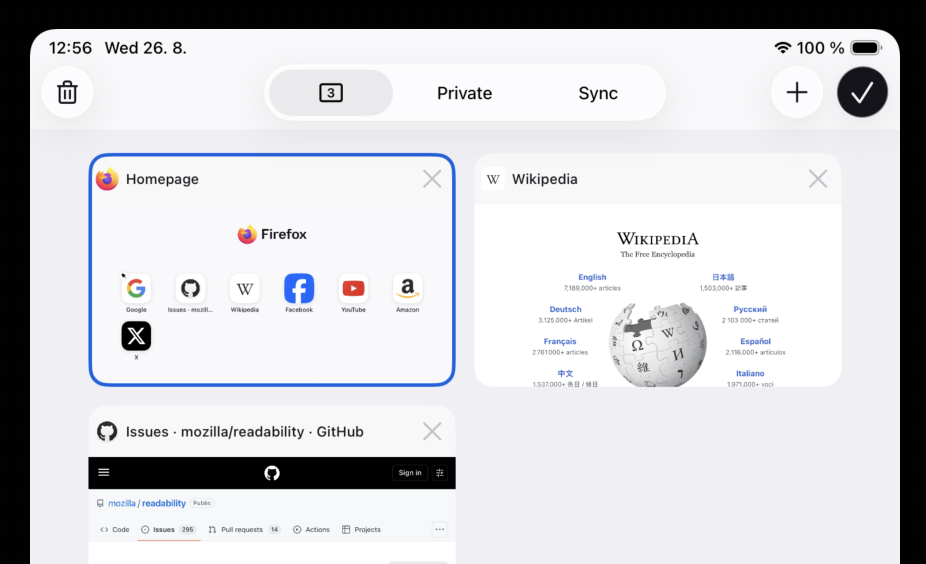
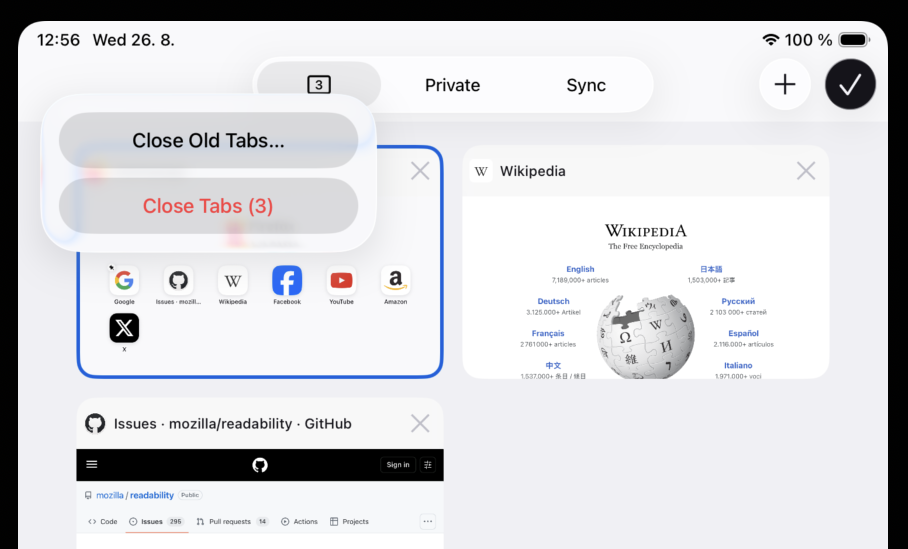
Firefox on iPad has this "trashcan" icon in the tab tray (after clicking on your "number of tabs in a window" toolbar icon):
Ausgewählte Lösung
Oh wait, I didn't realized you're on iPad.
If that's the case, please follow what jbr suggested above.