


Disable "Connection to server" timeout notification

I'm under a network that blocks Gmail. I have a gmail on my Thunderbird Windows 11 client.
When I do not use a VPN, I cannot access gmail. I have the VPN on and off during the day.
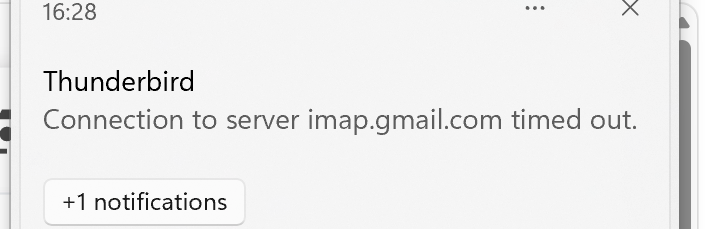
From time to time ThunderBird shows me a notification "Connection to server imap.gmail.com timed out". This notification is almost useless to me as I expect that connections to gmail fails. Meanwhile, it's distracting.
I'd like to turn of this notification without turning off notifications for new email and calendar events.
Alle Antworten (1)

Ausgewählte Lösung
Unfortunately, I don't believe its possible to disable these types of notifications within Thunderbird. However, you can disable automatic checking for emails by going to Account Settings -> Server Settings and unchecking "Check for new messages at startup" and "Check for new messages every X minutes" for that account. You will have to manually check for emails when you are connected to the VPN, but it won't attempt to automatically check when disconnected from the VPN.