


Trouble downloading images.

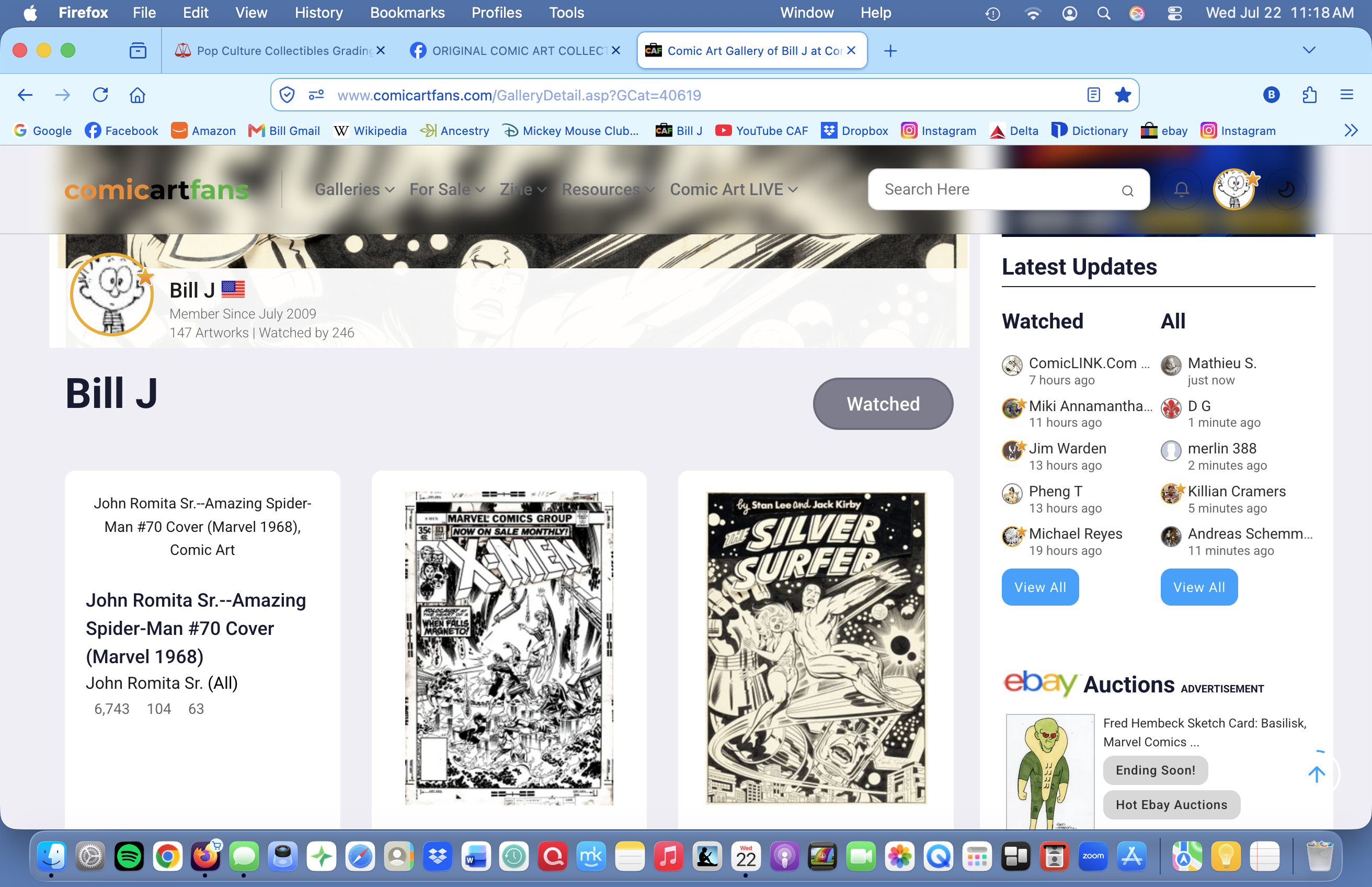
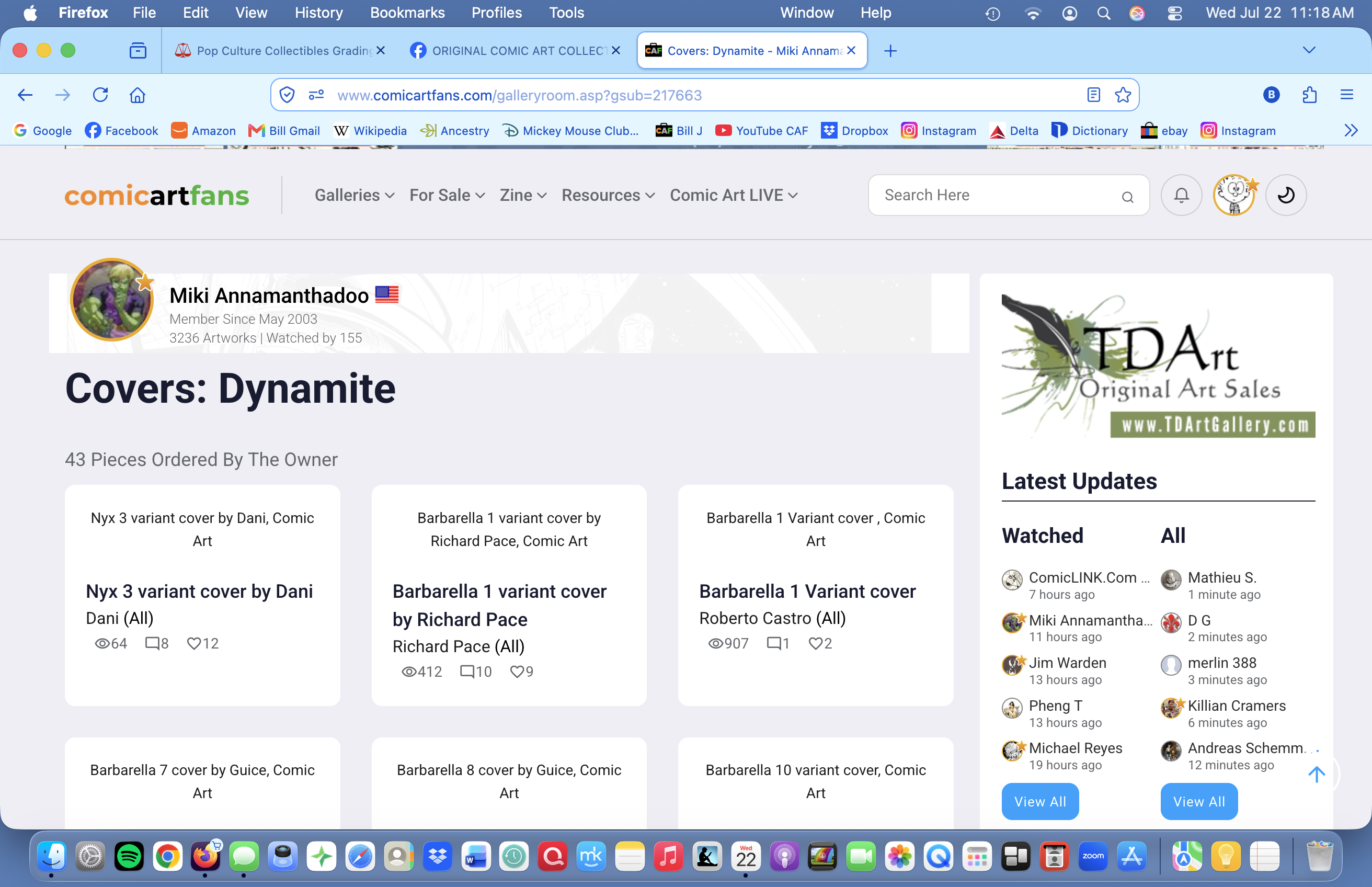
After years of using Firefox to access art sites, suddenly the sites no longer display all the images, leaving instead a verbal description of the art! This has happened in the last week! I am so frustrated with Firefox, I am considering switching to Safari or Chrome, as the don't have any problem downloading jpegs.
Alle Antworten (3)
Bill, would you be able to list the exact sites you're seeing this on (or exact pages ideally) if this is restricted to certain servers? Or you're having the same issues even on e.g. wikipedia, your news sites and similar?
I am having this problem on ComicArtFans.com, here is a typical page: https://www.comicartfans.com/GalleryDetail.asp?GCat=40619
So you're not having problems with images anywhere else?
The site posted is protected by Cloudflare, so they might be randomly rejecting some requests from their delivery network. Cloudflare typically dislikes tampering with their page content, so make sure you're not running any "privacy" and similar adons, ideally try restarting into Troubleshoot Mode from Help menu to see how it works with many profile things unloaded, you can also try from a new Private Window to leave behind any older stale data the site and their content delivery left behind etc.