


Deleted emails. No trash folder.

I just downloaded your app (thunderbird) to download some important emails for my lawyer about my SSDI case.
I moved all of the ones I needed to a folder of their own.
I went into your app, found them and apparently clicked something that made them all disappear, it was not "delete" or the trashcan icon.
I've googled and everything I read tells me to go to the trash folder. I do not have a trashcan folder.
Please help.
Alle Antworten (9)

Maybe you clicked the archive mail button. Try looking or searching your "all mail" or archive folders if you have either.
The deleted / trash folder is listed along side inbox and other folders on the side panel. Press the top left ≡ menu button to display this. See screen shot.
You could also try logging in to your providers webmail and search for the emails there.
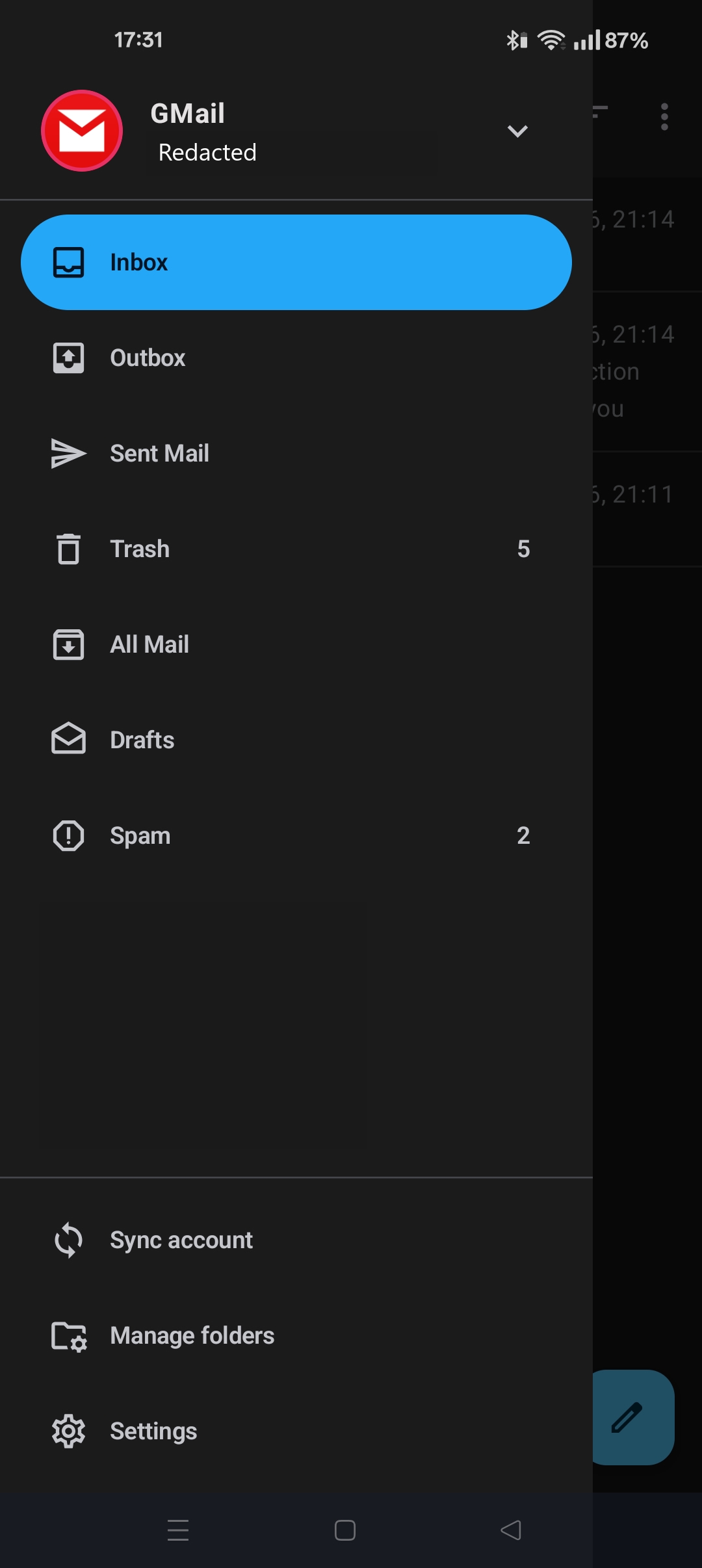
Thank you! Clicking "all mail" worked.
Can you tell me how to export/download them (zip file?) That's probably how I messed up in the first place.
Are you trying to save an email's attachments or to export the email itself?
Thunderbird for Android does NOT support saving email message to an .eml file.
If you want to backup the email body text, you can save each to a PDF file.
- Open the email
- Tap three button menu (top right) > print.
- Tap three button menu (top right) > save as pdf.
If you want to save the attachments
- Open the email
- Press "download complete message" if the button is displayed at the bottom of the email.
- Press the attachment "view all" button in the email header.
- Click the download icon next to each attachment
Note: There's is bug with the "save all" attachment button which causes each attachments to be saved as a duplicate of the first one. I'd recommend avoiding this button till fixed. Save each attachment individually.
Geändert am von Platform34
I'm sorry. I'm trying to send a picture, but can't see how. They're in my photo gallery.
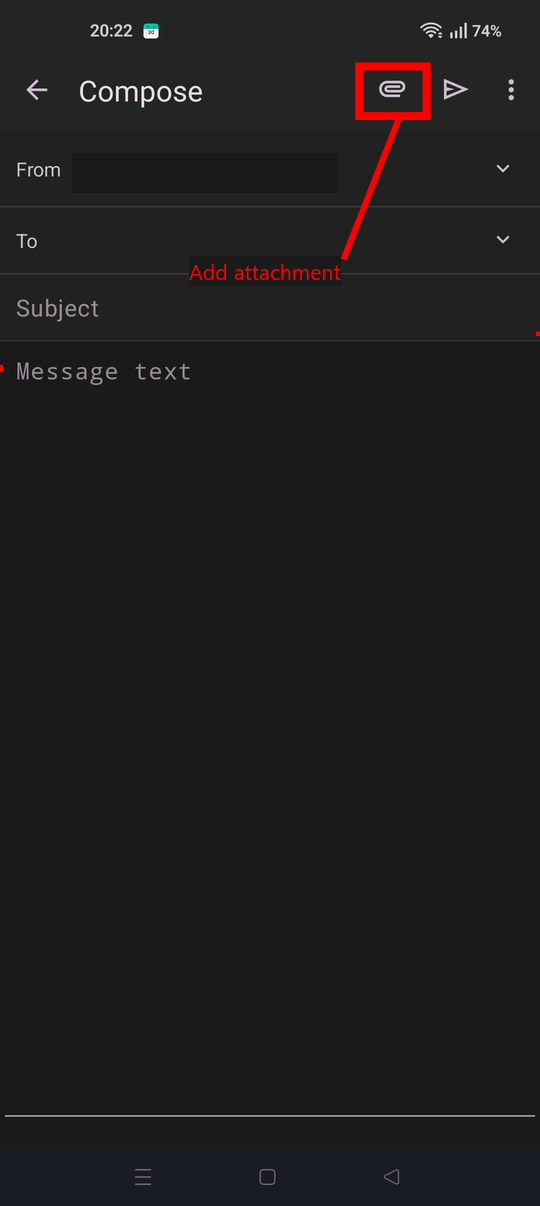
On the email compose screen ...
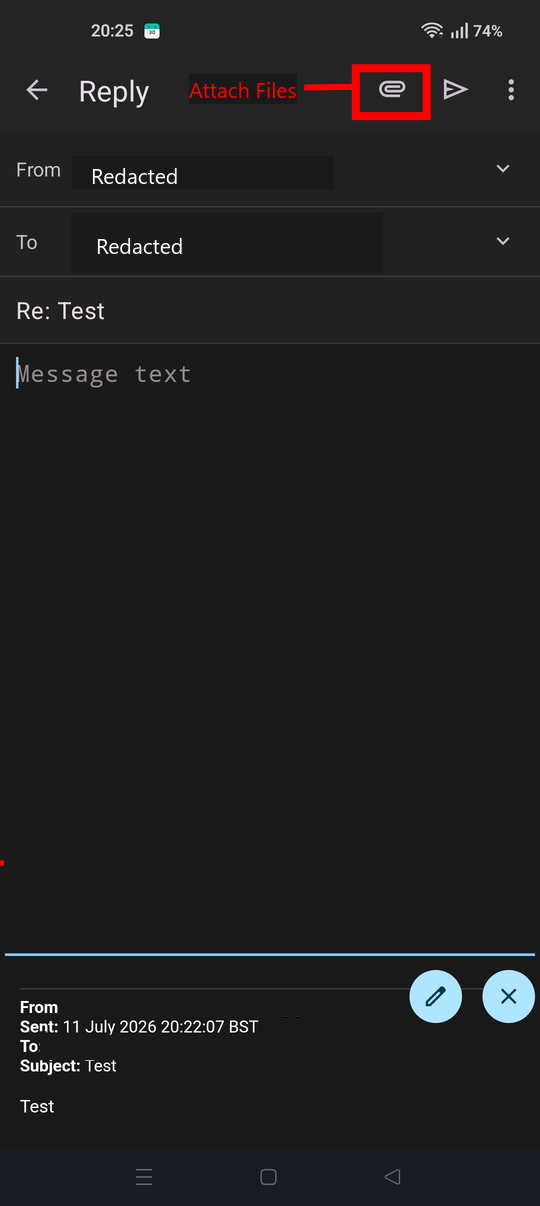
- Tap the paperclip attachment icon in the toolbar.
- Select 'attach file'. A browsing window will open. Navigate and select your desired picture.
- Enter the email recipient address, subject and message body.
- Tap the triangular toolbar icon (right of the paperclip) to send the email.
When I click the 3 dots (there are 3 sets), here are my options. See pics.
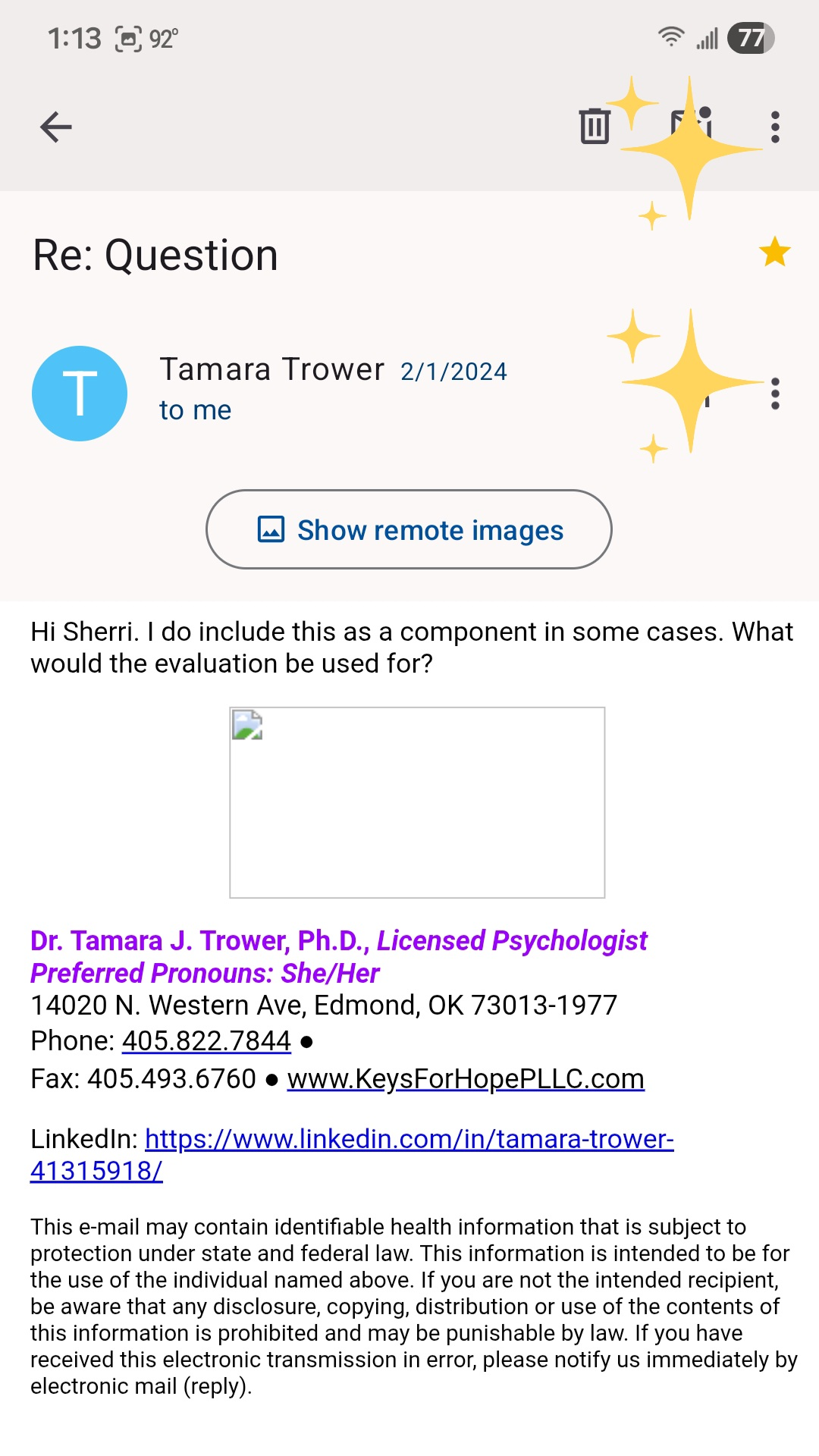
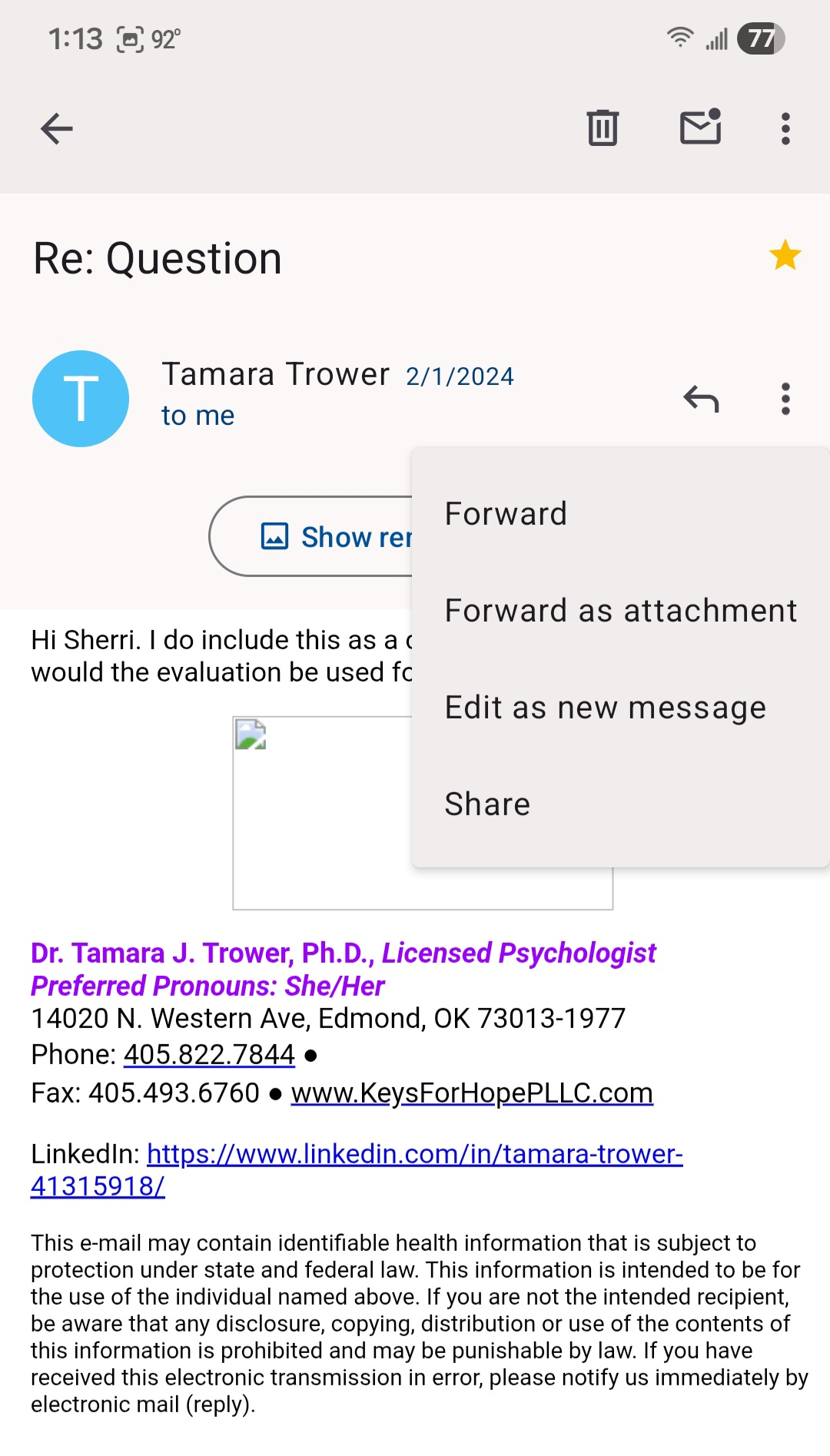
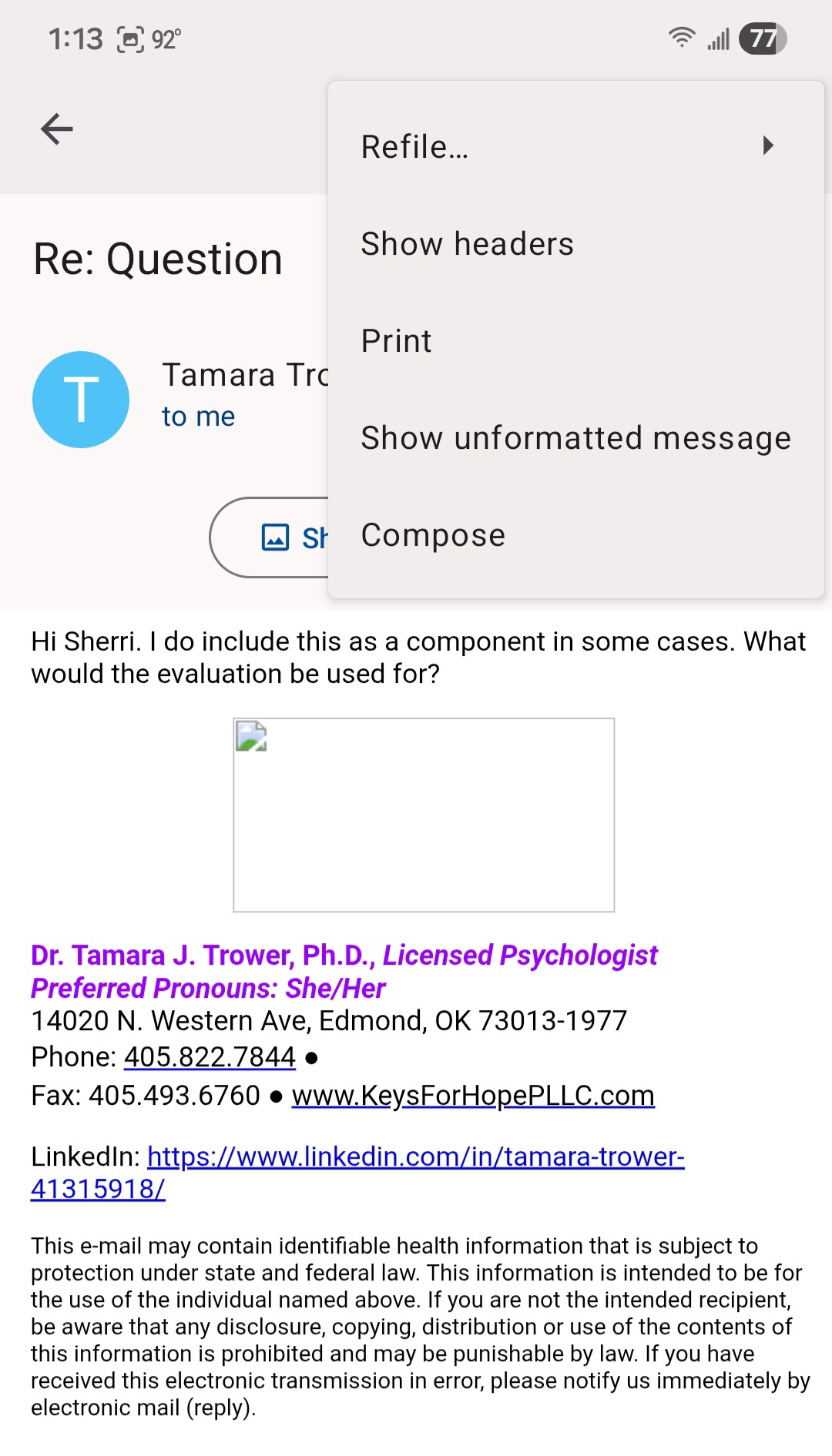
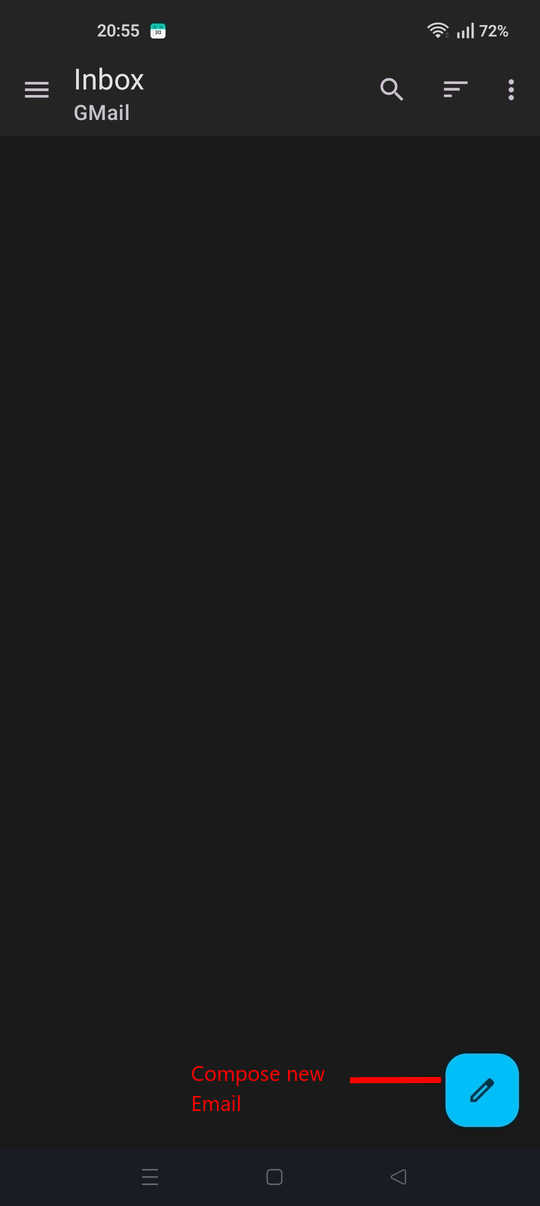
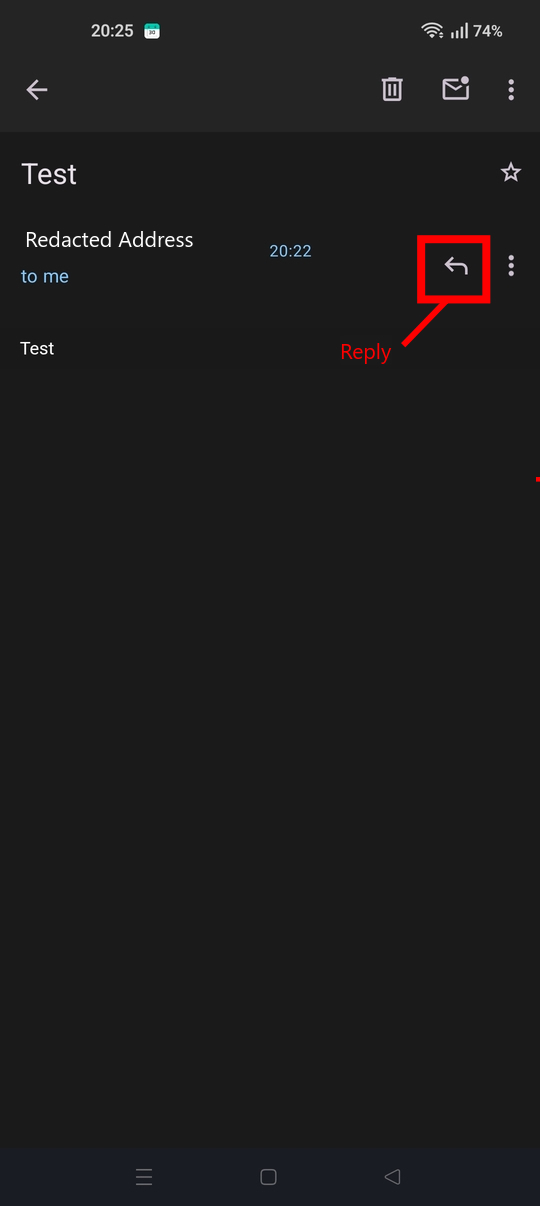
You need to either reply to, forward or compose an email before you can edit the text and add attachments. See screen shots.
I'm sorry. I'm confused. So I can't export/download existing emails?
I don't understand what your asking.
Your last reply stated the below, which I've responded to. "I'm sorry. I'm trying to send a picture, but can't see how."
I've also responded to your question "Can you tell me how to export/download them (zip file?)"
Please clarify exactly what you mean by the below. What are you trying to acheive? "So I can't export/download existing emails?"
Do you mean your emails are not downloading from your providers server, or Your trying to backup/export an email or attachment (zip file?) to your phones storage?