


blocking AI assist

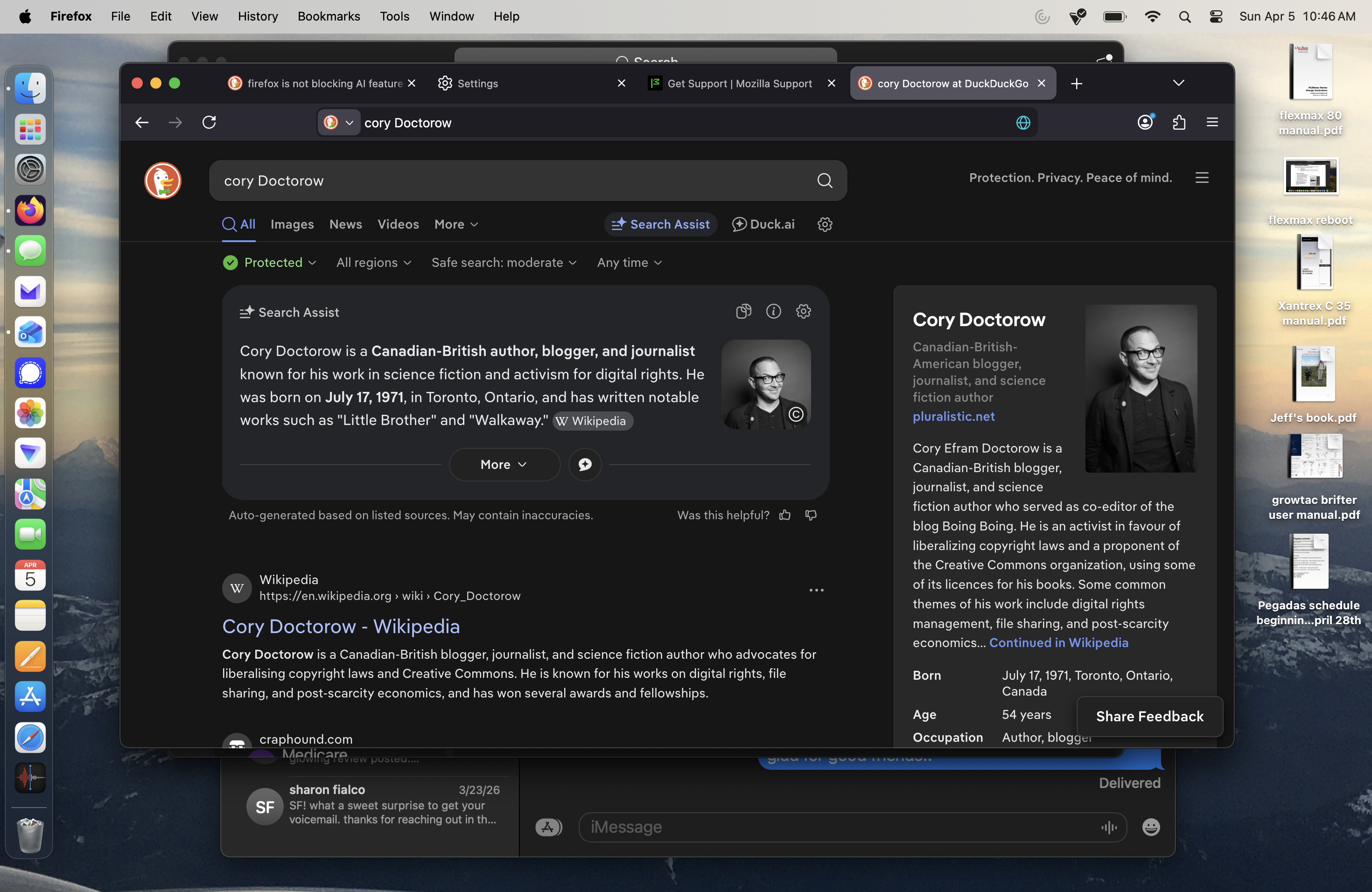
hello- i have set firefox preferences to block all AI enhancements. even so, i keep getting 'search assist' and other AI prompts. see screen shot below. i do not want any AI involvement in my firefox experience. please advise. thanks
Ausgewählte Lösung
Hello
For information https://noai.duckduckgo.com
You can try, Add custom search engines in Firefox https://support.mozilla.org/en-US/kb/add-custom-search-engine-firefox
4. In the URL with %s in place of the search term field, copy & paste the URL of the custom search engine.
https://noai.duckduckgo.com/search?q=%sDiese Antwort im Kontext lesen 👍 0
Alle Antworten (4)
Hello
https://support.mozilla.org/en-US/kb/firefox-ai-controls, is unrelated with your question.
Similar question https://support.mozilla.org/en-US/questions/1571937
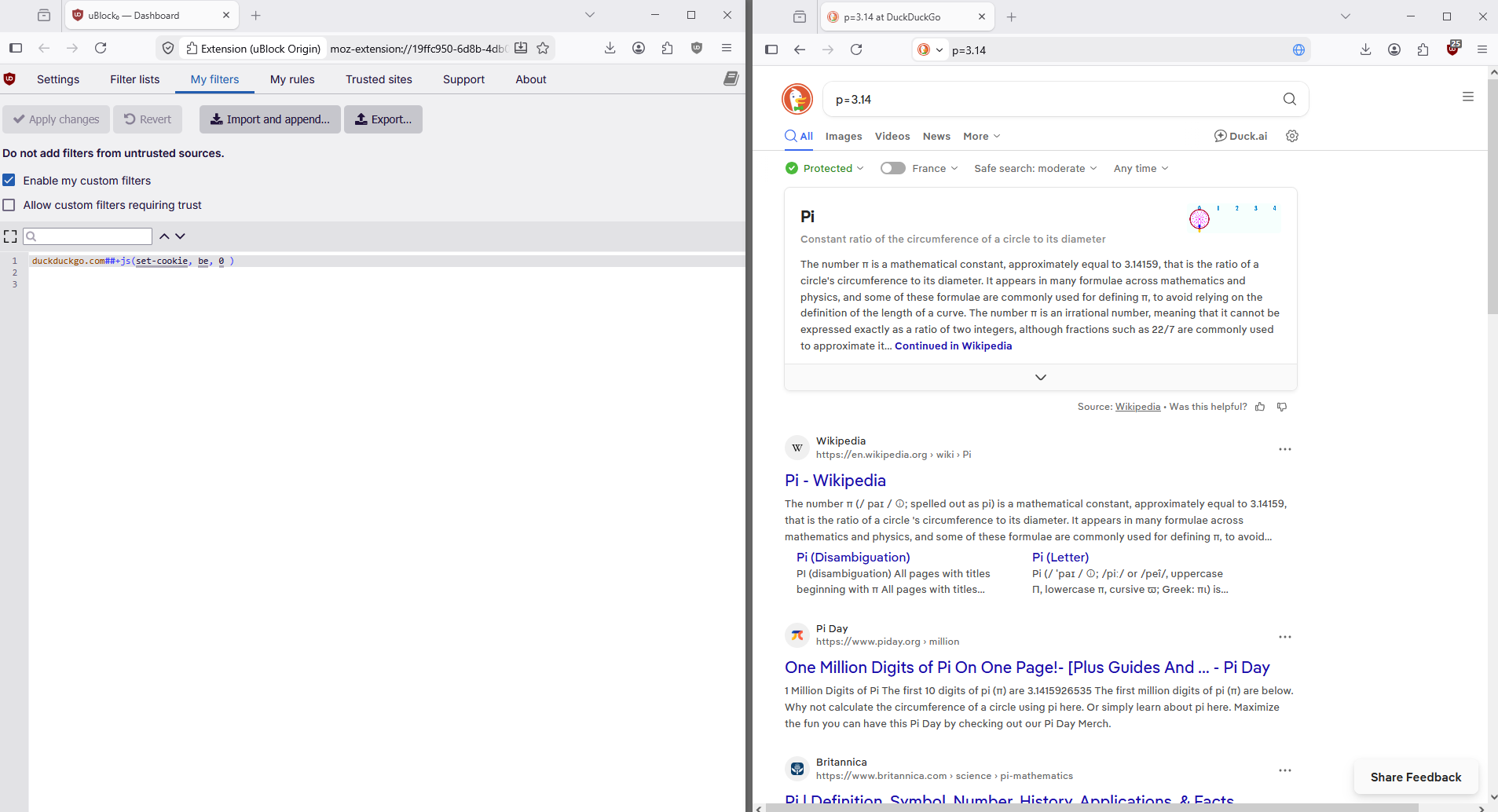
https://www.reddit.com/r/uBlockOrigin/comments/1jrim8b/is_this_the_best_way_to_disable_duckduckgo_ai
If you wish to try uBlock Origin https://addons.mozilla.org/firefox/addon/ublock-origin
A test https://www.reddit.com/r/uBlockOrigin/comments/1jrim8b/comment/mlfvhob
The AI controls is for the AI stuff in Firefox while the AI in your screenshot is from the website itself.
You know people do not like the AI overview results in search engines sites and such when there are a lot of AI block extensions. https://addons.mozilla.org/firefox/search/?q=ai&type=extension
Ausgewählte Lösung
Hello
For information https://noai.duckduckgo.com
You can try, Add custom search engines in Firefox https://support.mozilla.org/en-US/kb/add-custom-search-engine-firefox
4. In the URL with %s in place of the search term field, copy & paste the URL of the custom search engine.
https://noai.duckduckgo.com/search?q=%s