


swipe left/right of shortcut screen not working

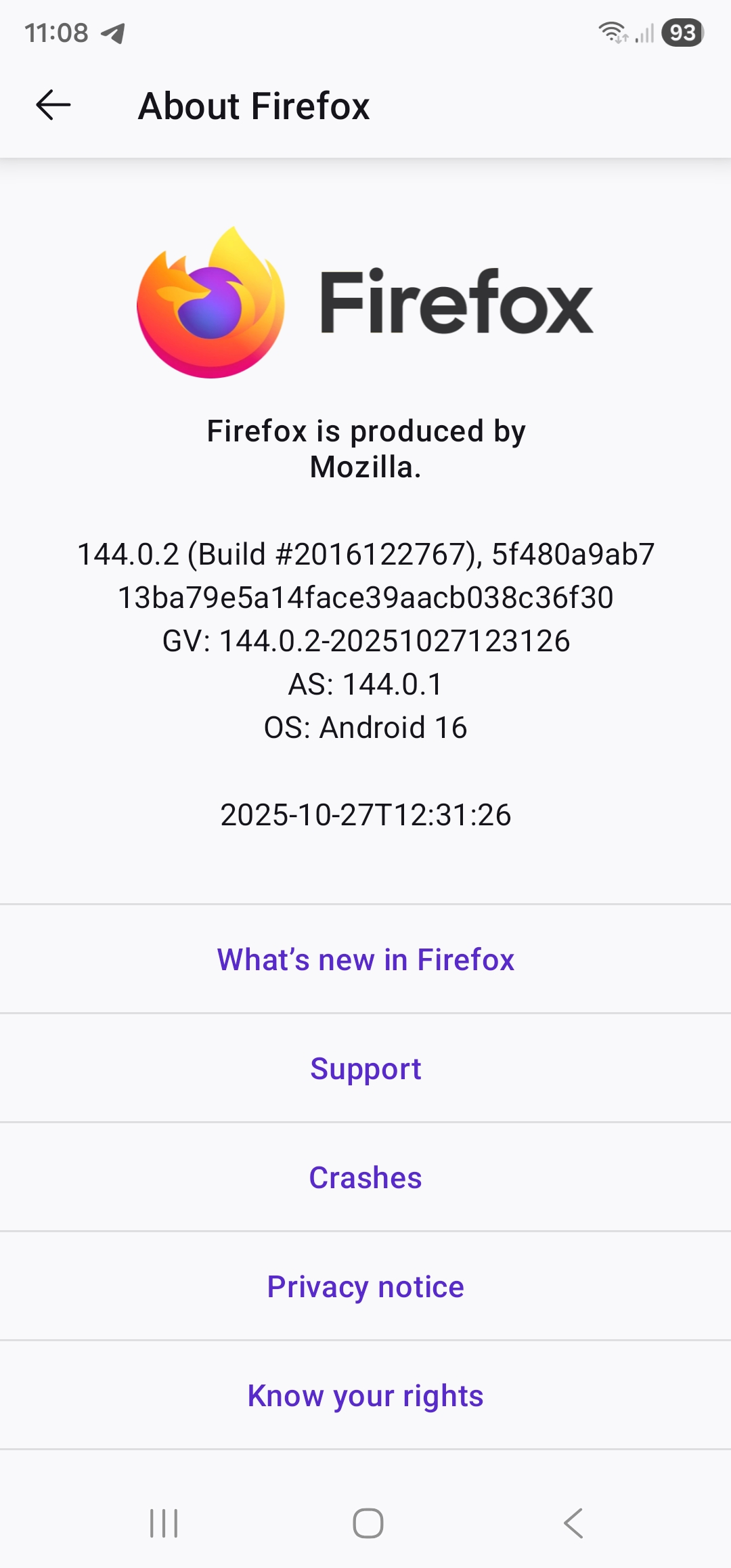
Previously, in the shortcut screen, you could swipe left right to display the other eight shortcuts. This no longer works. I have to tap showall to display all the shortcuts. Additionally the showall setting should be remembered, you shouldn't have to do two taps to get to the second list. Firefox version info attached Galaxy S23 Ultra, SM-S918B/DS Android 16, one UI 8.0 Regards Rob Carter
Ausgewählte Lösung
Thanks, I'll do that, I came here because mozilla sent me the link in a review response Regards Rob
Diese Antwort im Kontext lesen 👍 0Alle Antworten (2)
Hi,
The people who answer questions here, for the most part, are other users volunteering their time (like me), not Mozilla employees or developers. If you want to leave feedback for developers, you can use this link. Your feedback gets collected by a team of people who read it and gather data about the most common issues.
You can also file a bug report or feature request. See File a bug report or feature request for Mozilla products for details.
Ausgewählte Lösung
Thanks, I'll do that, I came here because mozilla sent me the link in a review response Regards Rob