


How to turn off "skip to main content"?

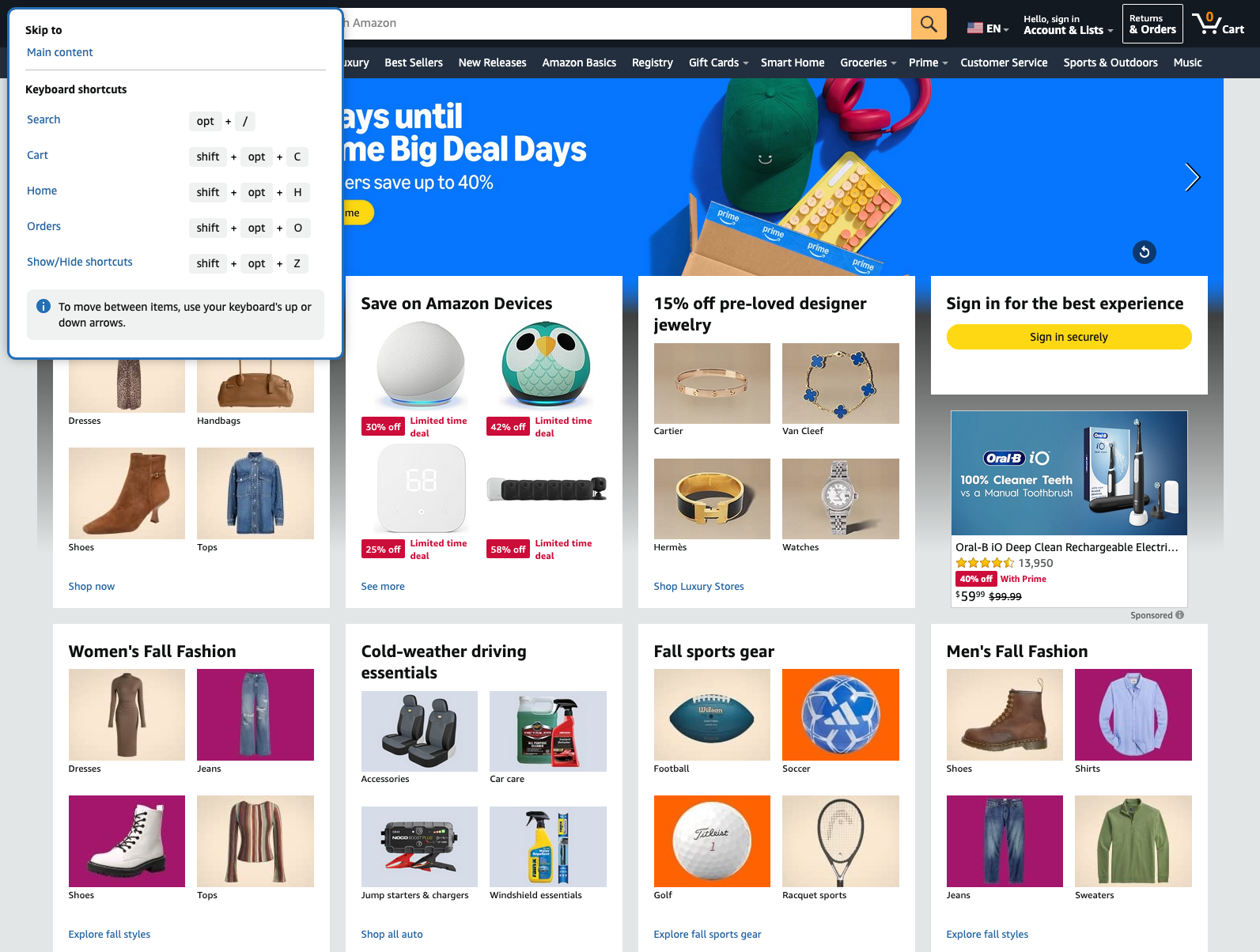
Hello- Wondering how to turn off the "skip to main content" that continually pops-up on some web sites. This is a problem on a single Firefox installation and I cannot figure out which setting this could be.
Thanks in advance! -BD
Hello-
Wondering how to turn off the "skip to main content" that continually pops-up on some web sites.
This is a problem on a single Firefox installation and I cannot figure out which setting this could be.
Thanks in advance!
-BD
Alle Antworten (4)
Hi
Do you have any add-ons installed in Firefox?
Are you using any custom userContent.css files?
Hello Paul-
Only a dark reader add-on. I removed and restarted, no change. I am not knowingly using any css files, I searched in my profiles folder.

It seems to be caused by Mac OS Accessibility/Keyboard settings. https://discussions.apple.com/thread/256010320?sortBy=rank https://discussions.apple.com/thread/255804815?sortBy=rank