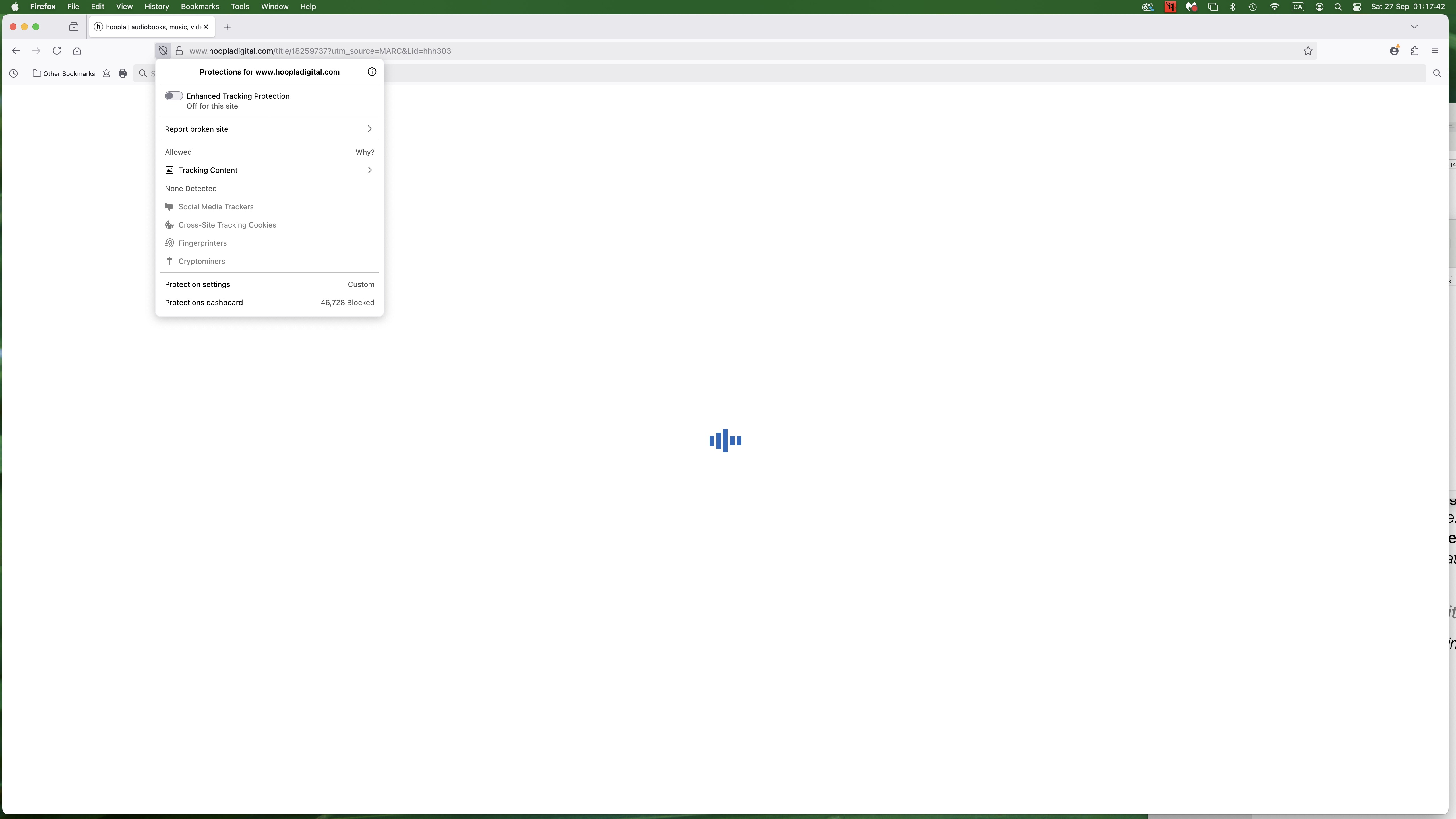
FIREFOX is blocking access to the hoopladigital.com

I have iMac desktop computer made in 2017, with macOS VENTURA 13.7.1. Using public library account in Toronto, Canada I watch digital materials (movies) on my computer. My default browser is FIREFOX 143.0.1 but with it I can't get access to hoopladigital.com; if I use SAFARI as a browser I can get access, login and watch movies. I would like just to know if there is anything in the settings of the FIREFOX browser that has to be changed so that I can use my preferable browser? Thank you.
Alle Antworten (3)
Hi
What happens when you try to use that site in Firefox? Is there any error message?
I guess it's caused by tracking protection. Try to click the shield icon in the address bar and turn off Enhanced Tracking Protection for that website.
Thanks to Ty and Paul for responding. I turned the ETP off but the problem still persist. There is no error message, just the blank, white screen with blue, pulsating vertical lines at the centre of the screen ( screen shot attached). Looks like it’s trying to load but can’t complete. If I open it in SAFARI there is no problem. Any other idea why it is happening using FIREFOX? Thanks.