


I can't sign into my Proton mail account via Thunderbird for Android - "Checking incoming server settings failed"

I am trying to sign into my Proton mail account. On the Thunderbird app, I tap the Menu and select Settings. Then, I select Add account, type my Proton email address, and tap Next. The "Configuration found" screen is displayed. I proceed to type my Proton password correctly and tap Next. Then, there is an error that says "Checking incoming server settings failed". Does this mean Thunderbird does not fully support Proton mail?
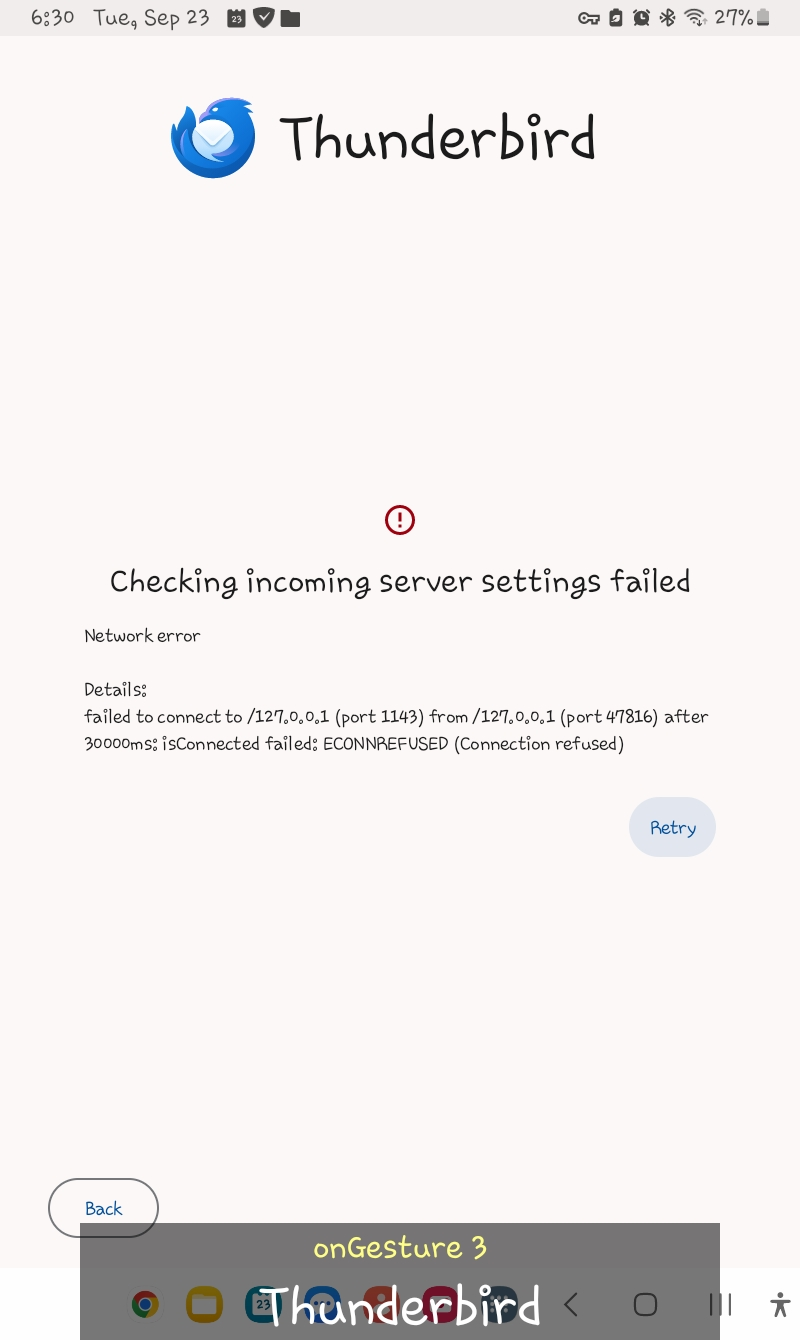
Geändert am von Wayne Mery
Alle Antworten (2)
Hello, Proton mail doesn't support direct IMAP. You need to use the proton bridge: https://proton.me/support/protonmail-bridge-clients-windows-thunderbird
Geändert am von Bogomil Shopov - Бого
The bridge does not exist for Android afaict. You will need to convince the proton folks to provide one.