


Logging into Hotmail

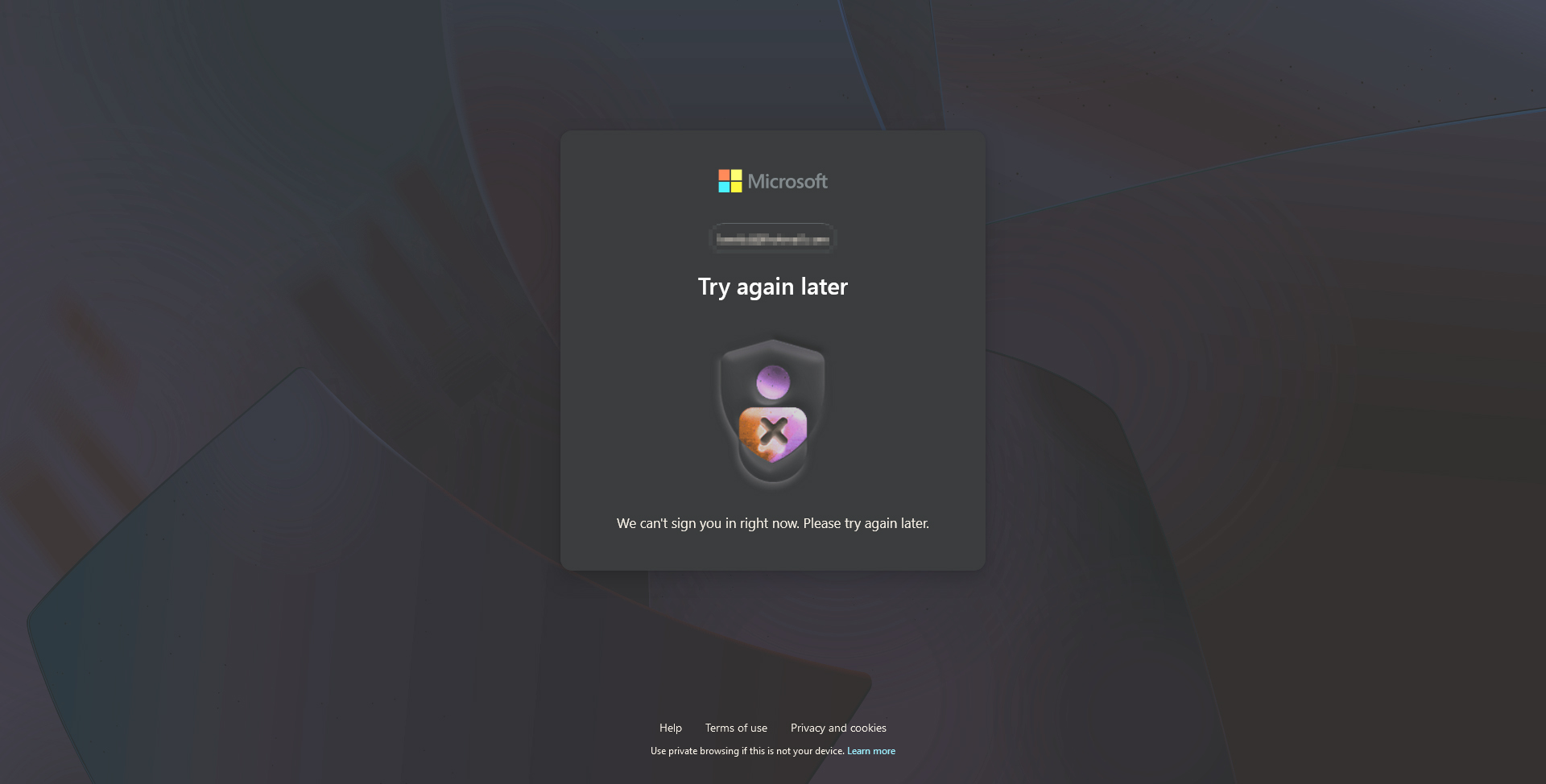
Hello, I'm writing here since I lost hope in Microsoft's support. I've seen some other people having the same issue from like July, this problem however started with me around the end of August. Every time I try to log into my hotmail I get the screen attached. The only way to get around it is to delete the cookies/cache related to Live.com and try again. Also, right now, I have to "sign out" from my email to avoid saving cookies or cache related to my login information - otherwise, I will have to do the process again (of deleting the cache/cookies). The thing is, I've always used Firefox to check my hotmail, and I wouldn't log out of my hotmail and check back in quickly any time I want to - the process now is getting sluggish. I've contacted Microsoft (or let's just say, tried to) but I kept going in loops and never got an answer. So I'm here in hope I get any ideas (and I have a feeling that it is something from Microsoft's side and not from Firefox side because the problem occurred suddenly and not after a specific update to Firefox).
Thanks
Alle Antworten (9)
The login process for Hotmail has recently been improved and it's just 7 clicks for me and I'm in everyday.
Have you tried with Firefox in Troubleshoot Mode? https://support.mozilla.org/en-US/kb/diagnose-firefox-issues-using-troubleshoot-mode#w_how-to-start-firefox-in-4troubleshoot-modesf5safe-modesf
Are you running any security software?
Sounds like it's time to upgrade. I do have win7, but rarely use it. Let me login and see what happens.
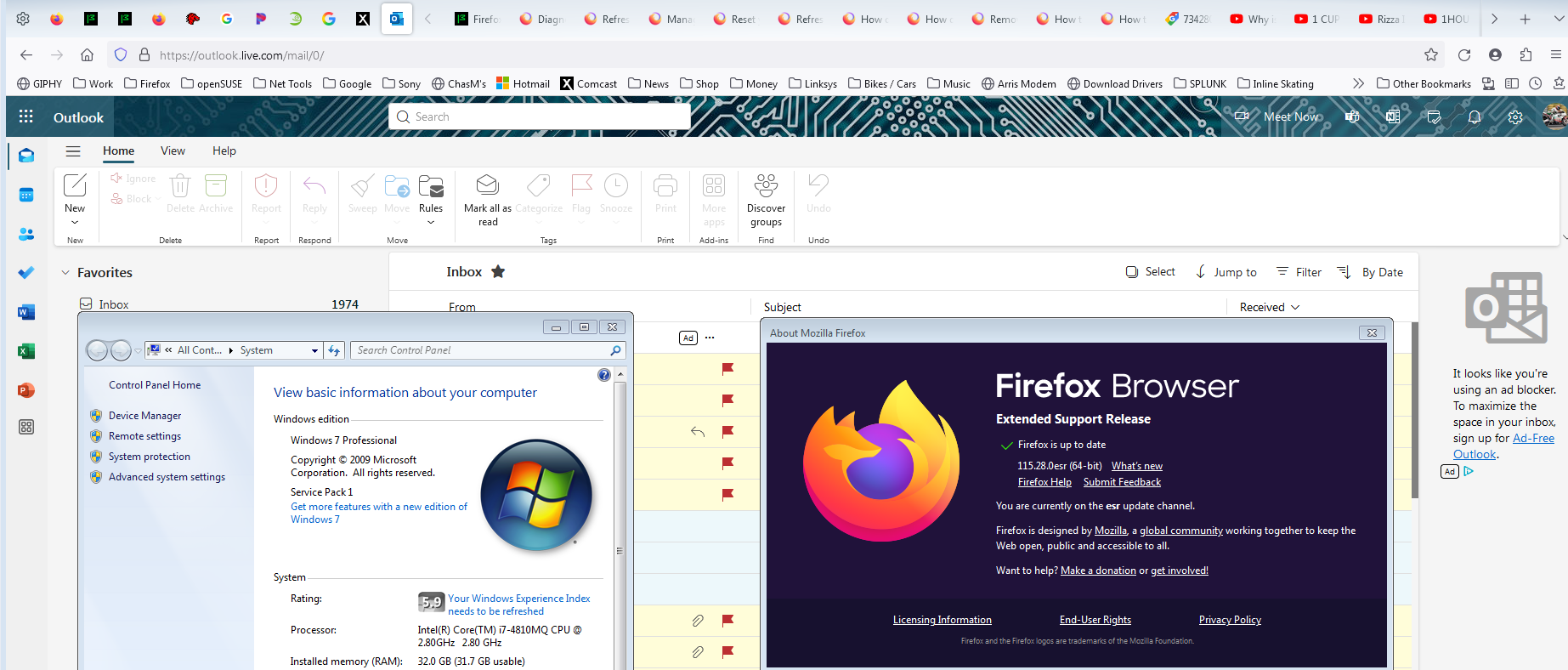
Same process for me on Win7. I get into my Hotmail account in just 7 clicks. see screenshot
jonzn4SUSE said
Same process for me on Win7. I get into my Hotmail account in just 7 clicks. see screenshot
I'm talking about logging with one click (or simply by typing Hotmail.com and I'd be into my account right away). I didn't have to login every time I wanna check my email there, except for now where I have to delete the cookies - otherwise I would be getting the error message shown above
jonzn4SUSE said
The login process for Hotmail has recently been improved and it's just 7 clicks for me and I'm in everyday. Have you tried with Firefox in Troubleshoot Mode? https://support.mozilla.org/en-US/kb/diagnose-firefox-issues-using-troubleshoot-mode#w_how-to-start-firefox-in-4troubleshoot-modesf5safe-modesf Are you running any security software? Sounds like it's time to upgrade. I do have win7, but rarely use it. Let me login and see what happens.
I tried the troubleshoot mode btw and it's the same, which again, makes me think it's a problem from Hotmail, not Firefox. I didn't change anything in my Firefox before this problem occurred. Guess I have to live with it for now
jonzn4SUSE said
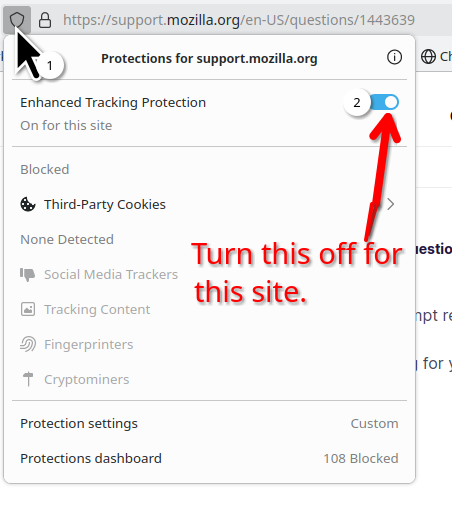
How about turning off ETP. see screenshot
Yep, just did - the same I strongly believe it's something from their side - prolly can't be solved thru Firefox
See what happens under a different user account on the computer. If no other users, make one or use the admin account to test the same process. Any other computers in the house to test the same steps?