


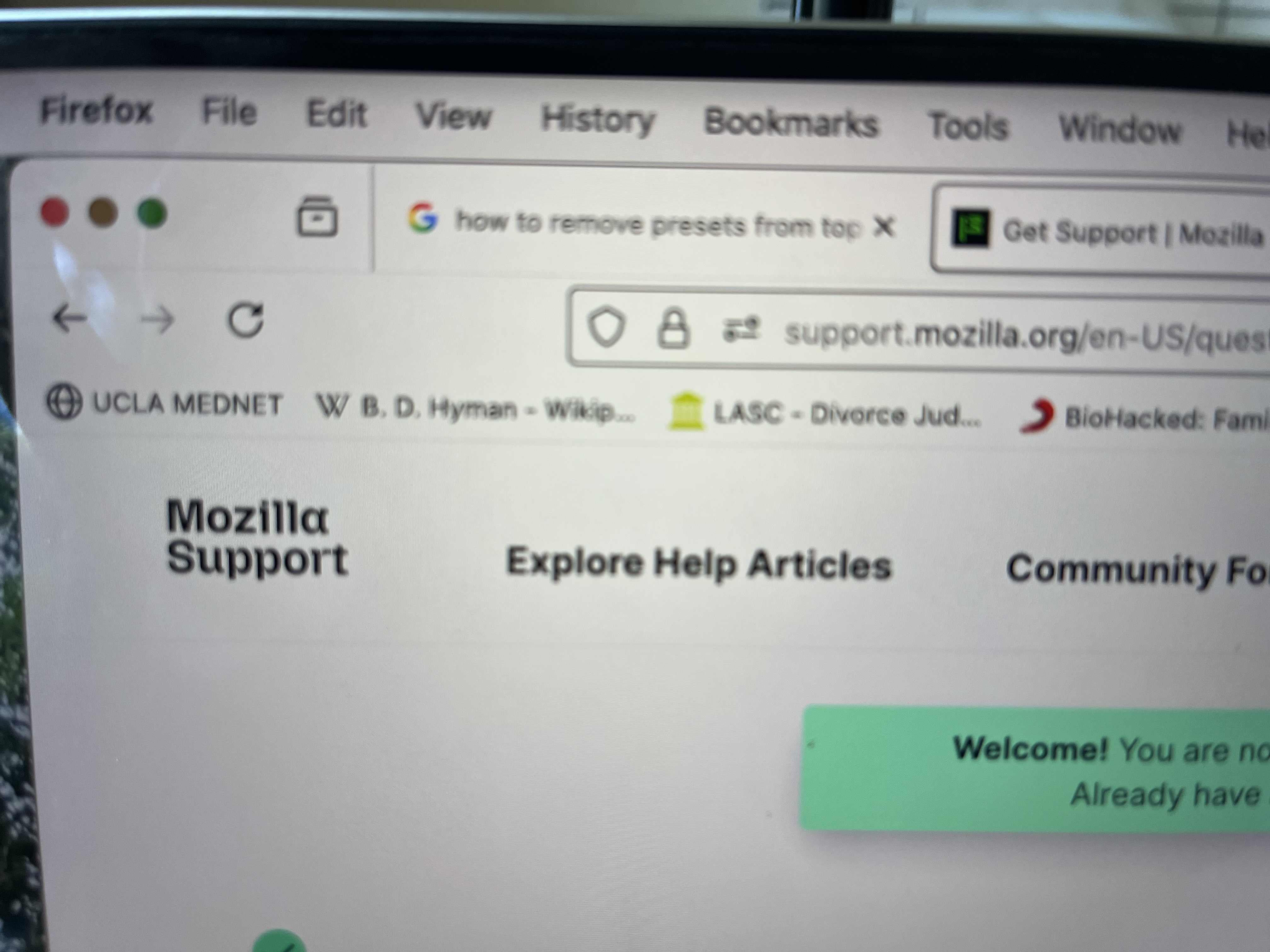
FireFox New Page "Presets" directly under browser

How to get rid of the half-dozen old search sites from very top of each new page, directly under browser box. Those sites are places I no longer use, e.g., from my old job; from a Wiki search done ages ago. I have searched for help. I never see "three dots" when I hover my cursor above the offending items.
I was using Chrome. My daughter recommended Fire Fox for my MacBookPro. I did. Now I need to clean up this problem.
Thank you.
PS: I don't know which topic best describes my question.
Ausgewählte Lösung
Hello,
Please see Bookmarks Toolbar - Display your favorite websites at the top of the Firefox window. You can also delete any bookmark you do not need by right-clicking it and selecting "Delete Bookmark" from the context menu.
Diese Antwort im Kontext lesen 👍 1Alle Antworten (2)

Ausgewählte Lösung
Hello,
Please see Bookmarks Toolbar - Display your favorite websites at the top of the Firefox window. You can also delete any bookmark you do not need by right-clicking it and selecting "Delete Bookmark" from the context menu.
Thanks, this helped me get rid of the Toolbar. Thanks for taking the time to help.
Geändert am von Cynthia Whitham