


Windows 10 reached EOS (end of support) on October 14, 2025. If you are on Windows 10, see this article.

Hilfe durchsuchen

Vorsicht vor Support-Betrug: Wir fordern Sie niemals auf, eine Telefonnummer anzurufen, eine SMS an eine Telefonnummer zu senden oder persönliche Daten preiszugeben. Bitte melden Sie verdächtige Aktivitäten über die Funktion „Missbrauch melden“.

Weitere Informationen

I changed Gmail passwords; Thunderbird Enter Credentials page is blank. Gmail account says TB has access.

  • 1 Antwort
  • 0 haben dieses Problem
  • 57 Aufrufe
  • Letzte Antwort von Wayne Mery

I updated my passwords to be more secure, now I can't get Thunderbird to login.

The page TB throws up to enter my new credentials is blank (all black). Changing colours in TB did not fix this.

I copied the URL from the TB blank credentials screen to another browser and was able to give TB access again. But since the response from Google is to 127.0.0.1, and the TB page URL is non-editable, I don't think TB gets the message. I have 2FA turned off on these accounts. These accounts show TB has access.

But, TB just throws up endless blank screens for me. And won't check the mail on those accounts.

An Outlook user had the same problem, but their fix (never allowing page colour changes) didn't work for me.
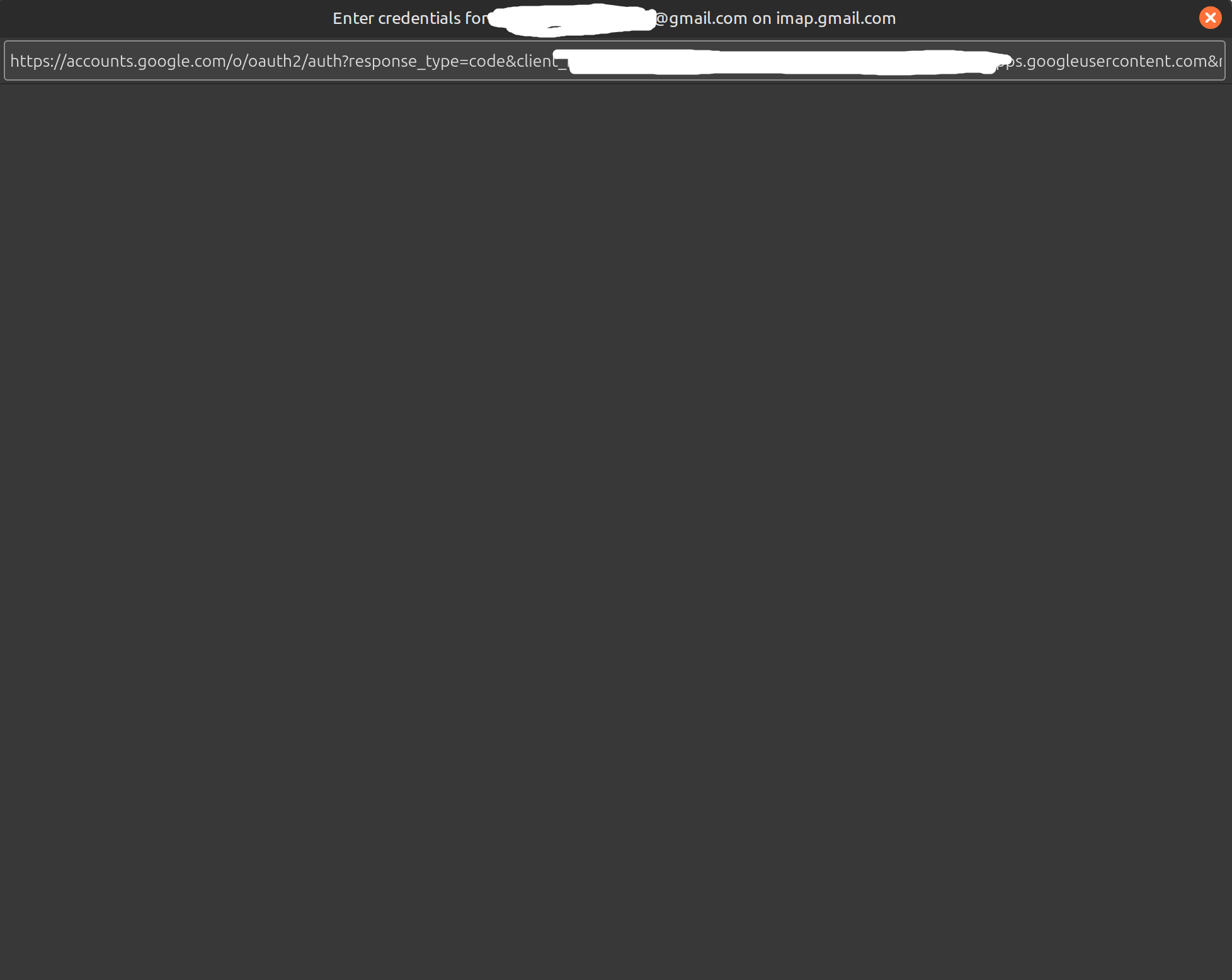
I updated my passwords to be more secure, now I can't get Thunderbird to login. The page TB throws up to enter my new credentials is blank (all black). Changing colours in TB did not fix this. I copied the URL from the TB blank credentials screen to another browser and was able to give TB access again. But since the response from Google is to 127.0.0.1, and the TB page URL is non-editable, I don't think TB gets the message. I have 2FA turned off on these accounts. These accounts show TB has access. But, TB just throws up endless blank screens for me. And won't check the mail on those accounts. An Outlook user had the same problem, but their fix (never allowing page colour changes) didn't work for me.
Angefügte Screenshots

Alle Antworten (1)

What is your full version number? On what date did this start? When was your last update? (the history is at Help > Troubleshooting Information > Show update history)