


Join us to show up for other Firefox users 🦊. Earn fun badges and Mozilla swag vouchers! Find out more: https://mzl.la/askafox150

Windows 10 reached EOS (end of support) on October 14, 2025. If you are on Windows 10, see this article.

Hilfe durchsuchen

Vorsicht vor Support-Betrug: Wir fordern Sie niemals auf, eine Telefonnummer anzurufen, eine SMS an eine Telefonnummer zu senden oder persönliche Daten preiszugeben. Bitte melden Sie verdächtige Aktivitäten über die Funktion „Missbrauch melden“.

Weitere Informationen

Issues with Website Shortcuts in Firefox

  • 1 Antwort
  • 0 haben dieses Problem
  • 187 Aufrufe
  • Letzte Antwort von markwarner22
  • Archiviert

Dear Firefox Team,

I am using Firefox on my computer and have encountered a few issues:

1. When I delete all the website shortcuts, I am unable to add new website shortcuts. There is no option available to add them back.


2. When I use the "Unpin" option, the shortcut gets deleted completely, instead of just being unpinned. Ideally, the shortcut should remain available after unpinning.


I kindly request you to address these issues in an upcoming update so that users can have a smoother browsing experience.

Thank you.
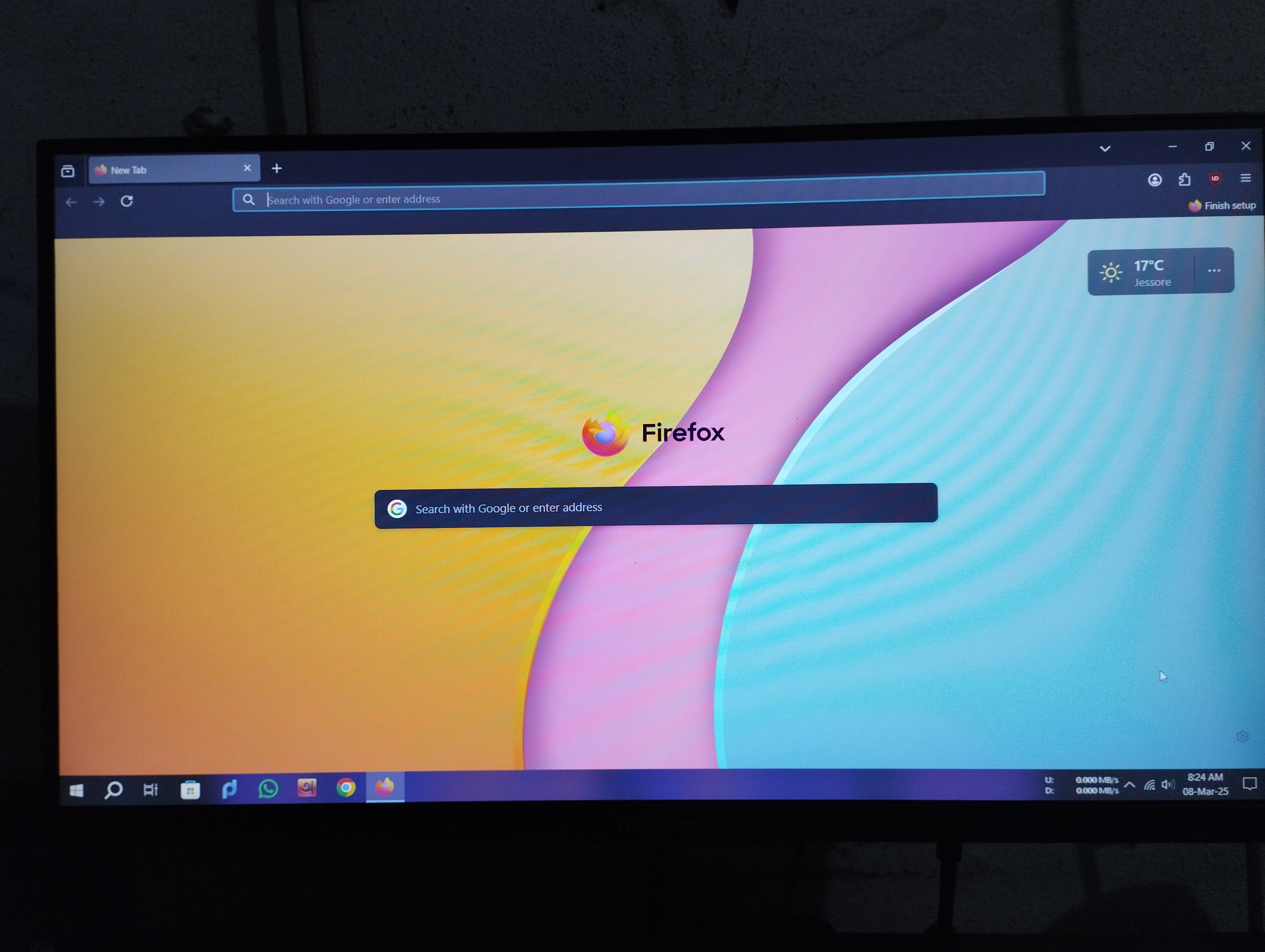
Dear Firefox Team, I am using Firefox on my computer and have encountered a few issues: 1. When I delete all the website shortcuts, I am unable to add new website shortcuts. There is no option available to add them back. 2. When I use the "Unpin" option, the shortcut gets deleted completely, instead of just being unpinned. Ideally, the shortcut should remain available after unpinning. I kindly request you to address these issues in an upcoming update so that users can have a smoother browsing experience. Thank you.
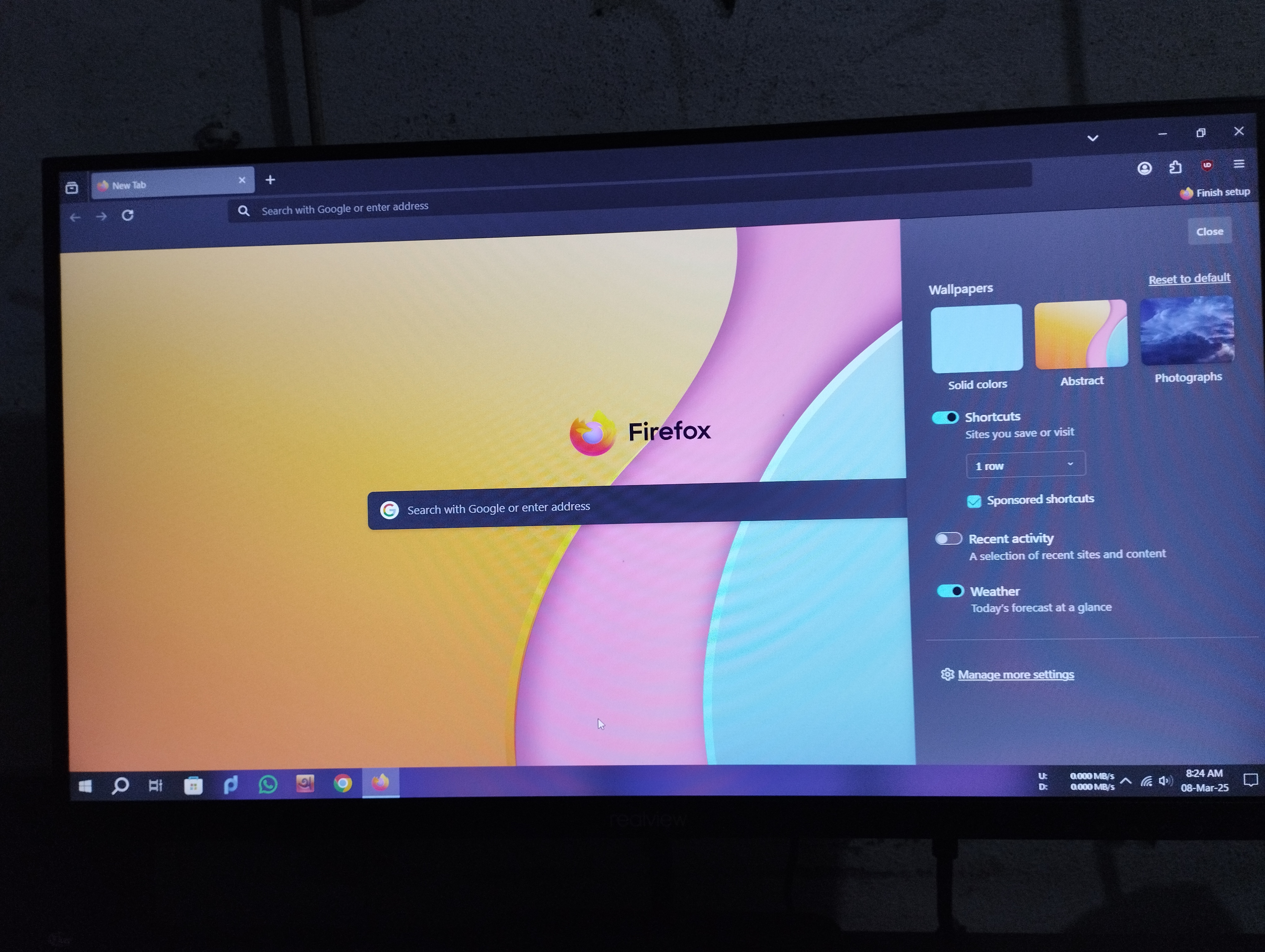
Angefügte Screenshots

Alle Antworten (1)

FYI, this is a user help from not a Mozilla ticket request help section. And when you removed them did you close and restart Firefox again to see what happens?

And have you read this.

https://support.mozilla.org/en-US/kb/add-web-page-shortcuts-your-home-screen