


Firefox not working on multiple sites including google docs/sheets

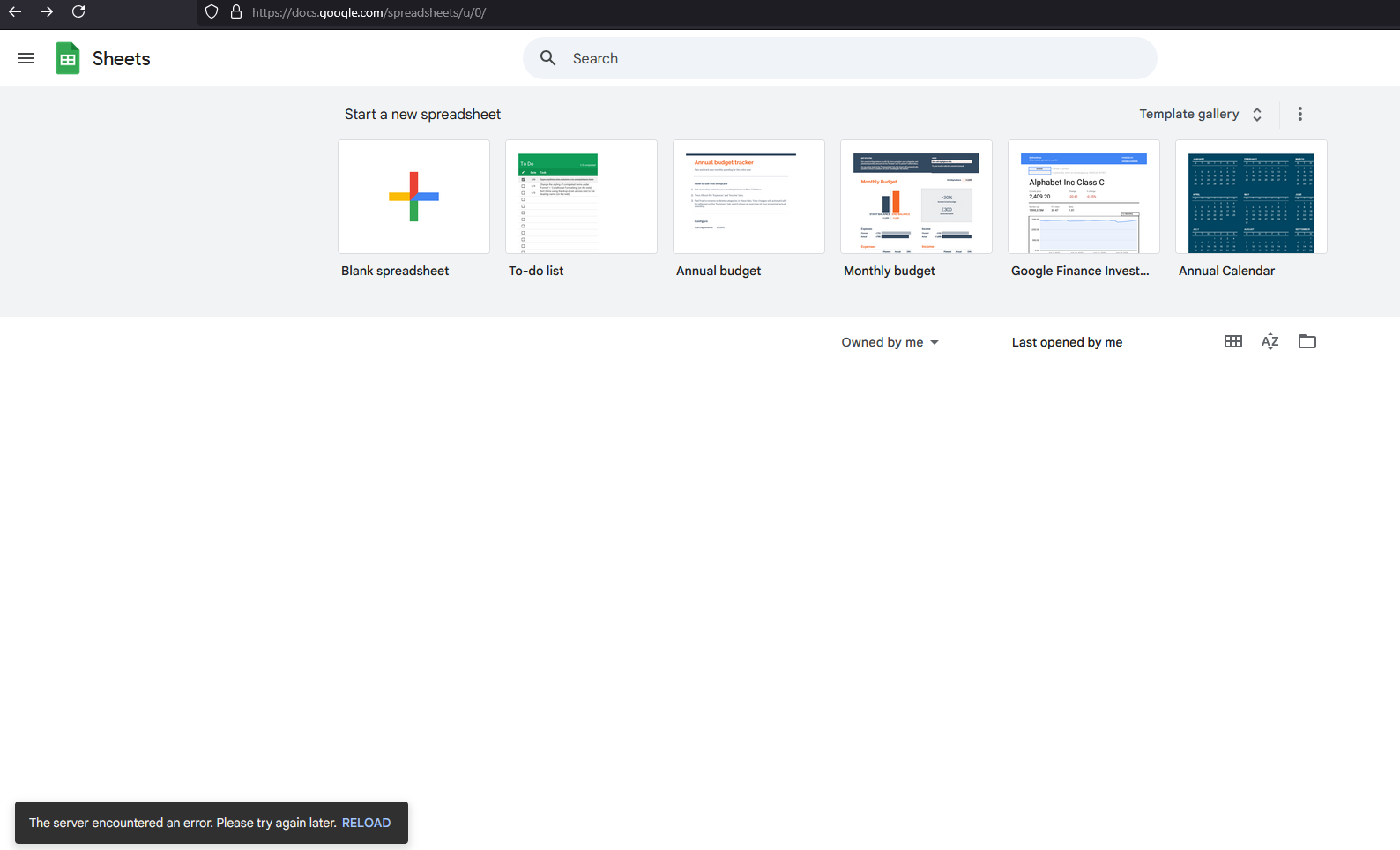
It looks like some sites are not working properly, two examples I can give are google sheets&docs, in the attached image you can see my sheets are not being shown, note that if I directly access a sheet's link it does open.
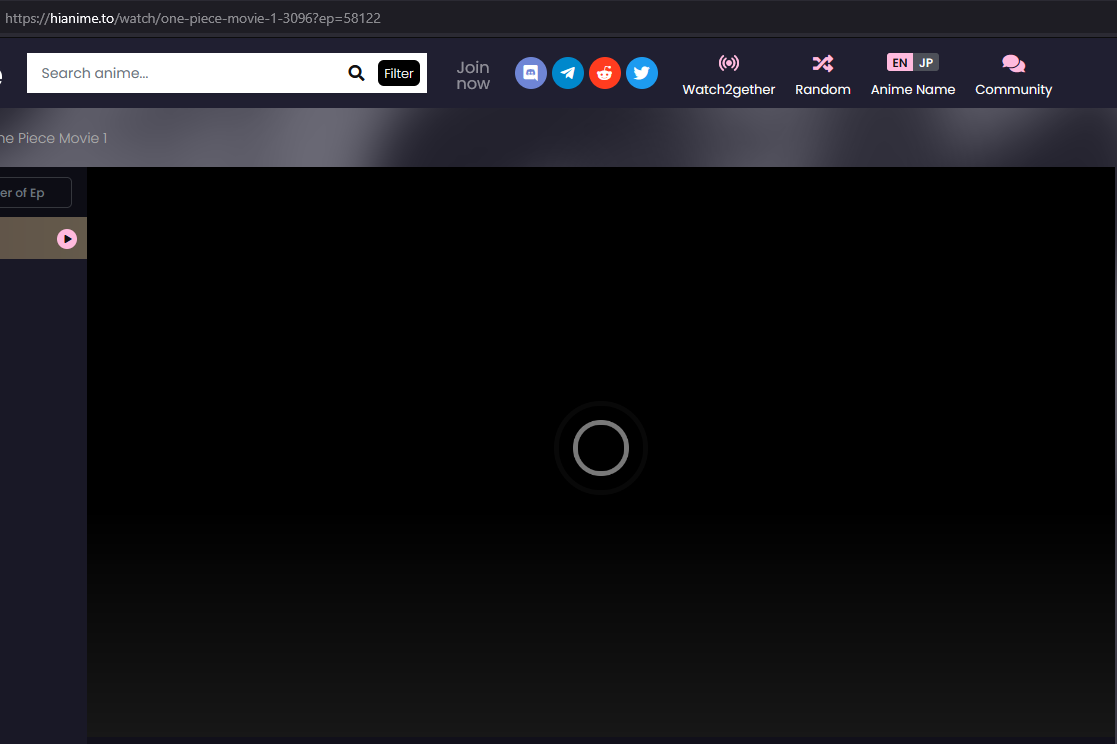
The second example is some websites with media players just load infinitely (YouTube works).
Also added network tab non 200 status code requests images.
Things I've tried:
- Disabled "network.dns.disablePrefetch".
- Tried troubleshoot mode(meaning those requests that were blocked by ublock are not the problem).
- Deleted history including cookies.
- Private Browsing.
- User Agent masking
- Reinstalling


Ausgewählte Lösung
Hi Avi, the screenshot with 400 and 403 responses makes me wonder whether your cookies are more restricted than usual. If you haven't already, could you disable Tracking Protection on the problem sites? To do that, while viewing a page on the site, click the shield icon to the left of the lock icon. On the panel that drops down, click the slider switch to toggle protection off. Any difference?
Diese Antwort im Kontext lesen 👍 2Alle Antworten (10)
Thanks for the screenshots, but you didn't say what version of Firefox and what OS? If windows, what security software are you running? Links would also be helpful in the future. Lets see what happens on those sites...
Geändert am von jonzn4SUSE
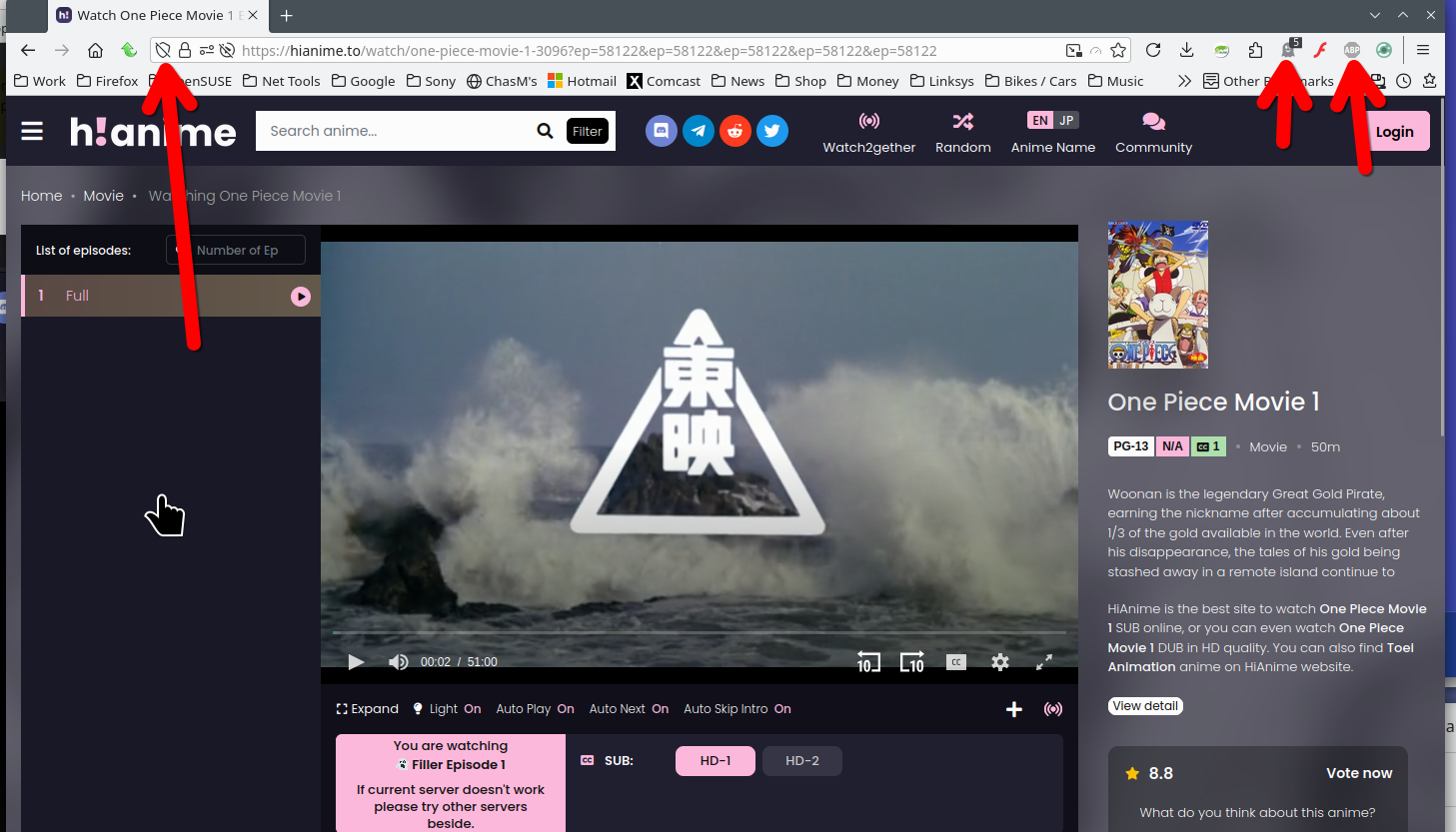
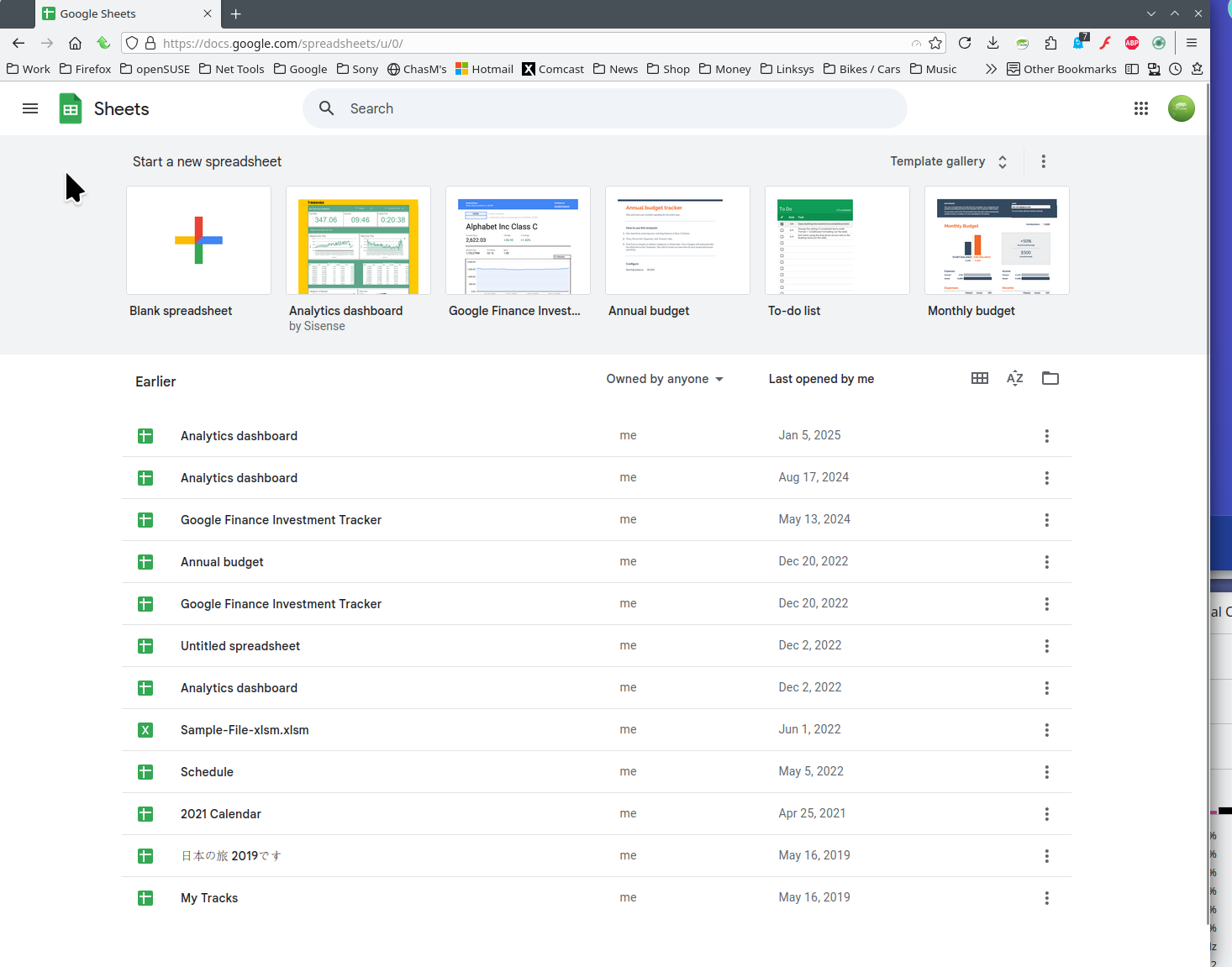
For the anime site, had to turn off a few things, but it works. Sheets also works for me. see screenshots https://hianime.to/watch/one-piece-movie-1-3096?ep=58122&ep=58122&ep=58122&ep=58122&ep=58122&ep=58122
Geändert am von jonzn4SUSE
jonzn4SUSE said
For the anime site, had to turn off a few things, but it works. Sheets also works for me. see screenshots https://hianime.to/watch/one-piece-movie-1-3096?ep=58122&ep=58122&ep=58122&ep=58122&ep=58122&ep=58122
Firefox 135.0.1, "about" shows it's up to date, Windows 64-bit.
I mentioned I tried troubleshoot mode and turned off all extensions so...
I might do complete removal with bookmarks backup as a last resort.
https://hianime.to/watch/one-piece-movie-1-3096 - although it's only an example
Appending the data to the post, thanks.

Does the same issue happen if you use Chrome if your on Windows OS?
markwarner22 said
Does the same issue happen if you use Chrome if your on Windows OS?
I don't have chrome installed currently but I do have edge which the above works fine on. (Also found out I can't edit the post, wanted to update the versioning)
Did you try in PM mode for Firefox browser?
Ausgewählte Lösung
Hi Avi, the screenshot with 400 and 403 responses makes me wonder whether your cookies are more restricted than usual. If you haven't already, could you disable Tracking Protection on the problem sites? To do that, while viewing a page on the site, click the shield icon to the left of the lock icon. On the panel that drops down, click the slider switch to toggle protection off. Any difference?
jscher2000 - Support Volunteer said
Hi Avi, the screenshot with 400 and 403 responses makes me wonder whether your cookies are more restricted than usual. If you haven't already, could you disable Tracking Protection on the problem sites? To do that, while viewing a page on the site, click the shield icon to the left of the lock icon. On the panel that drops down, click the slider switch to toggle protection off. Any difference?
You're amazing, thank you!