


A bunch of UI elements just go missing suddenly. Bookmarks not visible, new tab option gone etc

Hello,
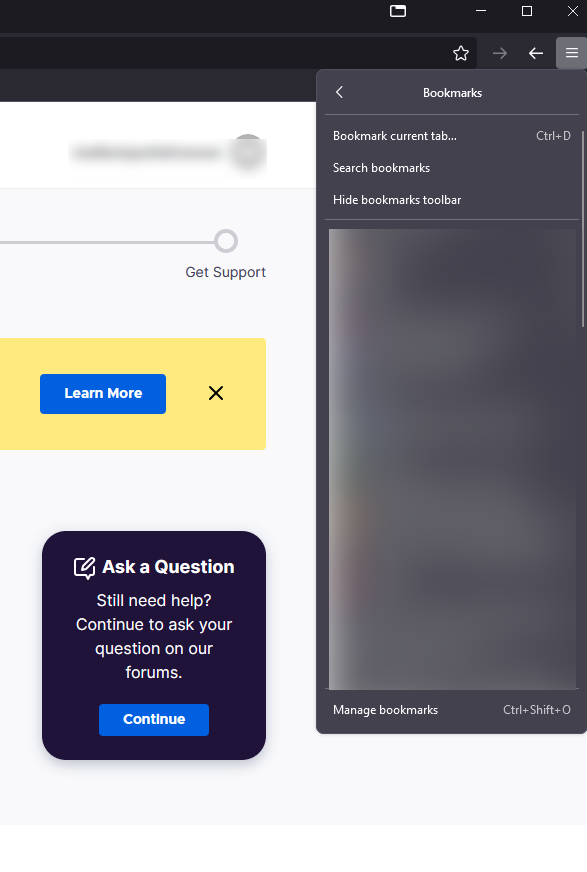
Just today my UI elements went missing. For example I cant see my bookmarks on the bookmark toolbar, new tab sign disappeared. Addons are not the issue, I have refreshed multiple times with no addons installed. The bookmarks are all there, except somethings messing with the firefox. Started in safe mode, but in vain. Checked the group policy in the registry but nothing out of the ordinary. I deleted the policy, did a fresh install and still the problem persists. Tried switching hw acceleration on/off as well.
Any help is appreciated, I never had any problems with firefox before.
Alle Antworten (3)
The problem is triggering when I add any addons. I refresh it goes back to normal but comes back whenever I install an addon and restart the browser. Other profiles launch fine for the first time and the bug hits on the second launch, even though I haven't installed anything in those profiles.

Same problem
Hi.
This is something we are aware of and are looking into. In the meantime, this should help:
- Update to the latest version of Firefox Beta or Dev edition.
- Right-click the toolbar, select the Customize toolbar option, and choose Restore defaults in the lower right corner of that menu.
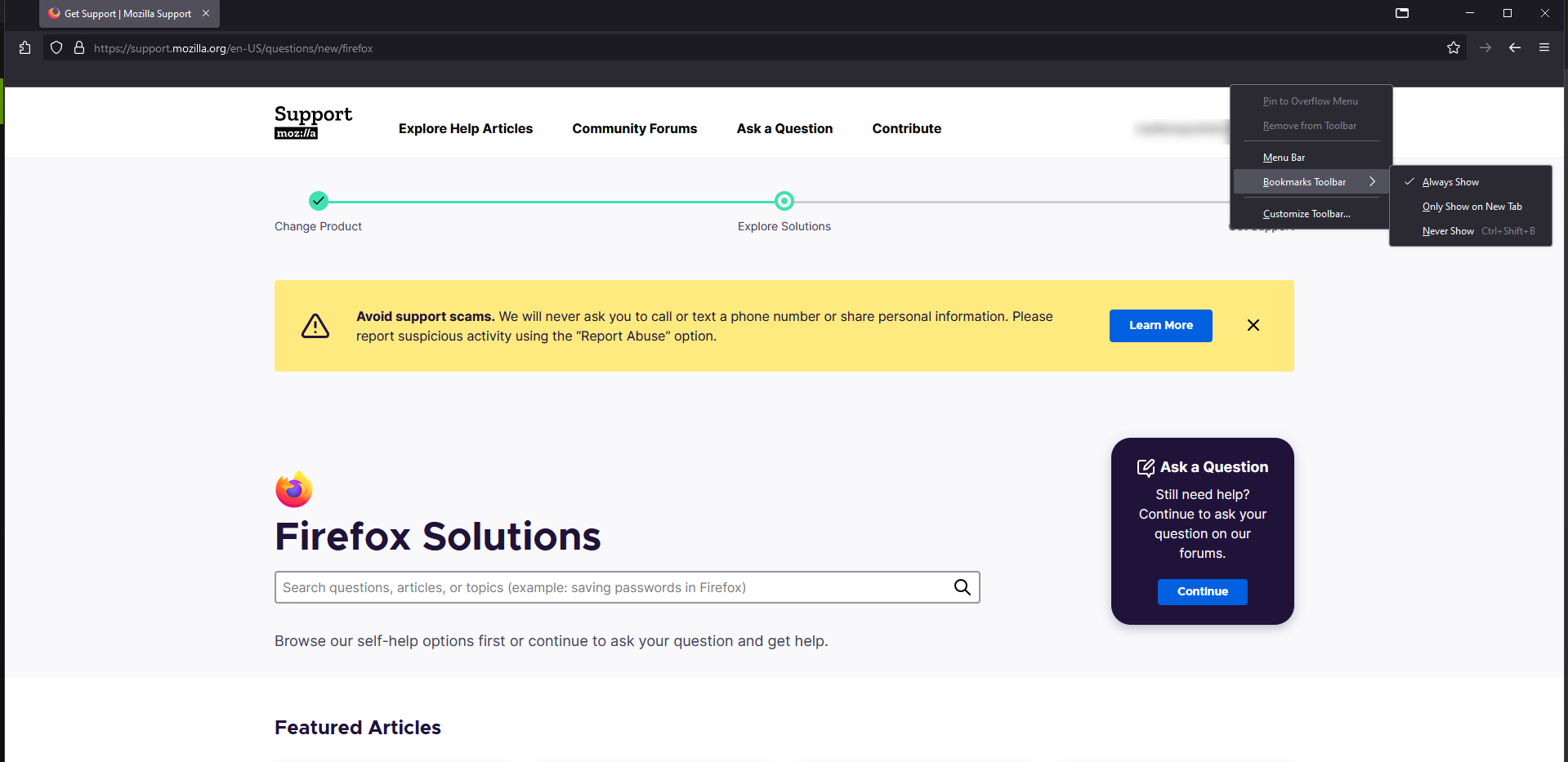
- If you cannot see the bookmark toolbar, right-click the toolbar, choose the Bookmarks toolbar, and select the Always Show option.
I hope this helps.