


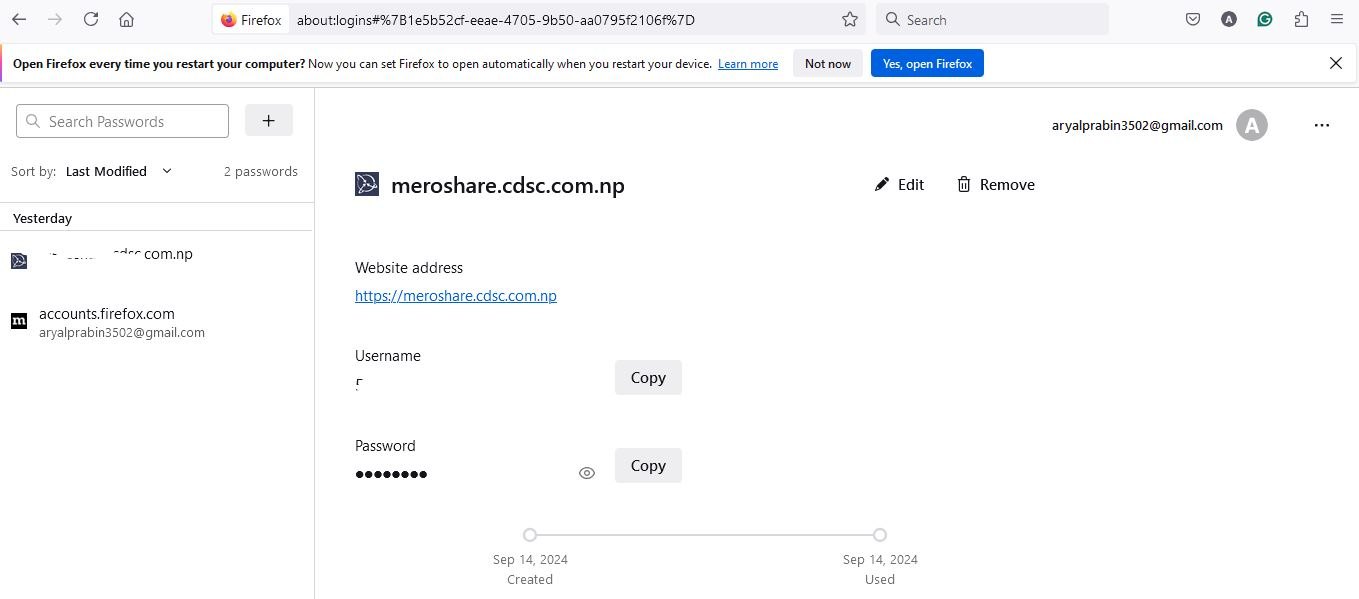
How did my SAVE PASSWORD disappear and why?

How did my SAVE PASSWORD disappear and why? Please RECOVER, AUTO FILL PASSWORDS are suddenly lost.
Alle Antworten (1)
Firefox 80+ has a logins-backup.json file in the profile folder that can be used in case of issues with logins.json or to undo an accidental delete/update of a password. You can check if you can find this logins-backup.json file in the profile folder or in a backup. You can open logins-backup.json file in a firefox tab to check if you can find records for the hostname of missing logins (hostname shows as plain text; username and password are encrypted).
Make sure to keep a backup of the current logins.json and logins-backup.json before replacing logins.json with logins-backup.json with Firefox closed.
You can use the button in "Help -> More Troubleshooting Information" (about:support) to go to the current Firefox profile folder or use the about:profiles page (Root directory).
- Help -> More Troubleshooting Information -> Profile Folder/Directory:
Windows: Open Folder; Linux: Open Directory; Mac: Show in Finder - https://support.mozilla.org/en-US/kb/profiles-where-firefox-stores-user-data
Geändert am von cor-el