


Thunderbirg 115.11.0 Disabling dark theme

Good morning,
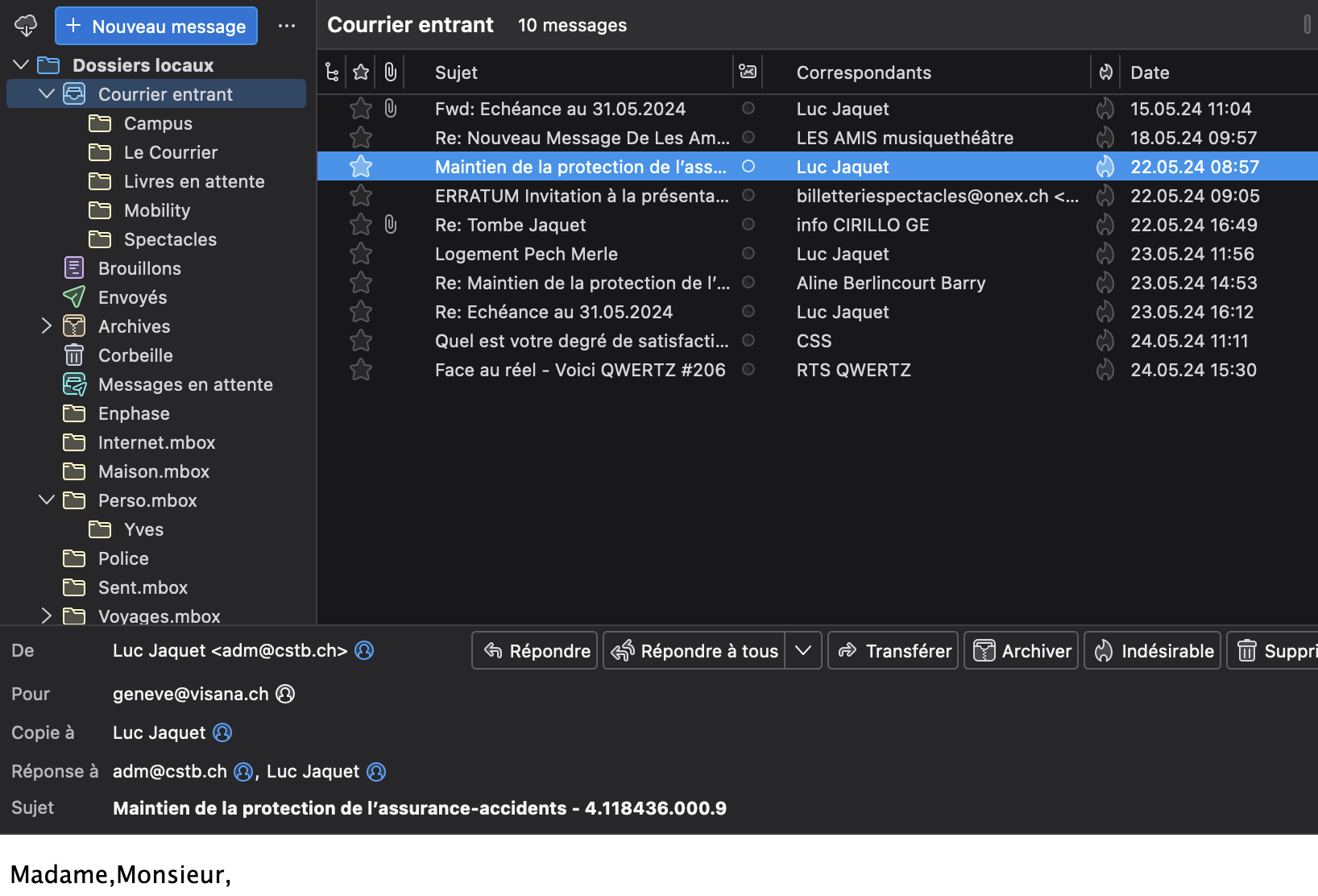
I can't deactivate the dark theme (the Themes Menu is inactive!), while another user has a light theme and works perfectly.
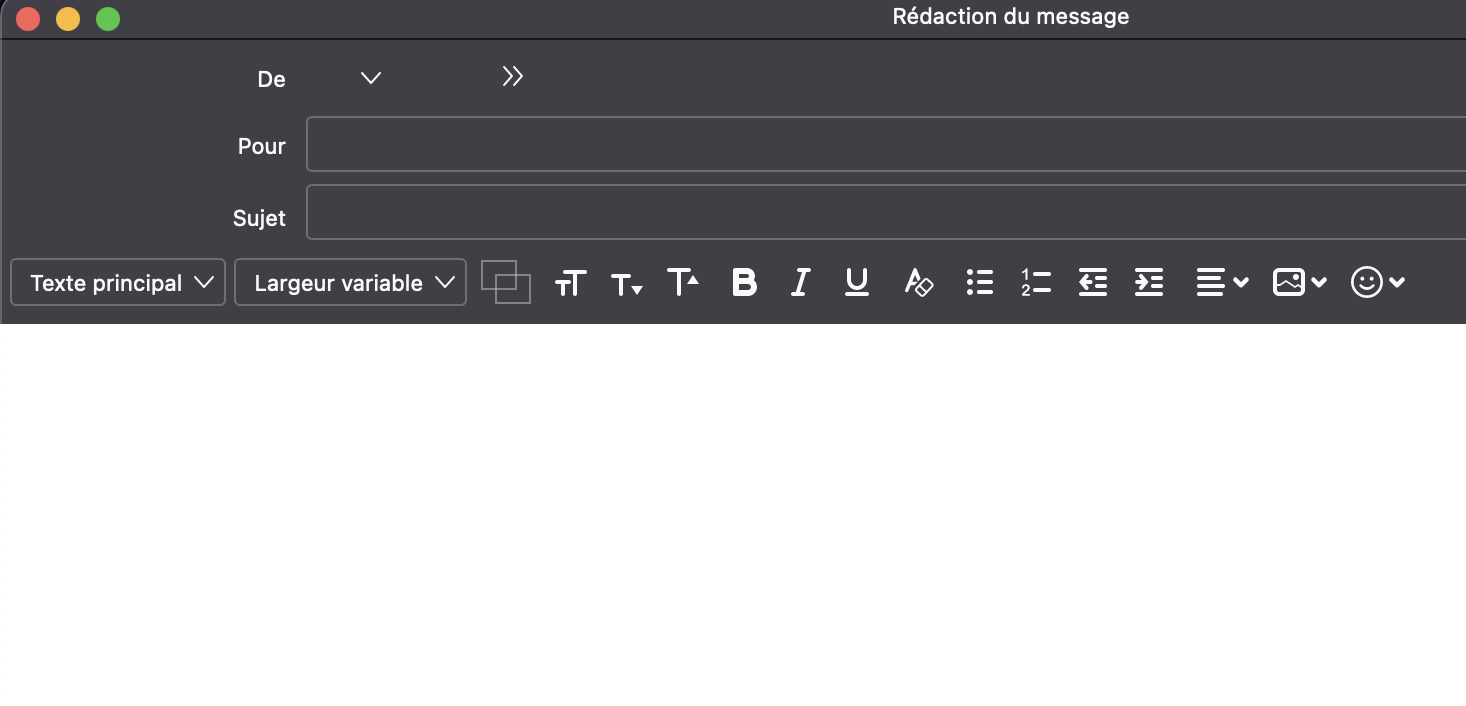
In addition, the writing of new messages is in white text on a white background!
How can I solve this problem. thank you in advance for your help
Cordially
Luc
Good morning,
I can't deactivate the dark theme (the Themes Menu is inactive!), while another user has a light theme and works perfectly.
In addition, the writing of new messages is in white text on a white background!
How can I solve this problem. thank you in advance for your help
Cordially
Luc
Alle Antworten (3)
I suggest this - exit thunderbird - install 115.11 again right on top of the installation. My guess is that an error occurred during the original install.
to complete, I'm under OSX
Thank you for your feedback, I tried but it doesn't change anything...