


Thunderbird doesn't attach PDF file from Brother iPrint&Scan
Until a few days ago, you could scan with the Brother iPrint&Scan printer application and open the PDF file with Thunderbird. Thunderbird would then open a new email with the pdf attached. Now when I try to open it with Thunderbird it doesn't open and the pdf opens from Microsoft Edge.
Alle Antworten (5)
Is the scan app 32 or 64-bit? Is TB 32 or 64-bit? TB is probably 64-bit, but if the scan app is 32-bit, TB must also be 32-bit for them to connect.
sfhowes dijo
Is the scan app 32 or 64-bit? Is TB 32 or 64-bit? TB is probably 64-bit, but if the scan app is 32-bit, TB must also be 32-bit for them to connect.
Both are 32 bits.
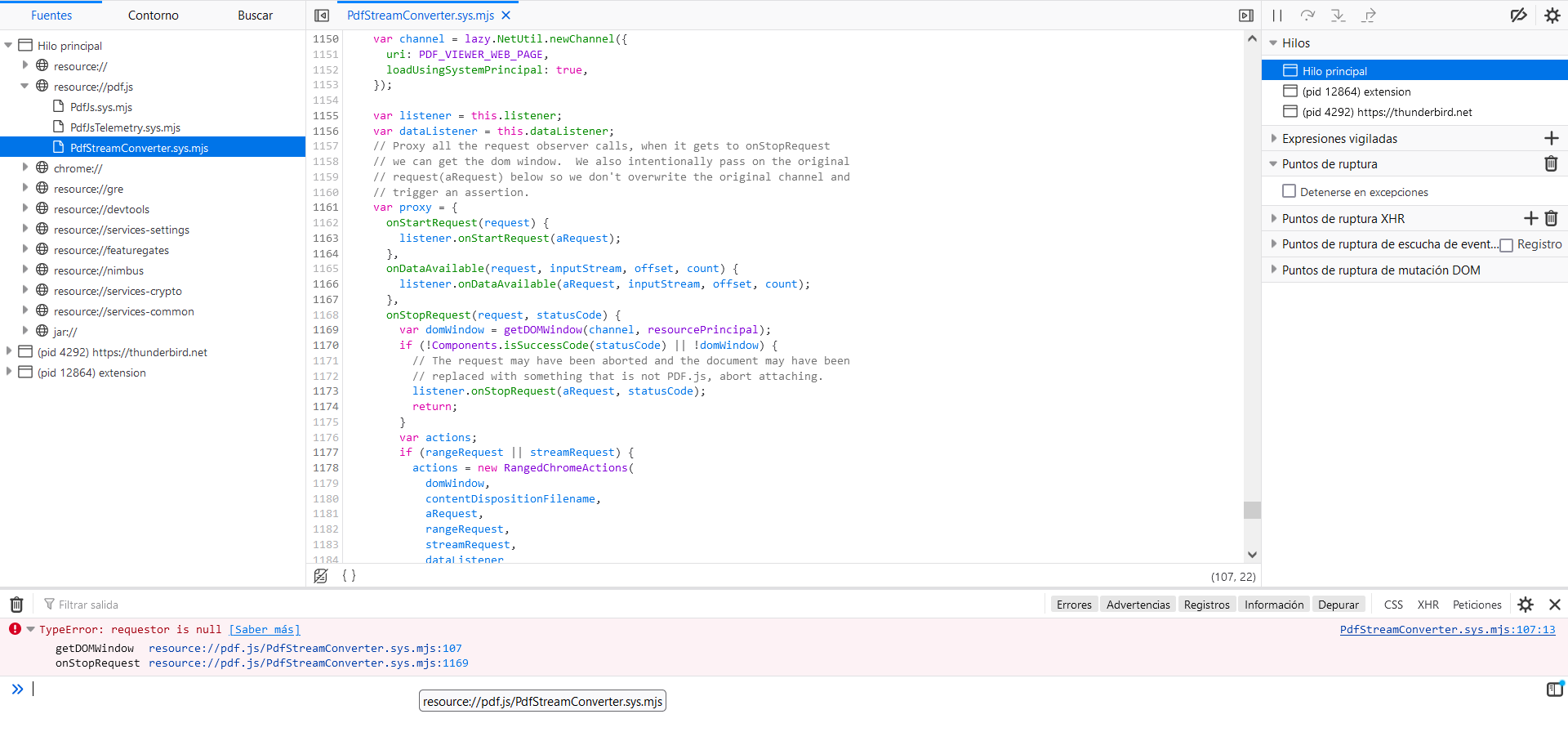
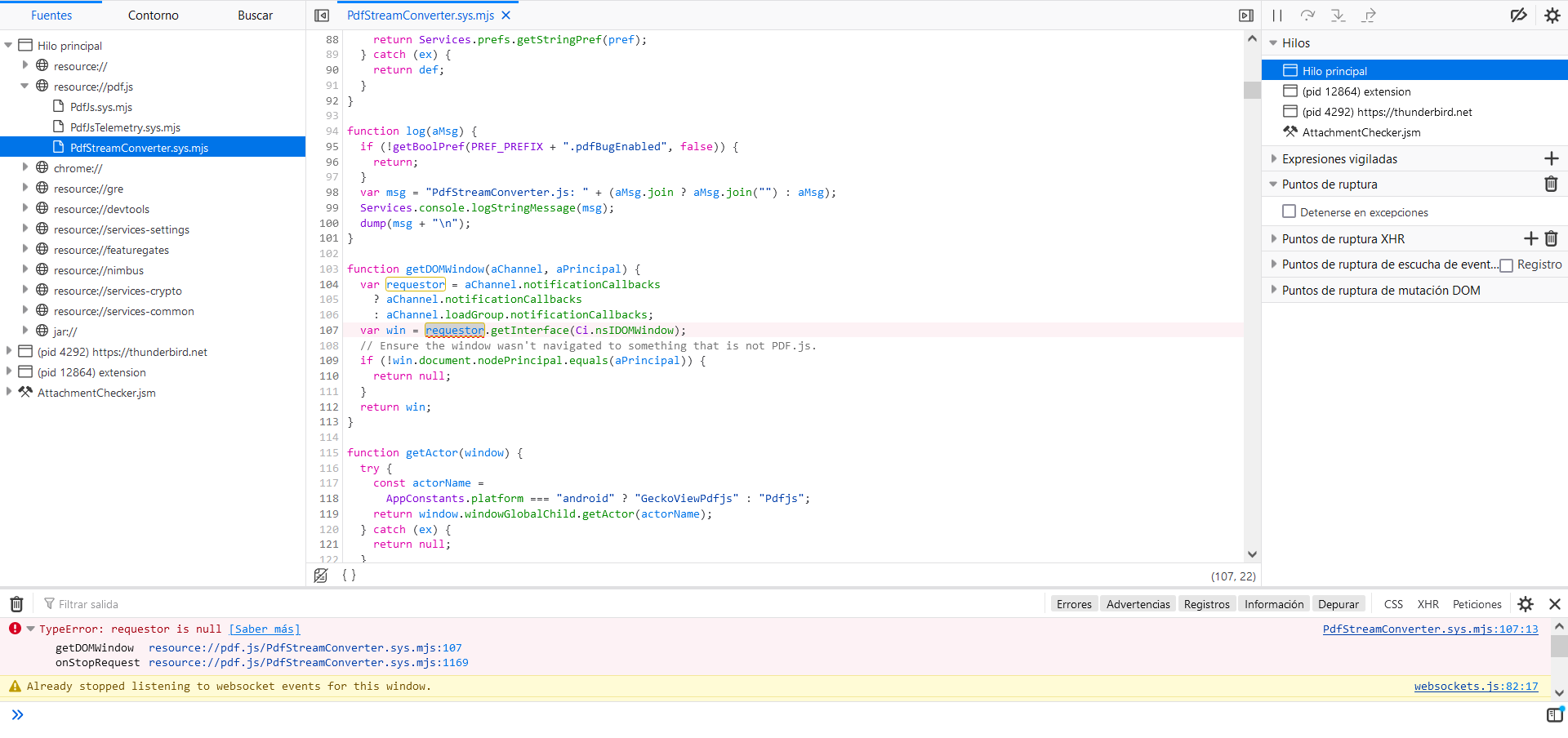
When the scan app sends PDF file, this happens from the Thunderbird console.
There is a procedure that sometimes fixes MAPI errors like this: download and run the 32-bit installer over the existing app, choose the Advanced setup, set TB as the default email client. At the end of the install, don't run TB. Reboot the computer, then see if the scanner sends files to TB.
https://support.mozilla.org/en-US/questions/1307664
https://archive.mozilla.org/pub/thunderbird/releases/115.7.0/win32/

sfhowes said
There is a procedure that sometimes fixes MAPI errors like this: download and run the 32-bit installer over the existing app, choose the Advanced setup, set TB as the default email client. At the end of the install, don't run TB. Reboot the computer, then see if the scanner sends files to TB. https://support.mozilla.org/en-US/questions/1307664 https://archive.mozilla.org/pub/thunderbird/releases/115.7.0/win32/
This is not helping at all :( what other solutions are there ?
I've tried the suggested installers, both... but still the same outcome - in my case Thunderbird opens but after that Adobe opens with the file and that's it... HELP