


how do I stop threaded emails from opening when I search a particular email

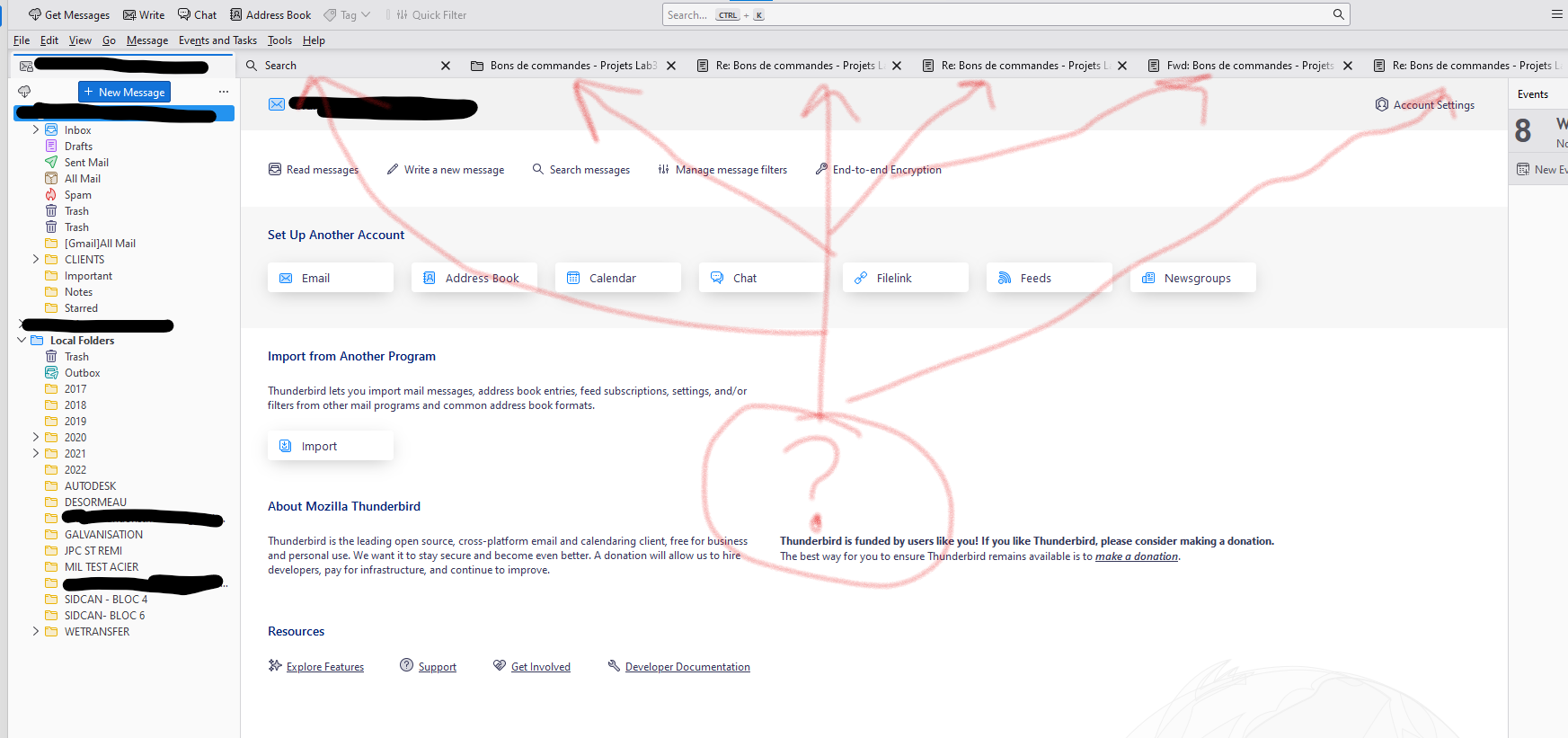
Since I updated my thunderbird, when ever I search a email and click on the one I want, all threaded emails open up with it. how do I stop this from happening?
Since I updated my thunderbird, when ever I search a email and click on the one I want, all threaded emails open up with it. how do I stop this from happening?
Alle Antworten (1)
You have 'Sort by' > 'Threaded' enabled.
If you have a collapsed thread and you click on the top level thread then this means open all threads in that conversation thread and it's not new. This action has been in Thunderbird for a very long time.
You have two options: 1. Expand the thread by clicking on the chevron icon shown to the left of the Email so you see all subthreads then click on the relevant email. 2. Switch off threading - View > Sort by > select 'Unthreaded'
Geändert am von Toad-Hall