


Fullpage translation icon doesn't appear on address bar
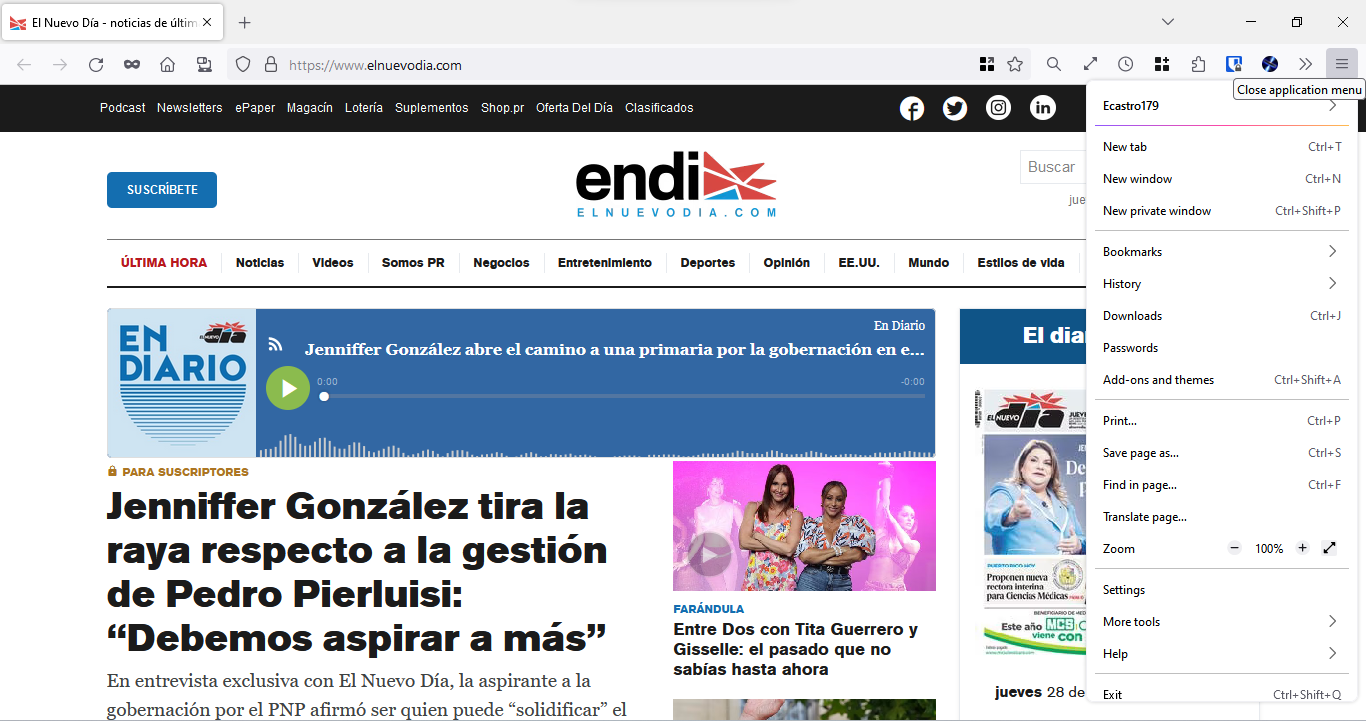
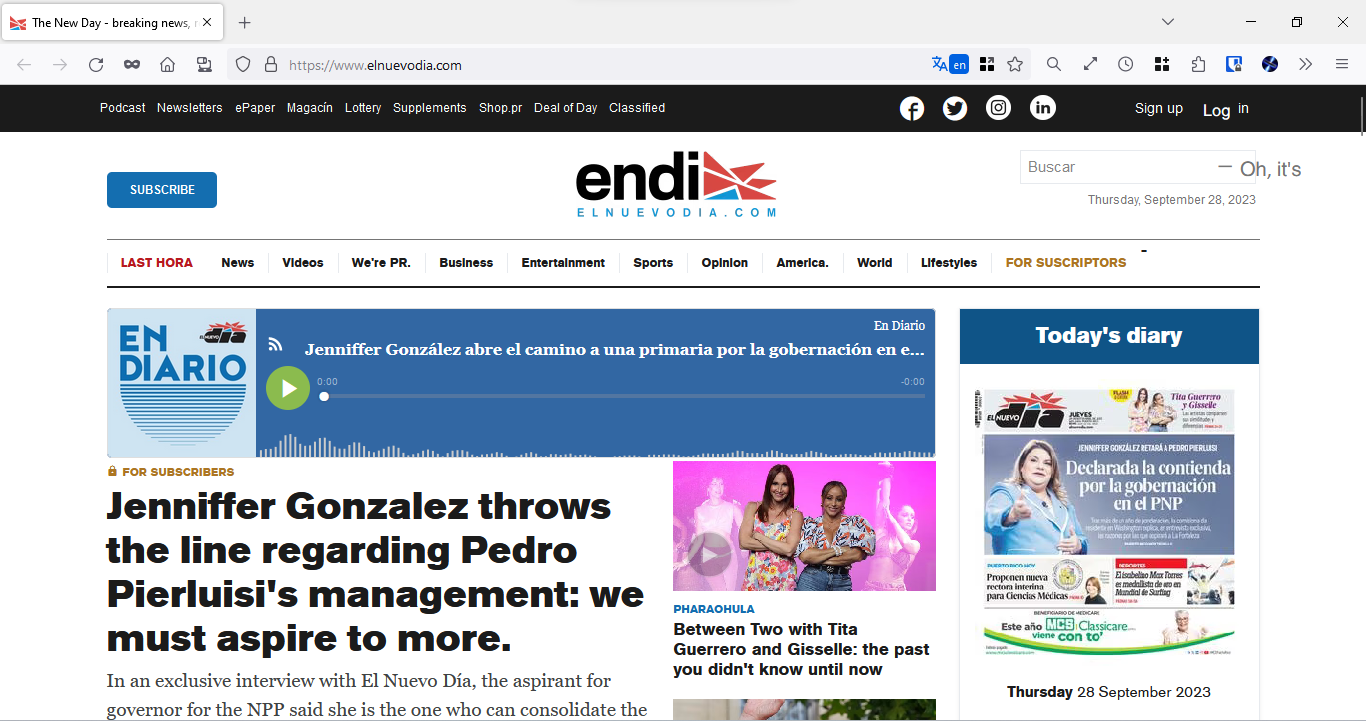
With the new 118 version that introduced fullpage translations, whenever I got to a site that's not in English and that is one of the supported languages, the translation icon doesn't appear at all in the address bar. I can go to the menu and click "Translate Page..." and then the icon will appear but when I click to "Show original" it dissapears.
Ausgewählte Lösung
That's right. Go to Settings -> General -> Language -> Choose your preferred language for displaying pages -> and press the Choose... button. Languages that are on this list shouldn't have this icon.
Diese Antwort im Kontext lesen 👍 1Alle Antworten (5)
Do you have the icon on this page? https://fr.wikipedia.org/wiki/Morlaix
TyDraniu said
Do you have the icon on this page? https://fr.wikipedia.org/wiki/Morlaix
Yes, I can see it there, and that gave me an idea on checking the Mozilla website but on the other languages supported. I can see the icon on all the other languages but Spanish, I checked other sites in those languages and the icon appears. Only in Spanish did the icon not appear but I can still translate by going to the menu and click "Translate page".
Ausgewählte Lösung
That's right. Go to Settings -> General -> Language -> Choose your preferred language for displaying pages -> and press the Choose... button. Languages that are on this list shouldn't have this icon.
TyDraniu said
That's right. Go to Settings -> General -> Language -> Choose your preferred language for displaying pages -> and press the Choose... button. Languages that are on this list shouldn't have this icon.
That was it, thank you for the help
TyDraniu said
That's right. Go to Settings -> General -> Language -> Choose your preferred language for displaying pages -> and press the Choose... button. Languages that are on this list shouldn't have this icon.
This is bad, I want default english for wikipedia, but I sometime want translate english, this is a bad design. Just show it every time Firefox ! That obvious to me. now I need to remove my default to english page what a pain.
Geändert am von Star