


Memory leak problem in Facebook
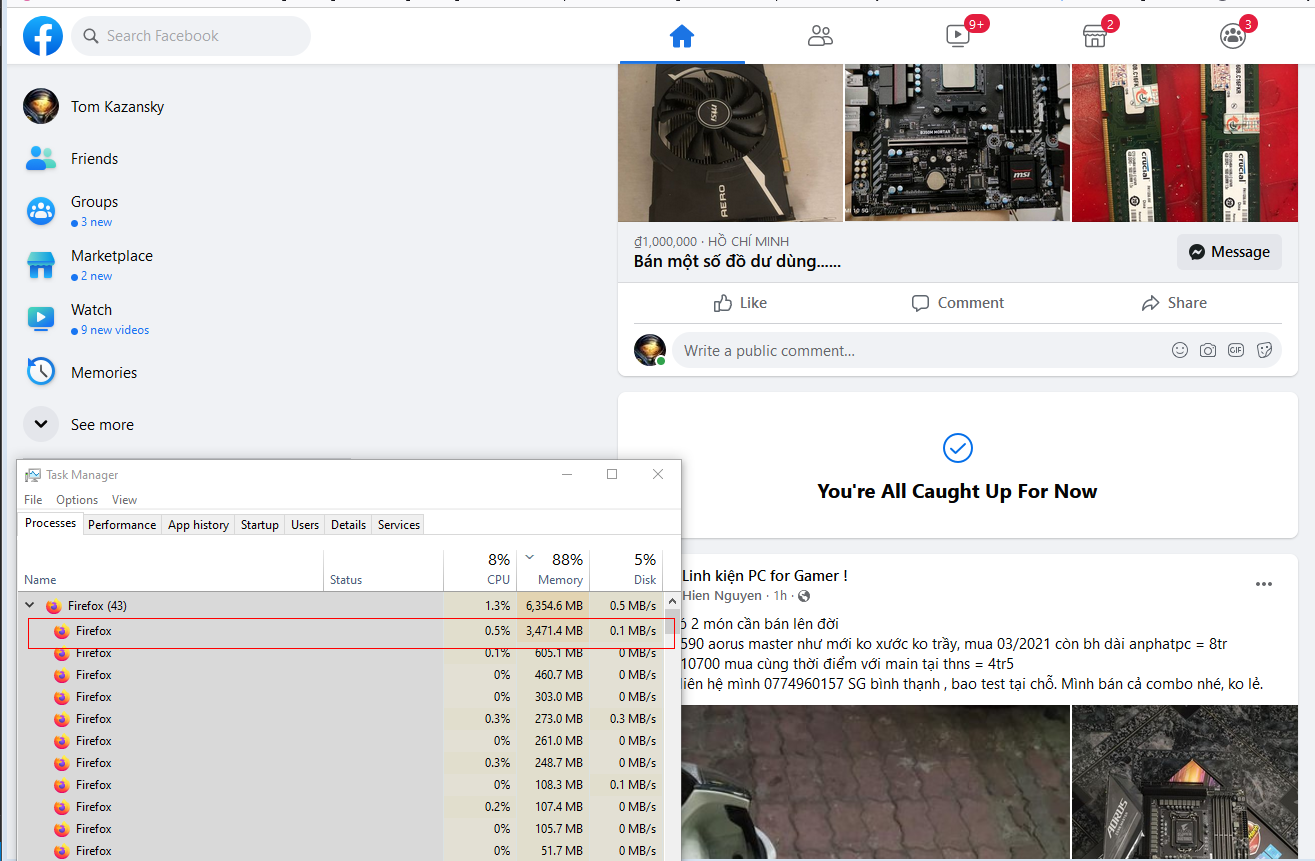
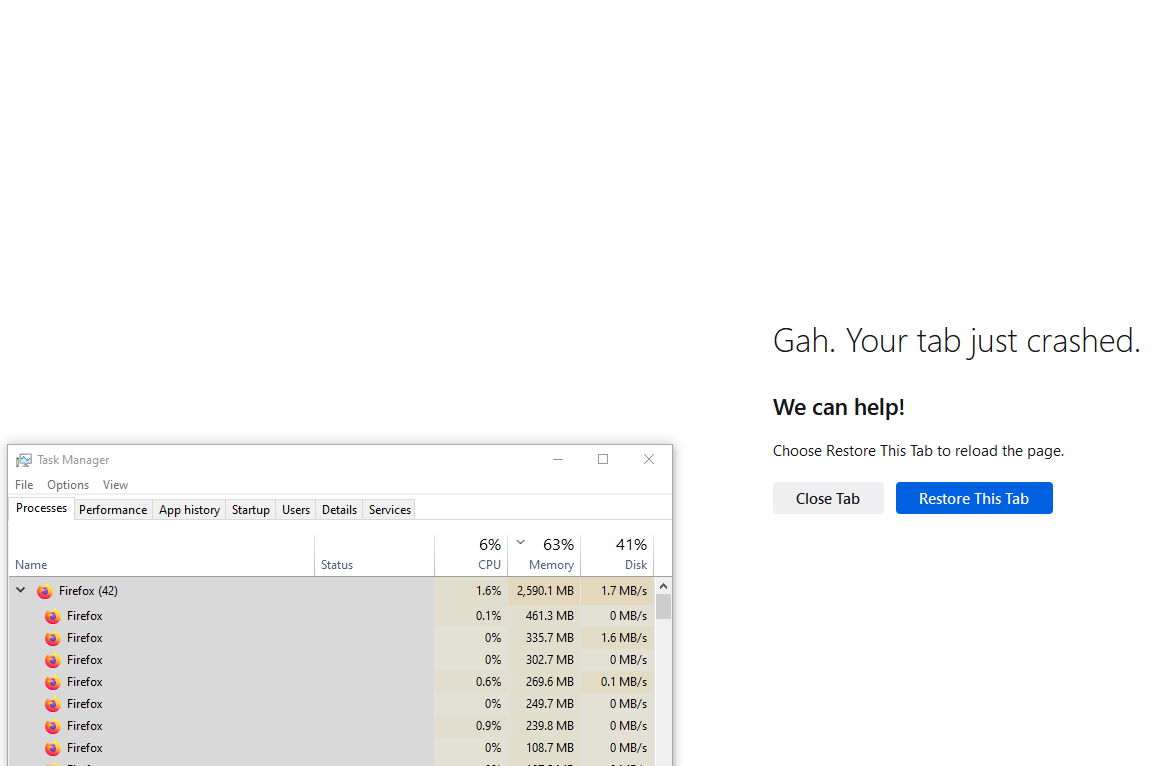
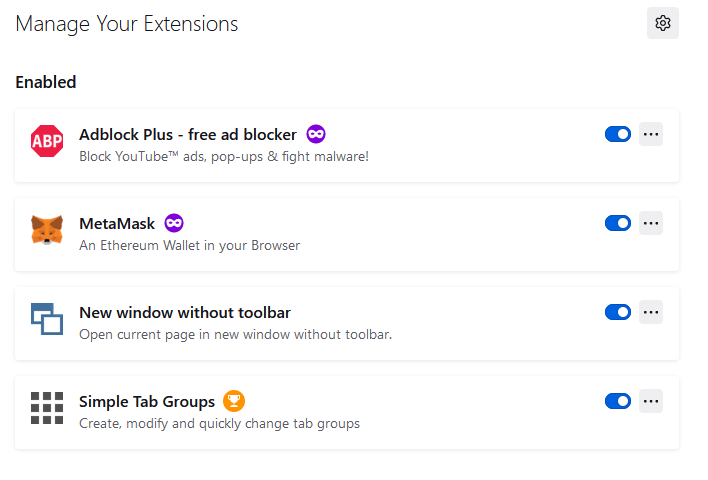
Hello, I have trouble with browsing Facebook, sometimes there is a huge memory leak (please check the first uploaded image), and as you can see in the second uploaded image, after I "end task" the Firefox tab that use a lots of memory, the Facebook tab crashed. The third uploaded image is the addons I have installed.
Is there a way to solve this? I go to about:memory and click on all there buttons in "Free memory" but that seems to have no effects.
Thank you for your time, Tom.
Alle Antworten (2)

Ausgewählte Lösung
From my experience with other sites, it may help to have only tab open for the site and to close it when memory usage becomes a problem. You can reopen it soon afterwards from History > Recently Closed Tabs. The following article may help.
https://support.mozilla.org/en-US/kb/firefox-uses-too-much-memory-or-cpu-resources
Thank you Terry, that works! I just close the Facebook tab, wait a bit, and History > Recently Closed Tabs. (Ctrl + Shift + T) to reopen it.