


How to Prevent Automatic Page Updates?

I thought there used to be a setting to prevent (or allow) pages to update either automatically, when their tabs are re-opened, or never. If so, I can't find it now.
In FF 75.0 (and for some time before), I'm often finding unacceptably large CPU usage (and associated cooling-fan noise). I can usually fix this by closing FF and then re-opening, but I shouldn't have to do this. I'm wondering if it's caused by certain pages insisting to update regularly. Any solution to this problem? -- Jclarkw
P.S. -- I'm usually running FF inside of Sandboxie, but that shouldn't matter...
Geändert am von jclarkw
Ausgewählte Lösung
Hi, go to about:config, search for accessibility.blockautorefresh and toggle it's value from False to True. This should prevent webpages from automatically reloading.
Diese Antwort im Kontext lesen 👍 2Alle Antworten (3)
Hi,
If you want to temporarily stop automatic page updates, you can solve it by taking the following steps.
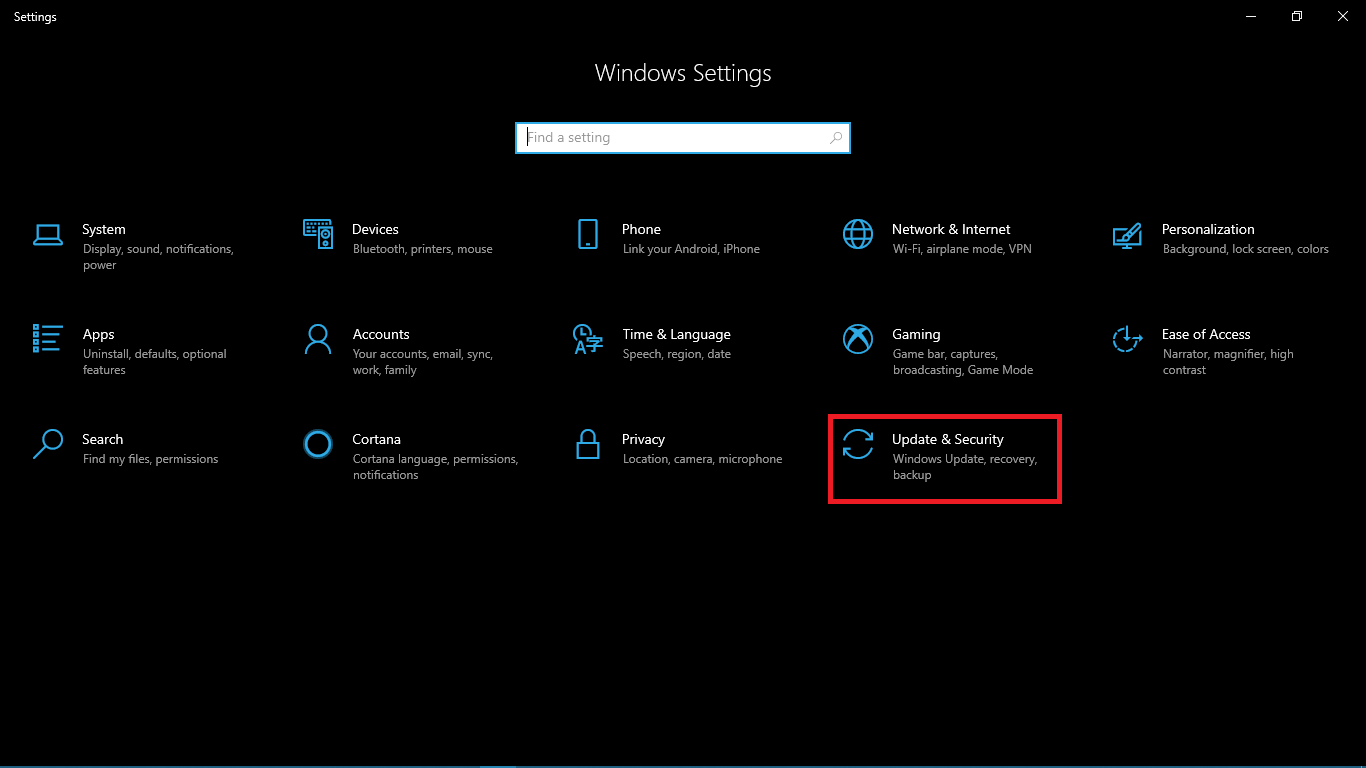
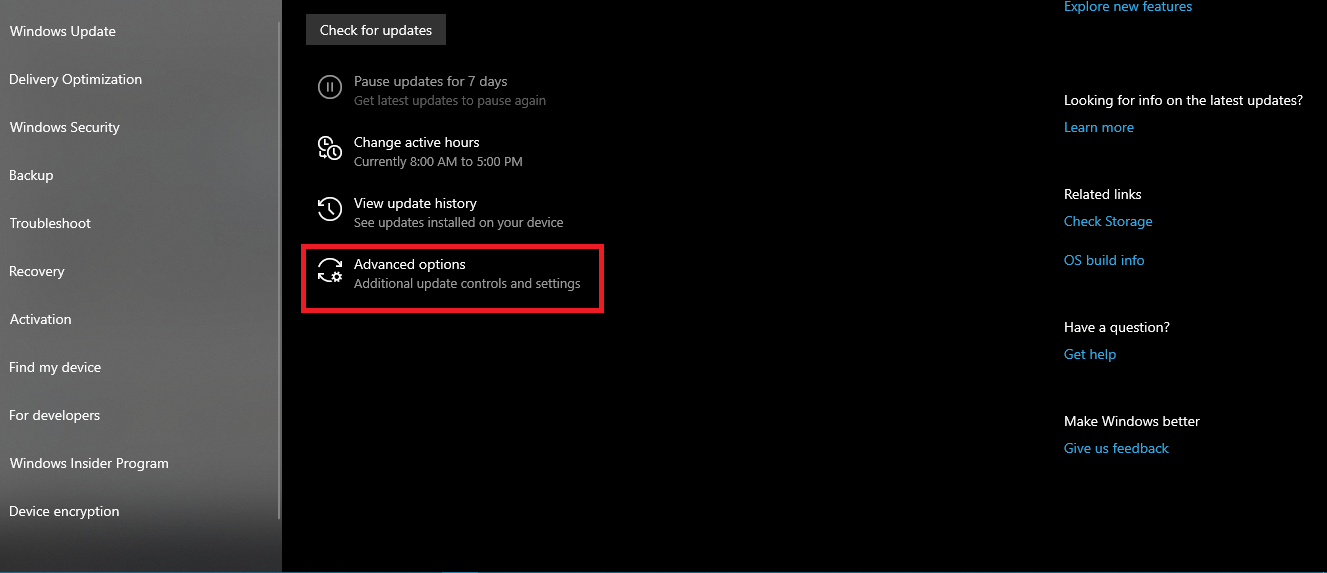
Open the setting first. Then click Update and Security. Then click Windows Update. Then click the advance option.
The pause updates section of the page gives you the date you want to update. You can also choose the time interval to disable automatic updates.

hansigaya99 said
...Then click Windows Update.
hansigaya99 -- I guess I wasn't clear. It's not Window Updates I want to stop, it's Web pages automatically updating in Firefox.
(There might be more to it, as mentioned about high CPU usage by Firefox...) -- jclarkw
Geändert am von jclarkw
Ausgewählte Lösung
Hi, go to about:config, search for accessibility.blockautorefresh and toggle it's value from False to True. This should prevent webpages from automatically reloading.