


Can't view "Settings" icon on Facebook page
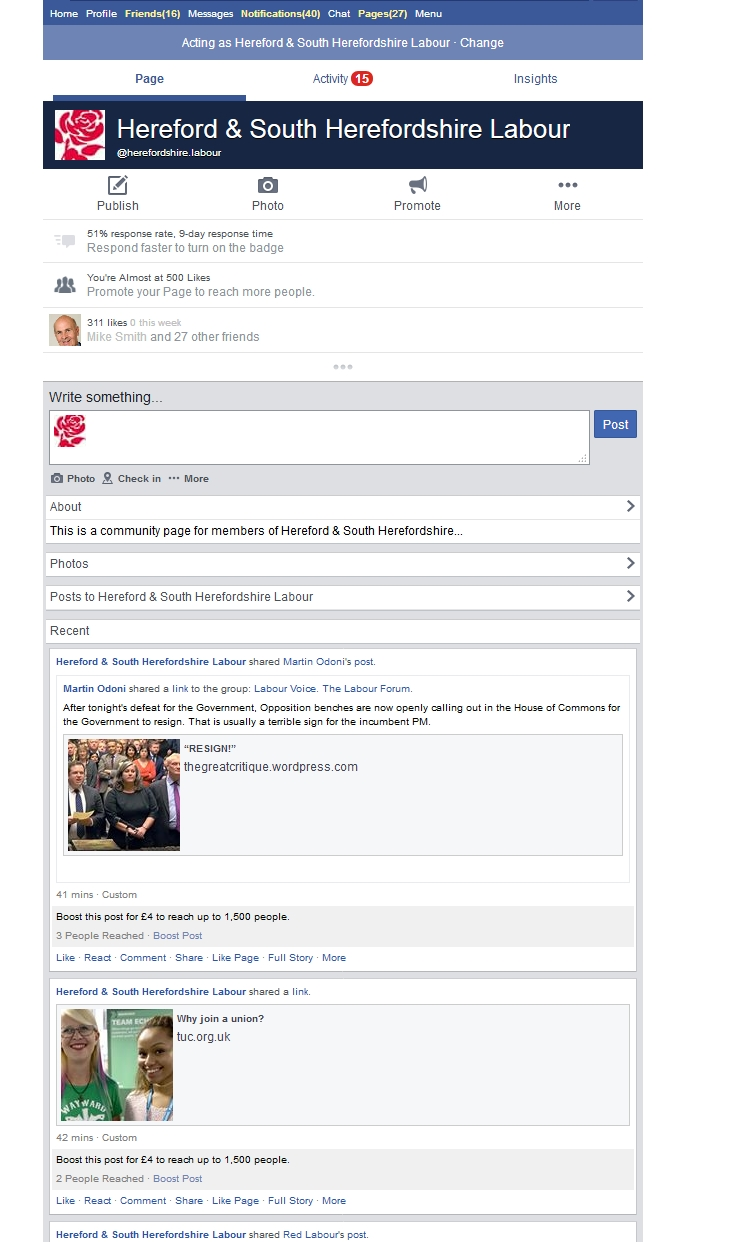
Facebook appears as a narrow portrait image and the "settings" normally on the top of the page is missing.
Facebook appears as a narrow portrait image and the "settings" normally on the top of the page is missing.
Ausgewählte Lösung
Seems like you're on the mobile version of the Facebook website. Head to https://facebook.com instead of m.facebook.com.
Diese Antwort im Kontext lesen 👍 13Alle Antworten (3)

Ausgewählte Lösung
Seems like you're on the mobile version of the Facebook website. Head to https://facebook.com instead of m.facebook.com.
Mkll said
Seems like you're on the mobile version of the Facebook website. Head to https://facebook.com instead of m.facebook.com.
Hurrah...... all solved. Many thanks