


My Firefox 36.0.4 keeps crashing after many years without any problem. I tried updating, restoring and re-installing but no change.

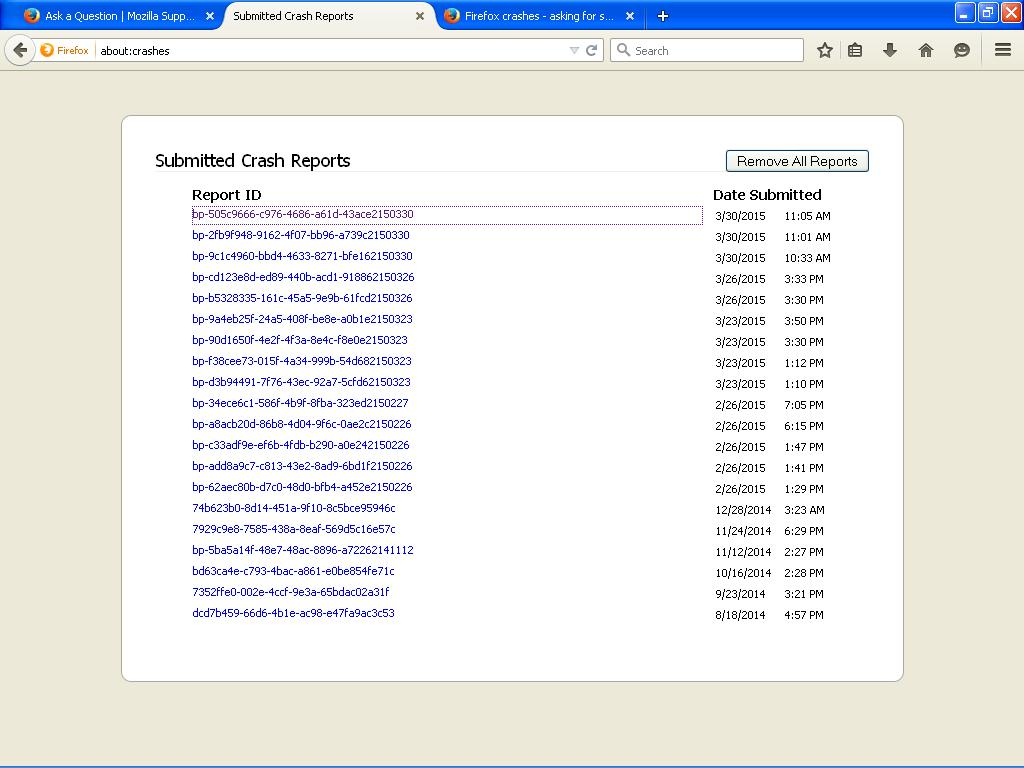
This happens while surfing different sites. Sent several crash reports but have not received any response. Latest crash report is bp-505c9666-c976-4686-a61d-43ace2150330.
This happens while surfing different sites. Sent several crash reports but have not received any response.
Latest crash report is bp-505c9666-c976-4686-a61d-43ace2150330.
Alle Antworten (4)
hello, the norton identity safe extension seems to play a part in the one crash report id you've mentioned. please try to use norton live update to bring all its components up to date or in case this doesn't help or you're already on the latest version, try disabling the addon for the moment: Disable or remove Add-ons
Norton was up to date and there was no Norton identity safe extension to be found in Extensions, Appearance or Plugins.
Thanks.
identity safe might be a module of the norton toolbar - try to disable it as well in case you have it present.
