


how to display open tabs as toolbar button with dropdown list?
Hi folks,
How can I hide the tab bar and simply display open tabs as toolbar button with drop down list similar to the bookmarks button? Except, I don't want to have a pop out sidebar, but drop down instead. I Googled but couldn't find an extension for this.
Alle Antworten (4)
Have you tried using the Full Screen mode? Toggled with F11. When you move the cursor to the top of the screen the enabled toolbars will appear. https://support.mozilla.org/en-US/kb/how-make-firefox-and-websites-go-full-screen
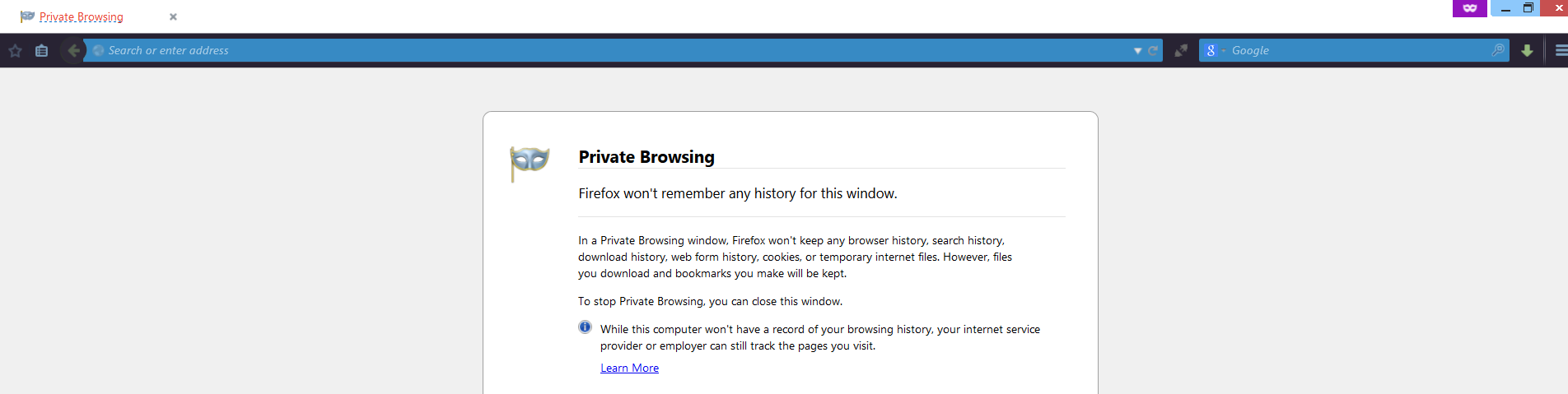
I'm familiar with that, but I don't want to hide everything else. I just want to have a bookmark button drop down style addon. This is my browser now....
I want a button in the same URL toolbar row, next to the bookmark button on the left side of the url bar.
Sorry, I am not aware of an extension that adds that specific feature. You can search the add-on website for something like that. https://addons.mozilla.org/en-US/firefox/
There is this old extension that adds a Tabs menu item to the menu bar that still seems to work with the current release.