


Åben
Buttons do not display correctly
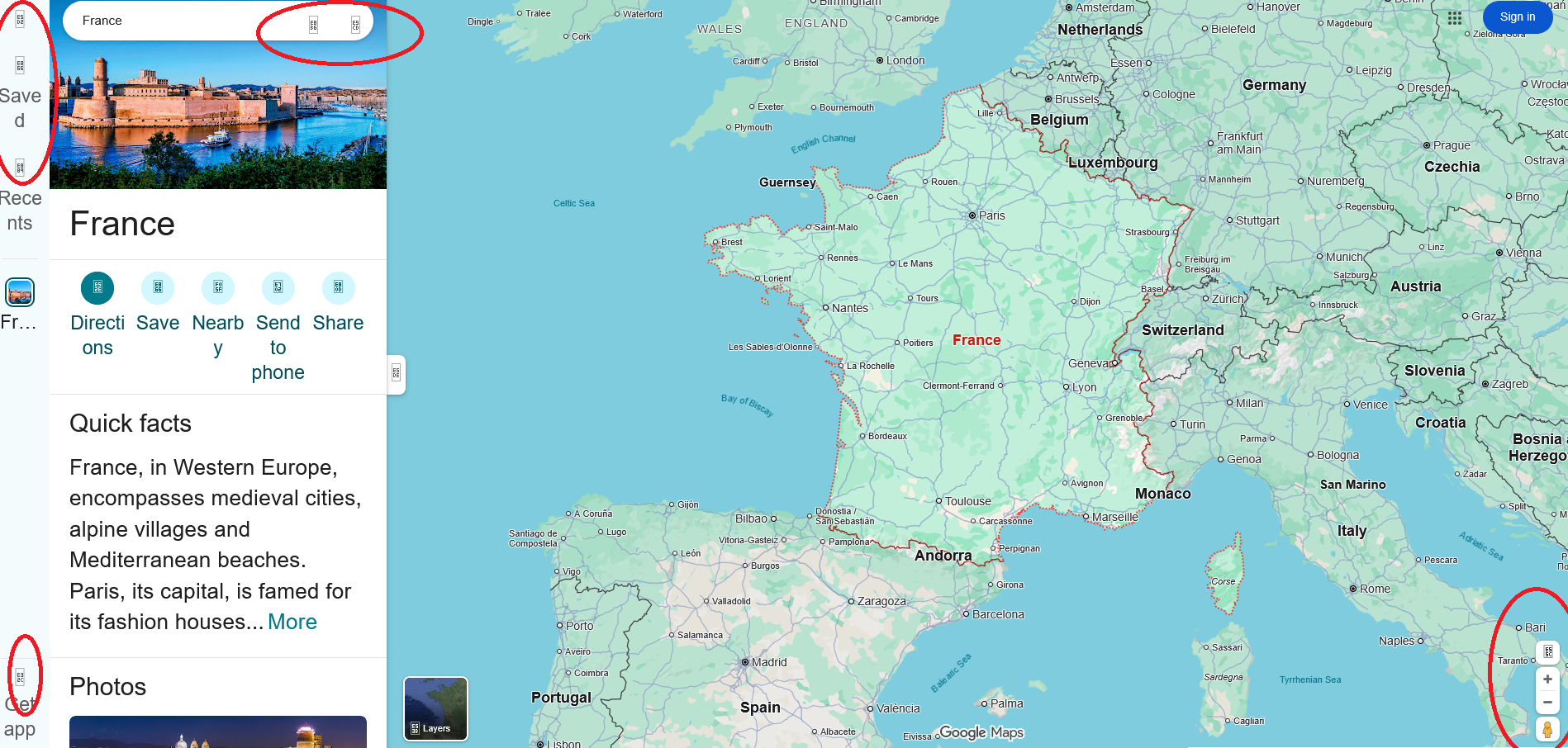
Every website browsed on Firefox show incorrect buttons. How can I solve this issue?
Every website browsed on Firefox show incorrect buttons.
How can I solve this issue?
Alle svar (1)
The ones you've circled in red look like images that have been blocked. It's probably due to one of your plugins or security software.
To check if it's an add-on, try the page in troubleshooting mode (Menu>Help>Troubleshoot Mode... if it works, it's because of one of your plugins.
Or try temporarily turning off your security software and try again.