


Windows 10 reached EOS (end of support) on October 14, 2025. If you are on Windows 10, see this article.

Søg i Support

Avoid support scams. We will never ask you to call or text a phone number or share personal information. Please report suspicious activity using the “Report Abuse” option.

Læs mere

Can't delete profile

  • 1 svar
  • 0 har dette problem
  • Seneste svar af amoun
  • Åben

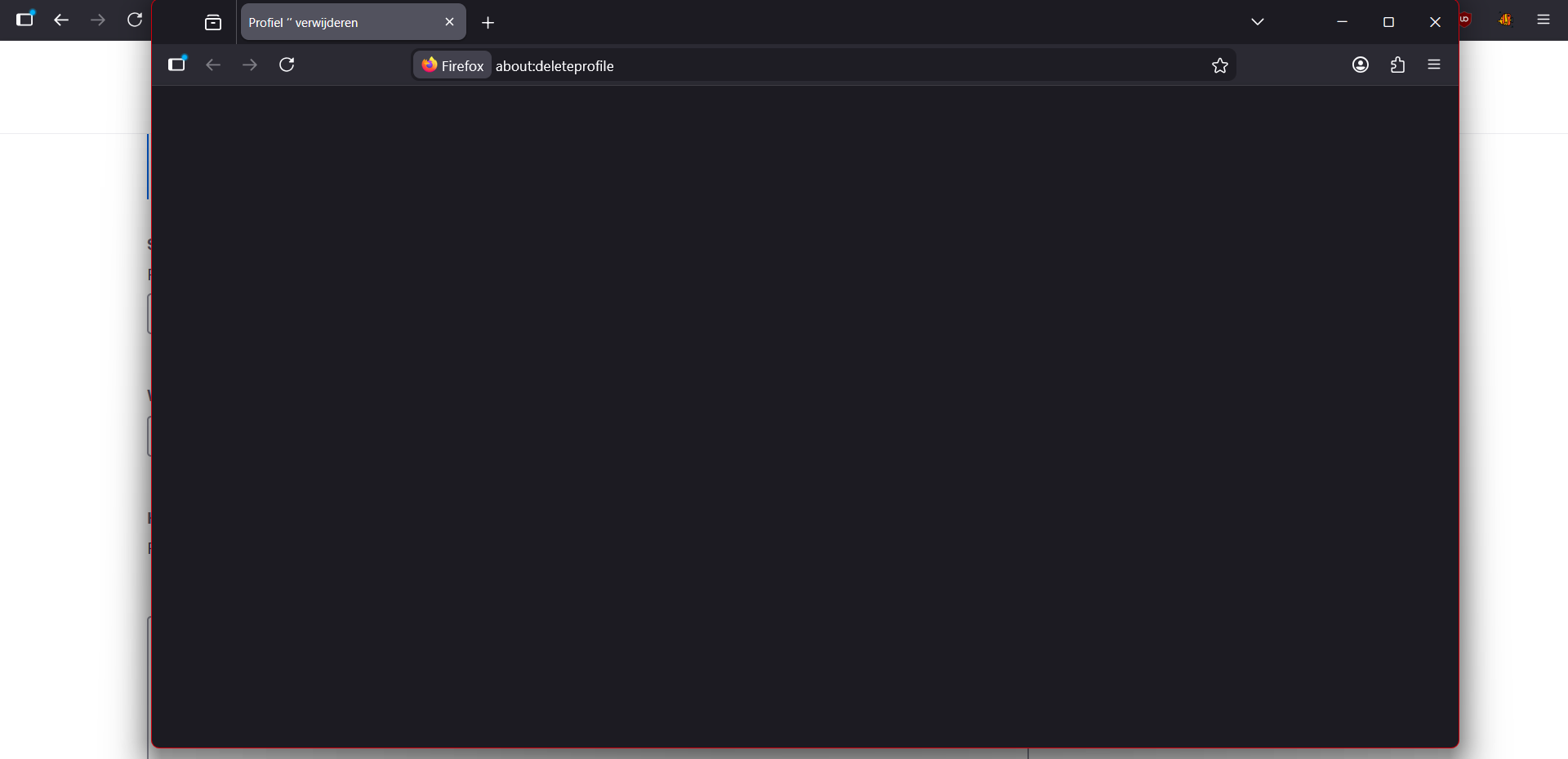
With the profile system, which I just used to try and fix another problem. Deleting them doesn't work I've tried manually deleting the profiles as well but they still show up in the UI and it just recreates the folder again if you try to delete it or open it. If you use the UI to try and delete it the instance and page it opens is simply blank. And now the profile I'm trying to delete isn't open. I'm trying to delete it from "original profile" and when I do it opens the a new instance of firefox with the profile I'm trying to delete with in the address bar: about:deleteprofile but the screen is empty.
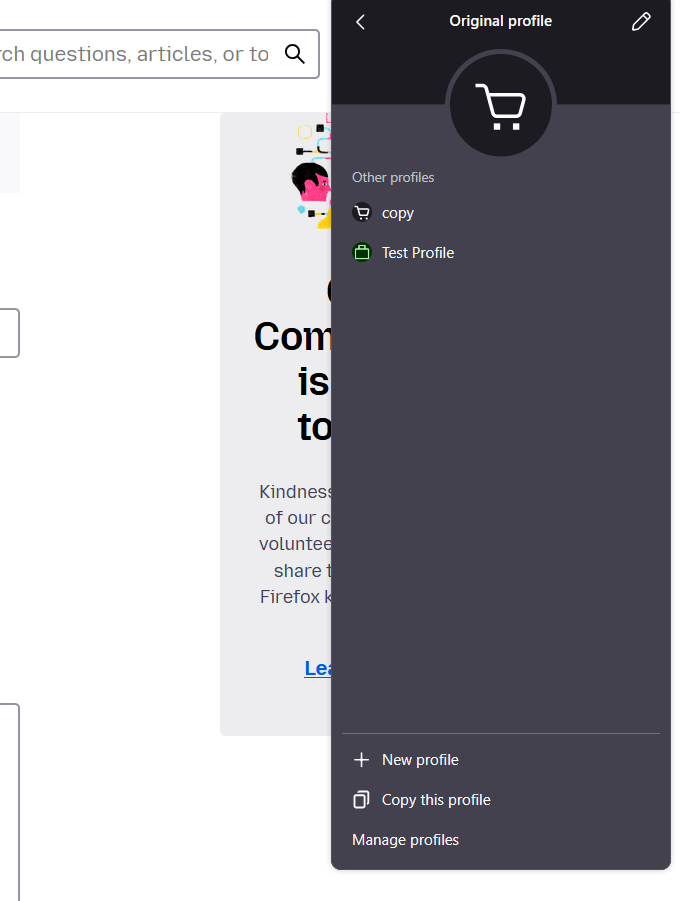
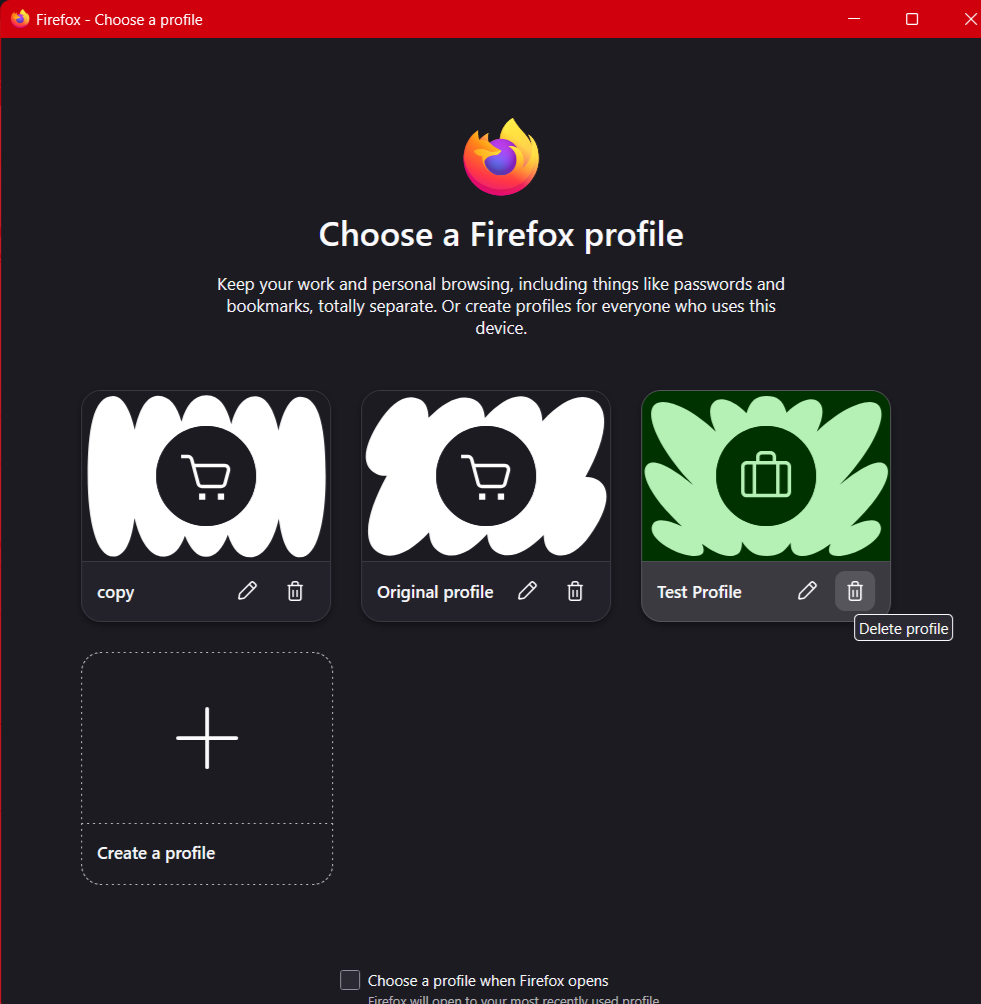
With the profile system, which I just used to try and fix another problem. Deleting them doesn't work I've tried manually deleting the profiles as well but they still show up in the UI and it just recreates the folder again if you try to delete it or open it. If you use the UI to try and delete it the instance and page it opens is simply blank. And now the profile I'm trying to delete isn't open. I'm trying to delete it from "original profile" and when I do it opens the a new instance of firefox with the profile I'm trying to delete with in the address bar: about:deleteprofile but the screen is empty.
Vedhæftede skærmbilleder

Alle svar (1)

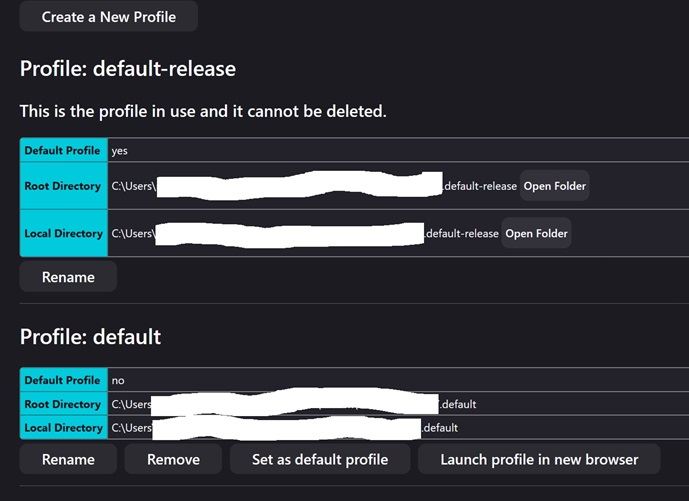
Hi Using [about:profiles] I get this. There are copies in both [Roaming] / root and [Local] folders in Win 11 etc.
Ændret af amoun den

Stil et spørgsmål

Du skal logge ind på din konto for at svare på et indlæg. Start et nyt spørgsmål, hvis du ikke har en konto endnu.