


how can i get rid of unwanted unsaved shortcuts pop up on my firefox home page ?

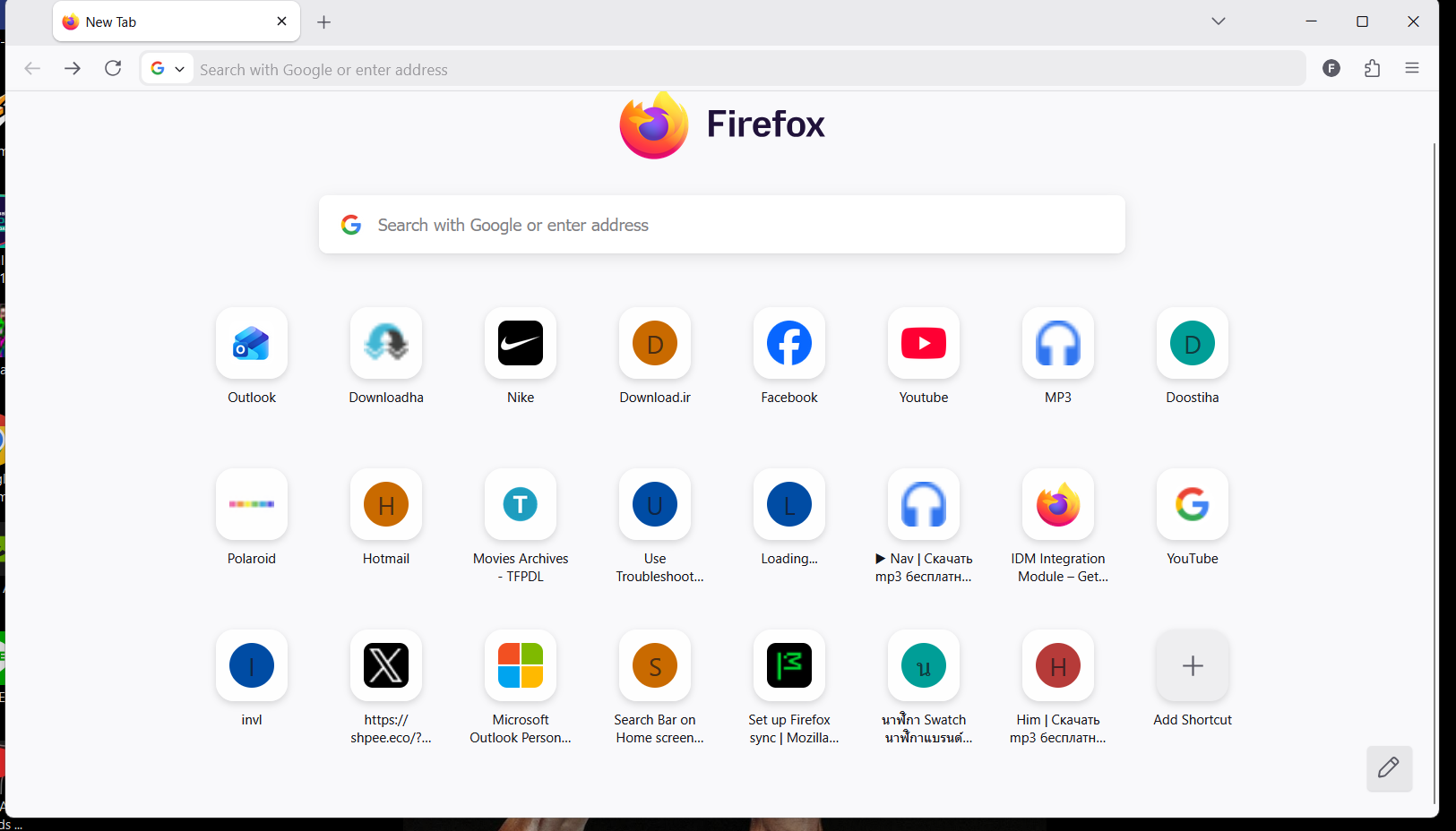
i tried everything in setting , nothing works these suggested shortcuts automatically attached to my home page i did deselect this feature in setting but still they pop up on my home page and the other problem is i am not able to search in my web search section on the home page what is that so ? why this isnt fixed yet ?
i tried everything in setting , nothing works
these suggested shortcuts automatically attached to my home page
i did deselect this feature in setting but still they pop up on my home page
and the other problem is i am not able to search in my web search section on the home page
what is that so ? why this isnt fixed yet ?
Alle svar (1)
- You have to pin all the shortcuts you want there or decrease the row number. Every empty field will be automatically filled with frequently used addresses. See Customize items on your Firefox New Tab page.
- This feature is currently being refactored. It will be restored in the next release.