


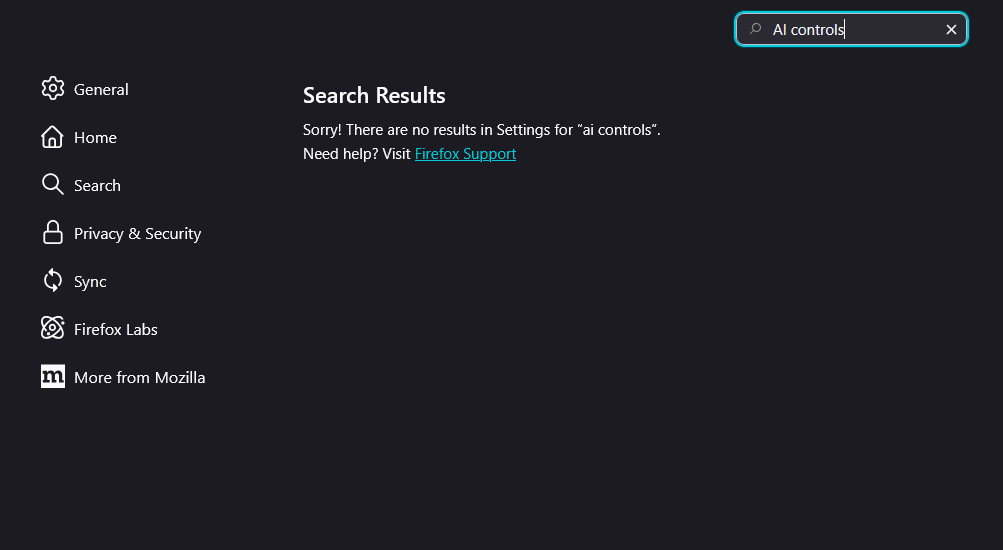
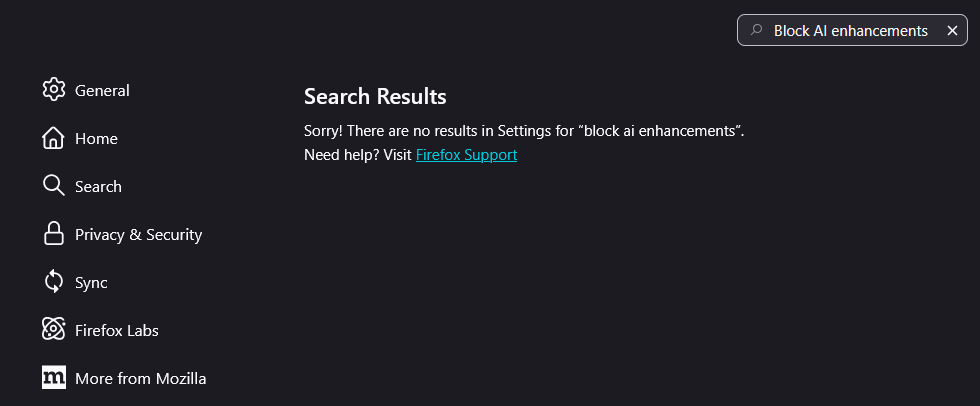
Searching "Block AI enhancements" or "AI controls" doesn't give any options to disable the slop, despite the support page saying so.

I searched how to disable any random new AI features Firefox was about to cram into the browser.
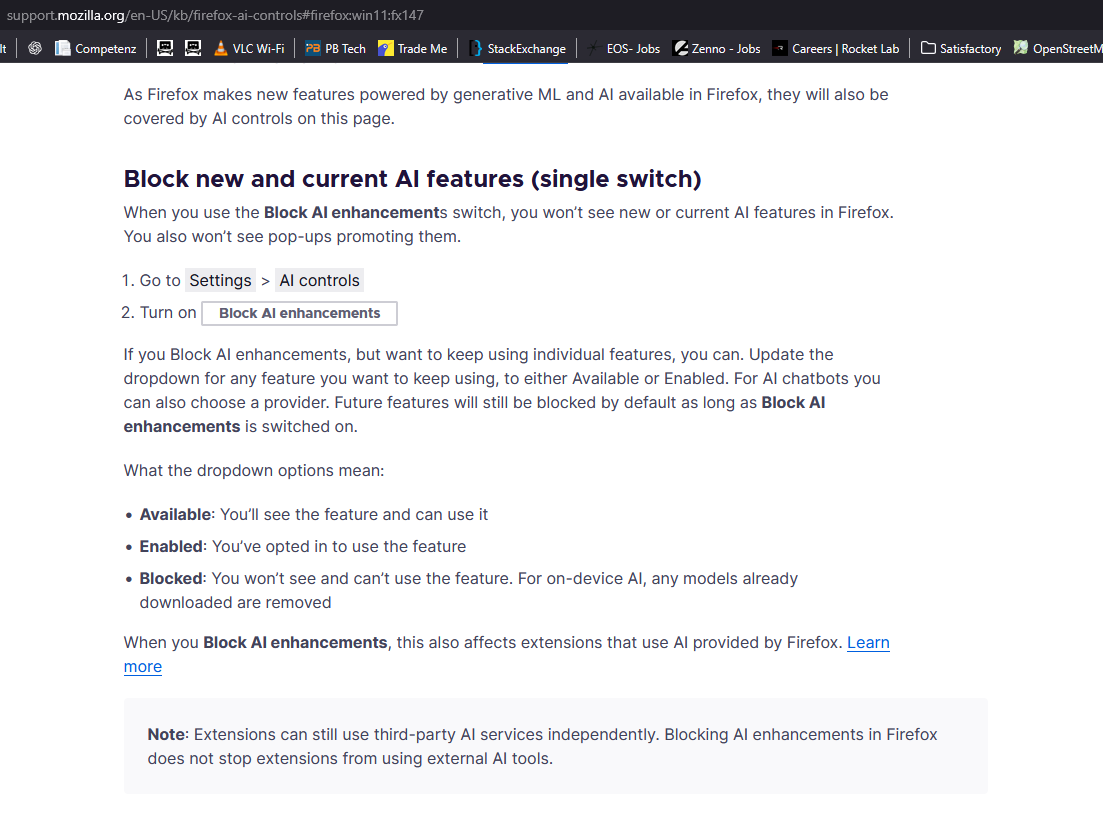
I was served this support page that says I can "Block new and current AI features (single switch)"
Simply, the described feature to disable AI features isn't in the settings. I've look and tried searching for "Block AI enhancements" & "AI controls" but no luck.
Please tell me they haven't given the writing of support pages to some shitty LLM.
Valgt løsning
That article is about version 148, and you have 147.0.2.
https://www.ghacks.net/2026/02/03/firefox-will-let-you-block-all-built-in-ai-features/
Læs dette svar i sammenhæng 👍 0Alle svar (4)
Valgt løsning
That article is about version 148, and you have 147.0.2.
https://www.ghacks.net/2026/02/03/firefox-will-let-you-block-all-built-in-ai-features/
Hello
https://support.mozilla.org/en-US/forums/contributors/717536
Last updated, at the present time, it seems to me that the article https://support.mozilla.org/en-US/kb/firefox-ai-controls, has been updated. Has been added, starting in Firefox version 148.
AI controls are coming to Firefox https://blog.mozilla.org/en/firefox/ai-controls
Ændret af Agent virtuel den
Hi Ky,
As others mentioned, AI controls is coming out later in version 148, so feel free to bump the thread if you still unable to see the functionality after you updated to version 148.
In the meantime, could you please update the thread to indicate whether any of the replies above help resolved your issue? If it worked, you can also directly mark the reply as the solution to help other users with similar problem discover the resolution. if you have solved your initial issue by marking Hi there,
If you're still experiencing problems, please share any additional details so we can continue assisting you. Thanks!