why does Firefox force update during browsing.
hi, I love supporting this independent browser - I know its not perfect but it does a great job of doing most things well.
However, and there is a big but. I can be in the middle of an investigation that requires sharing data to a new tab - on opening the tab I'm blocked from going further as Firefox needs to do an update! This is really infuriating. No update can be SO urgent that you stop me using the browser. This is the Microsoft mentality, and its wrong. Can you please investigate NOT forcing users to update their browser during session.
Matt.
Alle svar (5)
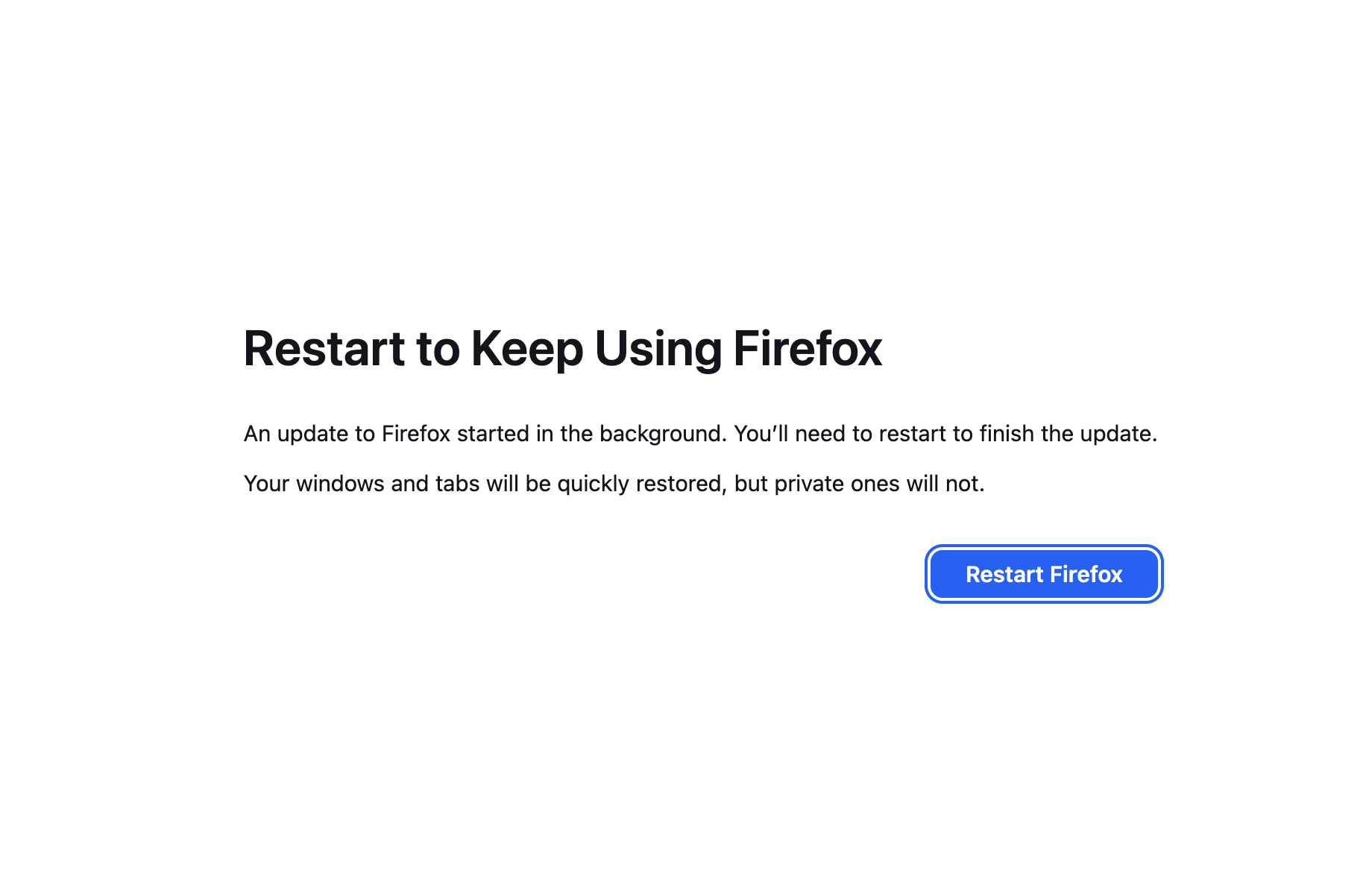
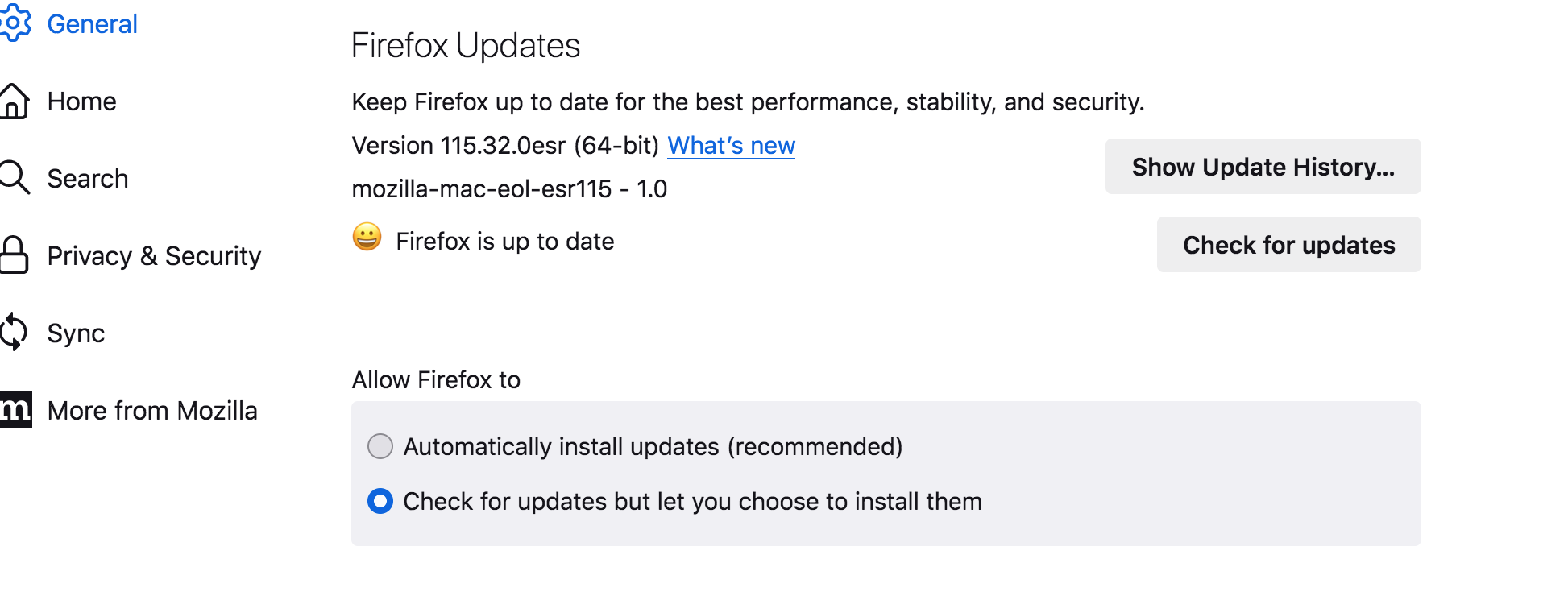
However I have just tried this and I'm still getting the new tabs with the forced need to update. It means in the moment I have to go to use another browser - I think this is crazy - I should be able to choose when I update -by all means inform me like chromium browsers do but don't force me.
Hm, that doesn't look like the default behavior. To clarify, are you using Release, Beta or Nightly?
It's normal for Nightly, but it has never happened to me on release. How often does this screen shows up? Does it happen on every update? Do you get pop-ups prompting to restart before? If so, how long does it take for the restart demand to show up after those pop-ups?
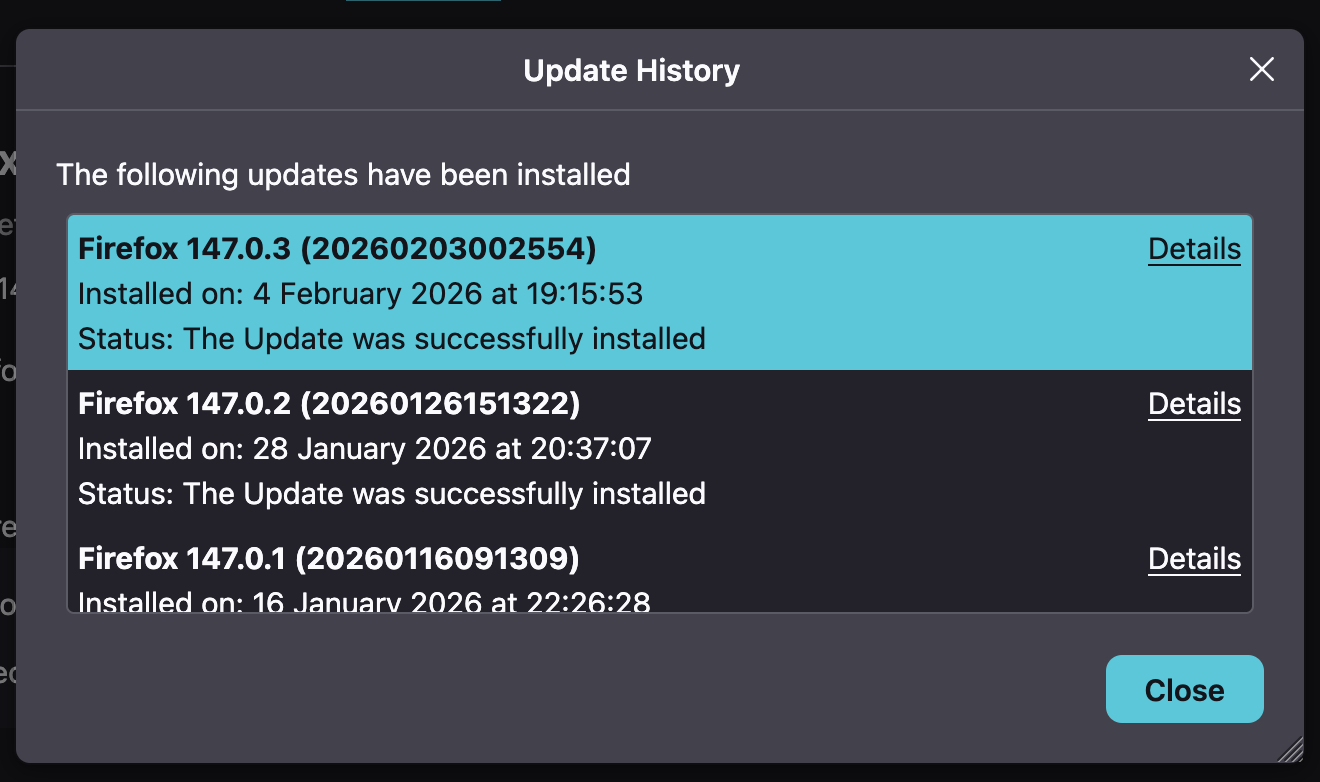
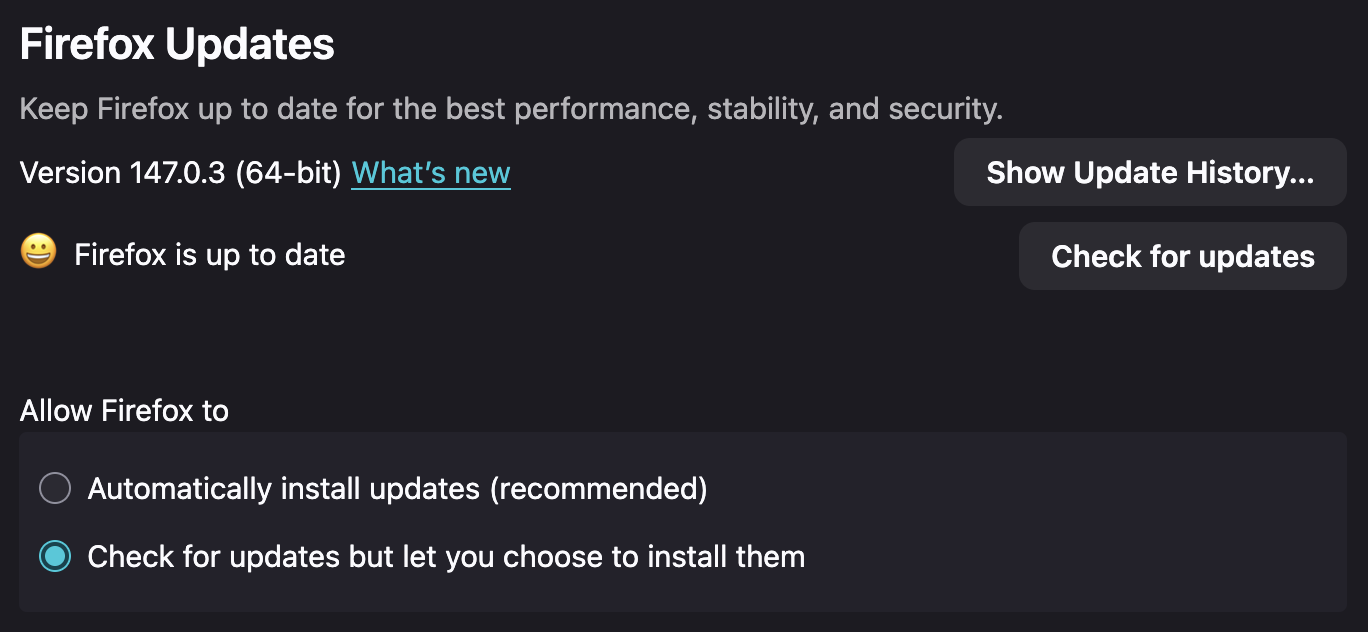
I'm on the release channel, I've attached a couple of grabs of the most recent updates. It is something thats relatively recent I'd say.