


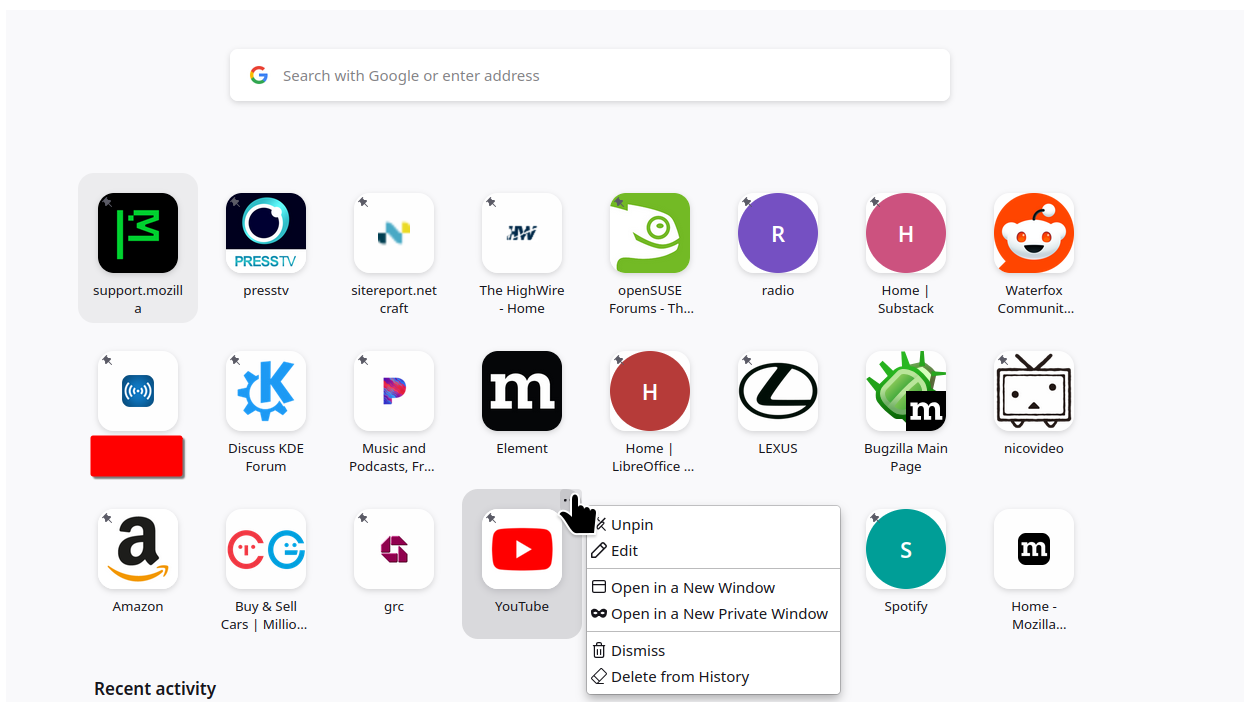
The front page of Firefox shows icons for websites, which you can click to go there. But it won't let me change details.

Each time I click a particular icon, it goes to a page to set up an account for that website. But I already have an account there. How can I change the icon to go to my account instead of the setup page?
Each time I click a particular icon, it goes to a page to set up an account for that website. But I already have an account there. How can I change the icon to go to my account instead of the setup page?
Alle svar (3)
Hello,
I am glad to hear that your problem has been resolved. If you haven't already, please select the answer that solves the problem. This will help other users with similar problems find the solution.
Thank you for contacting Mozilla Support.