


Linux mint firefox and google street view

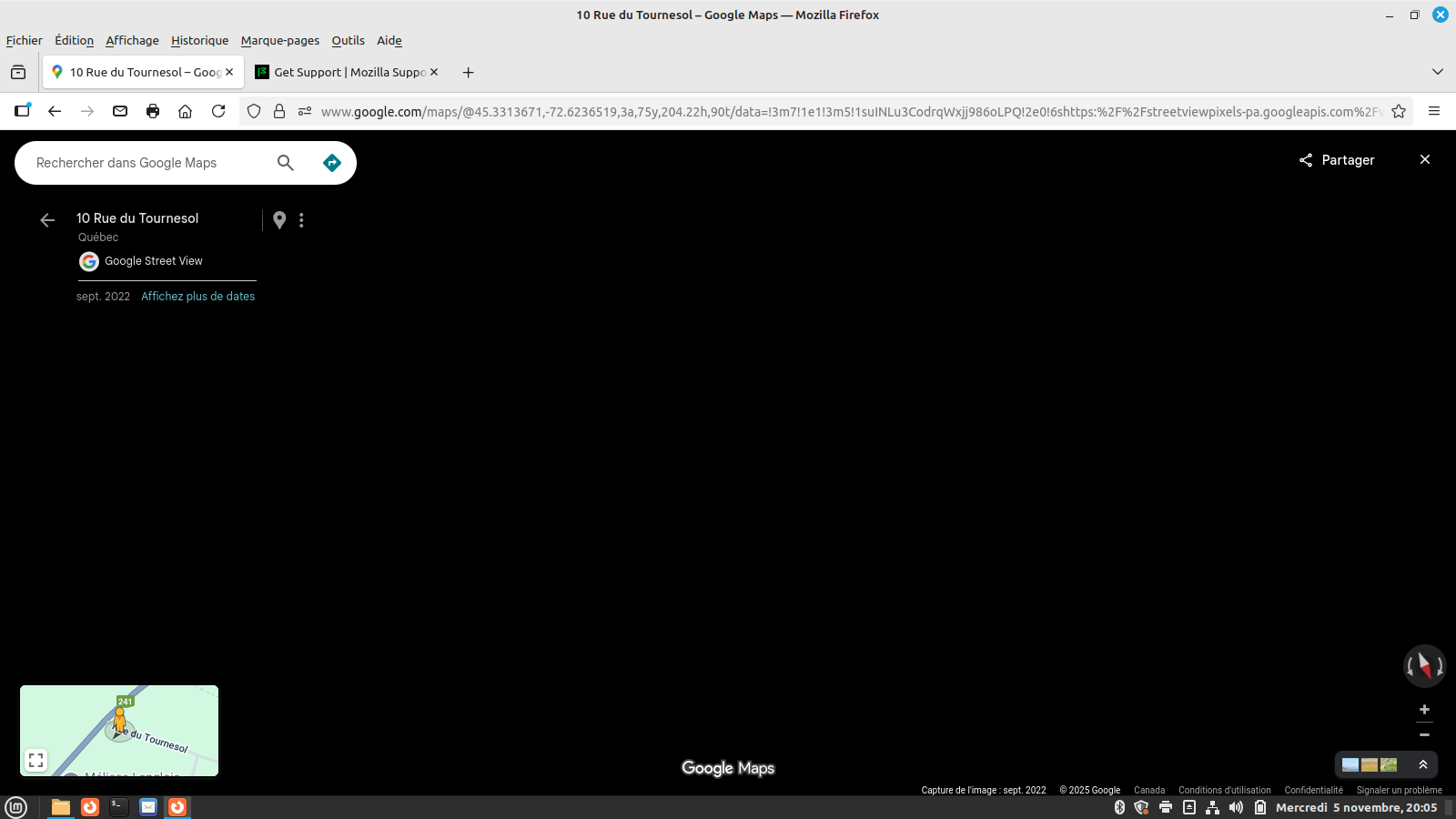
Hello. I am using Linux Mint 21.3 cinnamon and Firefox 144.0.2 When I use Google maps and the yellow small pointer (cartoon) to go on a specific street, the window come black when shifting to street view. My only extension is disabled, hardware acceleration unchecked, cache cleared and cookies cleared. I have made fresh install and nothing help. Troubleshooting mode allow street view to work fine but normal mode don't work. Google chrome work good. Chromium work good. And finally, Firefox work ok on my Linux mint LMDE 6.
Any idea where to go to solve this issue?
Thanks for your support
André
Valgt løsning
Breaking news...
Mentionned a couple of times on the forums, I have tried couple things in the about:config.
The value "web.enable-webgl2" was set to true. I have change the value to false and .... streetview was working as it should be :)
Thanks
André
Læs dette svar i sammenhæng 👍 0Alle svar (15)
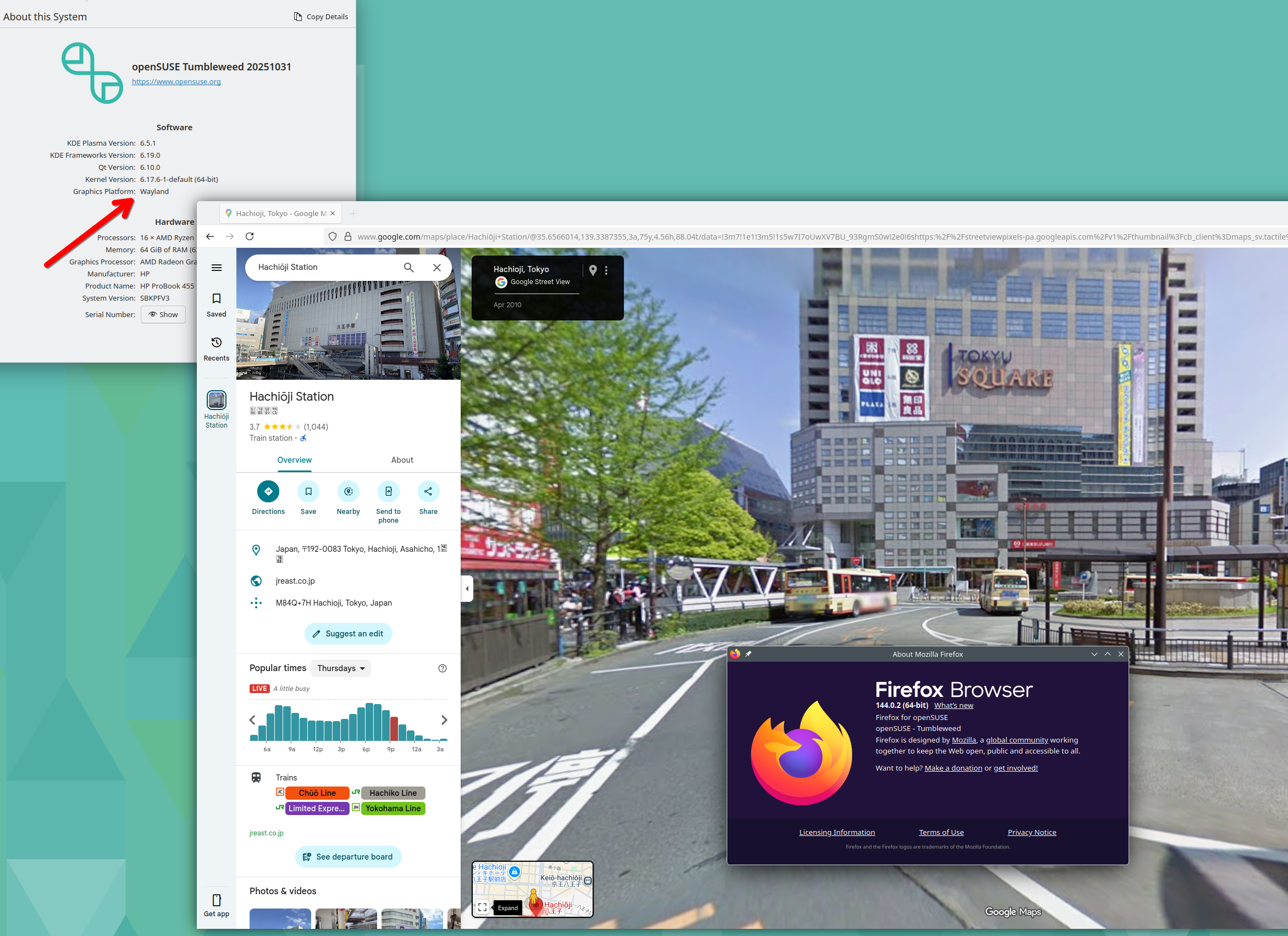
Thanks for the screenshot. So many users fail to provide simple details. ;-)) I have no issues, but this laptop is using AMD graphics. see screenshot X11 or Wayland? See what happens in X11 and I'll see what happens for me with another user in Wayland...
Operating System: openSUSE Tumbleweed 20251031
KDE Plasma Version: 6.5.1
KDE Frameworks Version: 6.19.0
Qt Version: 6.10.0
Kernel Version: 6.17.6-1-default (64-bit)
Graphics Platform: X11
Processors: 16 × AMD Ryzen 7 5825U with Radeon Graphics
Memory: 64 GiB of RAM (62.1 GiB usable)
Graphics Processor: AMD Radeon Graphics
Manufacturer: HP
Product Name: HP ProBook 455 15.6 inch G9 Notebook PC
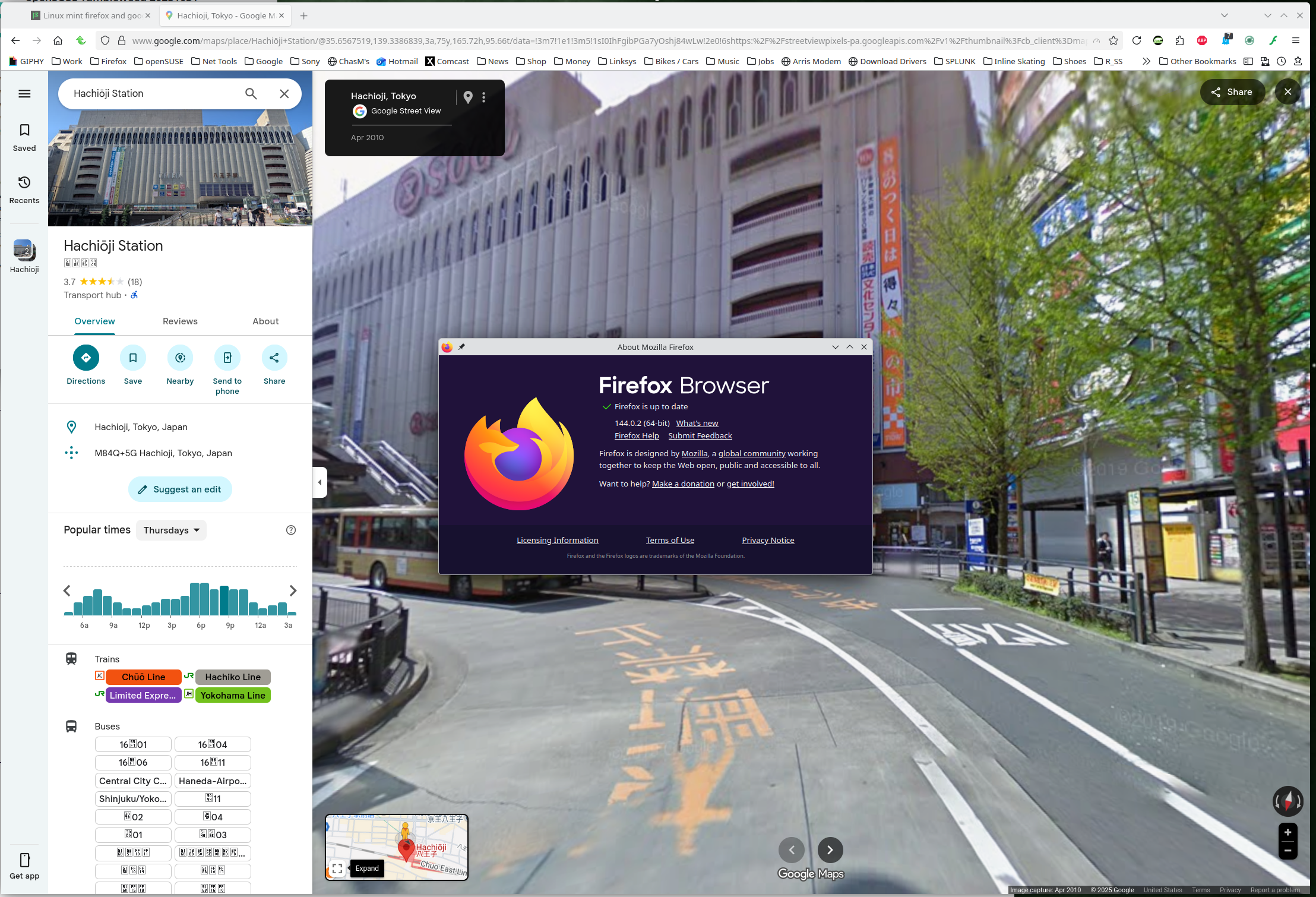
No issues for me in Wayland. see screenshot Maybe good old graphics issue. Try downloading Firefox from Mozilla, run firefox-bin from the folder and see if you have the same issue. https://www.mozilla.org/en-US/firefox/all/#product-desktop-release
A Guertin said
Troubleshooting mode allow street view to work fine but normal mode don't work. André
What add-ons are you running?
hello. Thanks for your support. Only one extension is installed (Ublock) but is desactivated. If I use my 2 others computers, Streetview work ok on them even with Ublock activated. So, I am looking now the graphic card problem. The computer with the issue use a AMD Radeon gpu. But I am not at home now to specify the exact model. This detail will be displayed as soon I will be back home. I will also try the bin option to see if yes or no it work.
Back home now. I have the test with the Moziila tar. file and the result is the same.
Here is my computer specs
System:
 Kernel: 5.15.0-161-generic x86_64 bits: 64 compiler: gcc v: 11.4.0 Desktop: Cinnamon 6.0.4
   tk: GTK 3.24.33 wm: muffin vt: 7 dm: LightDM 1.30.0 Distro: Linux Mint 21.3 Virginia
   base: Ubuntu 22.04 jammy
Machine:
 Type: Desktop System: Gigabyte product: GA-78LMT-USB3 6.0 v: N/A serial: <superuser required>
   Chassis: type: 3 serial: <superuser required>
 Mobo: Gigabyte model: GA-78LMT-USB3 6.0 v: SEx serial: <superuser required> UEFI: Award v: F2
   date: 11/25/2014
Graphics:
 Device-1: AMD RS780L [Radeon 3000] vendor: Gigabyte driver: radeon v: kernel ports:
   active: DVI-D-1 empty: VGA-1 bus-ID: 01:05.0 chip-ID: 1002:9616 class-ID: 0300
 Display: x11 server: X.Org v: 1.21.1.4 driver: X: loaded: ati,radeon
   unloaded: fbdev,modesetting,vesa gpu: radeon display-ID: :0 screens: 1
 Screen-1: 0 s-res: 1600x900 s-dpi: 96 s-size: 423x238mm (16.7x9.4") s-diag: 485mm (19.1")
 Monitor-1: DVI-0 mapped: DVI-D-1 model: Samsung S22B300 serial: <filter> res: 1600x900 hz: 60
   dpi: 92 size: 443x249mm (17.4x9.8") diag: 508mm (20") modes: max: 1600x900 min: 720x400
 OpenGL: renderer: AMD RS780 (DRM 2.50.0 / 5.15.0-161-generic LLVM 15.0.7)
   v: 3.3 Mesa 23.2.1-1ubuntu3.1~22.04.3 compat-v: 3.0 direct render: Yes
André
Ændret af A Guertin den
Hello. I am back home now. I have tried the Mozilla package tar.gz and nothing change.
Here is my computer config System:
 Kernel: 5.15.0-161-generic x86_64 bits: 64 compiler: gcc v: 11.4.0 Desktop: Cinnamon 6.0.4
   tk: GTK 3.24.33 wm: muffin vt: 7 dm: LightDM 1.30.0 Distro: Linux Mint 21.3 Virginia
   base: Ubuntu 22.04 jammy
Machine:
 Type: Desktop System: Gigabyte product: GA-78LMT-USB3 6.0 v: N/A serial: <superuser required>
   Chassis: type: 3 serial: <superuser required>
 Mobo: Gigabyte model: GA-78LMT-USB3 6.0 v: SEx serial: <superuser required> UEFI: Award v: F2
   date: 11/25/2014
CPU:
 Info: 6-core model: AMD FX-6300 bits: 64 type: MT MCP smt: enabled arch: Piledriver rev: 0
   cache: L1: 288 KiB L2: 6 MiB L3: 8 MiB
 Speed (MHz): avg: 2291 high: 4070 min/max: 1400/3500 boost: enabled cores: 1: 1405 2: 4059
   3: 1405 4: 1404 5: 4070 6: 1406 bogomips: 42187
 Flags: avx ht lm nx pae sse sse2 sse3 sse4_1 sse4_2 sse4a ssse3 svm
Graphics:
 Device-1: AMD RS780L [Radeon 3000] vendor: Gigabyte driver: radeon v: kernel ports:
   active: DVI-D-1 empty: VGA-1 bus-ID: 01:05.0 chip-ID: 1002:9616 class-ID: 0300
 Display: x11 server: X.Org v: 1.21.1.4 driver: X: loaded: ati,radeon
   unloaded: fbdev,modesetting,vesa gpu: radeon display-ID: :0 screens: 1
 Screen-1: 0 s-res: 1600x900 s-dpi: 96 s-size: 423x238mm (16.7x9.4") s-diag: 485mm (19.1")
 Monitor-1: DVI-0 mapped: DVI-D-1 model: Samsung S22B300 serial: <filter> res: 1600x900 hz: 60
   dpi: 92 size: 443x249mm (17.4x9.8") diag: 508mm (20") modes: max: 1600x900 min: 720x400
 OpenGL: renderer: AMD RS780 (DRM 2.50.0 / 5.15.0-161-generic LLVM 15.0.7)
   v: 3.3 Mesa 23.2.1-1ubuntu3.1~22.04.3 compat-v: 3.0 direct render: Yes
André
A Guertin said
Troubleshooting mode allow street view to work fine but normal mode don't work. André
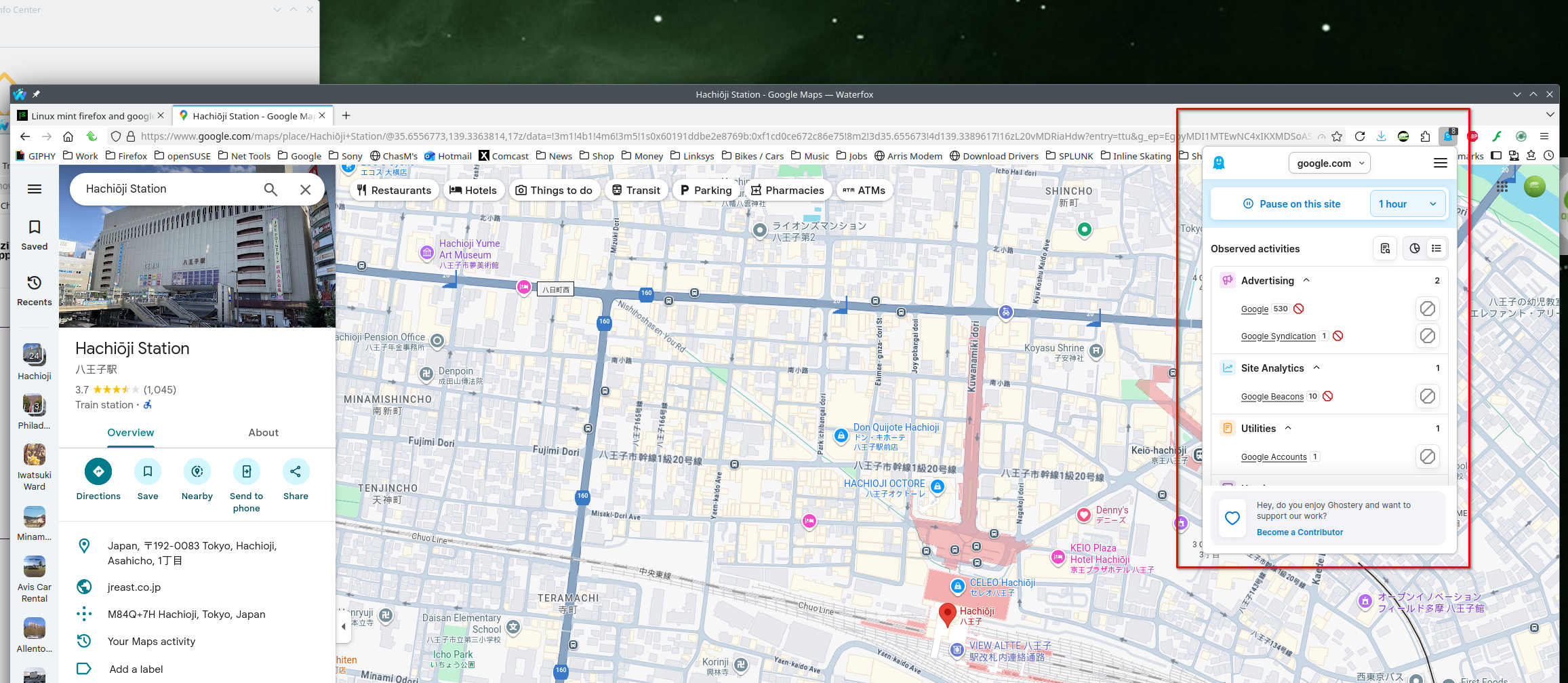
It works in troubleshoot mode so I would assume the issue is the add-on. You don't have to remove it, but just it should give you some options to tweak the setting for the sites. I use Ghostery and it allows fine tuning on what's blocked per site. see screenshot
Also see what happens under a different user account.
hello. I have uninstalled Ublock now. No more extension with FF and the issue is still there. Uninstall FF completly including the configuration file .mozilla and reinstall FF with no extension and graphic acceleration unchecked... and nothing resolve this issue.
How about KDE?
DidA Guertin said
If I use my 2 others computers, Streetview work ok on them even with Ublock activated.
So you know it's not a browser issue. What OS are on the other 2? Same graphics? If same OS, are the same packages installed? Try your OS via live usb stick. What happens with KDE?
If I use Chrome, every things works. If I use Linux mint ldme 6 on my little computer, it works.
I don't want to use KDE to test the issue because why using another distro when there is no issue in trouble shooting.
It remain very mysterious for me and I will rather use Chrome when using Google street hoping a new version of FF will resolve the case someday. Too much time spent for this issue when I have an alternative.
Thanks again for your help
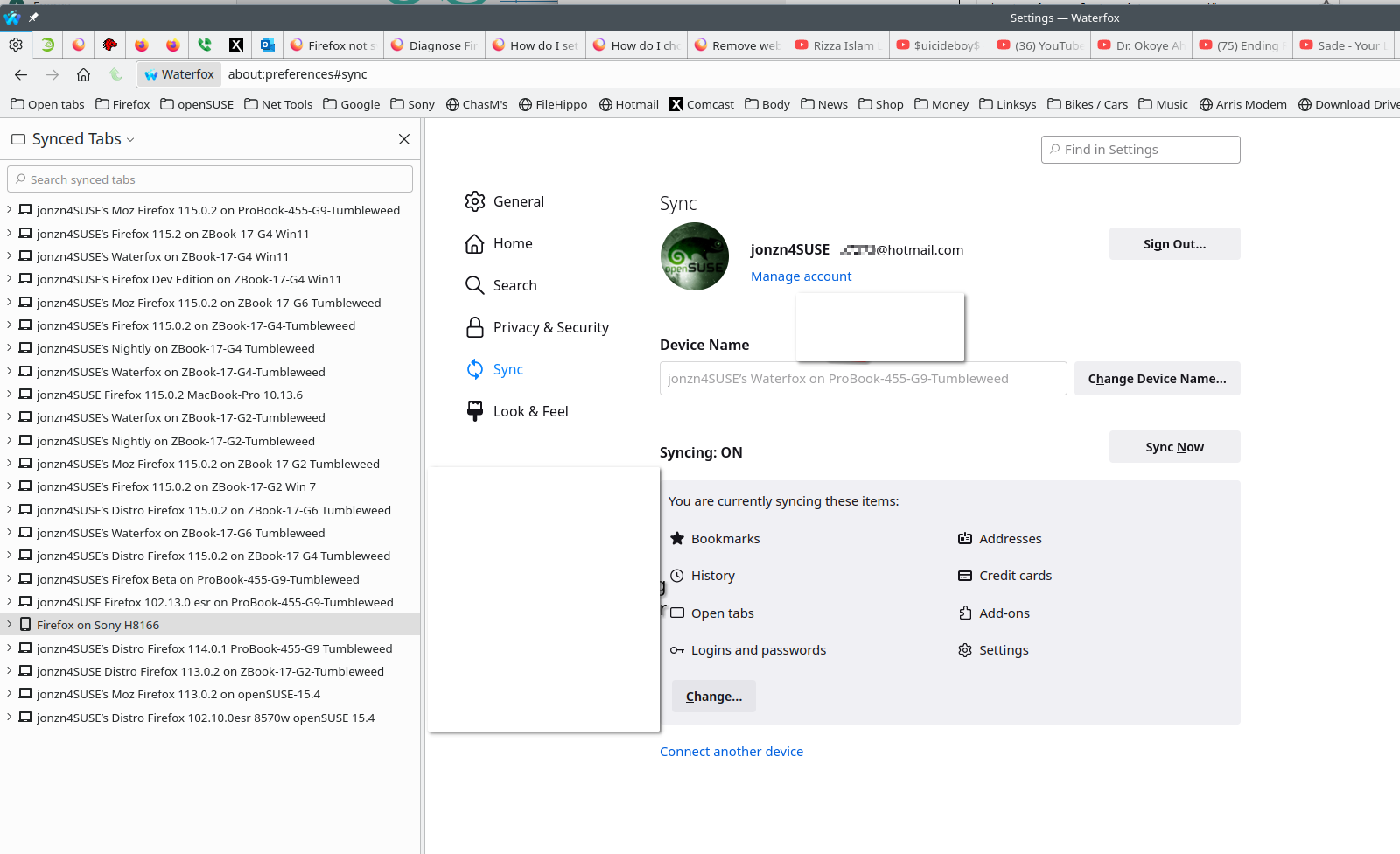
Sounds like a plan, mark it as resolved and have a nice day. I also run more than 1 version of Firefox. This way my data is synced across several versions and devices. see old screenshot

Valgt løsning
Breaking news...
Mentionned a couple of times on the forums, I have tried couple things in the about:config.
The value "web.enable-webgl2" was set to true. I have change the value to false and .... streetview was working as it should be :)
Thanks
André
Ændret af A Guertin den

Ok, google streetview was working fine. Then all of a sudden it was not. Not much help anywhere except this article. So I added web.enable-webgl2 to about:config and set it to false. Now streetview is working.
I am not sure what has changed, windows update, firefox update. I am running the latest Firefox 147.0.3 on Windows 11. Edition Windows 11 Pro Version 24H2 Installed on 5/11/2025 OS build 26100.7623 Experience Windows Feature Experience Pack 1000.26100.275.0 This was the latest update I had. 2026-01 Security Update (KB5074109) (26100.7623) Jan 14, 2026.
Its a ThinkPad E16 Gen 2 Processor Intel(R) Core(TM) Ultra 7 155U (1.70 GHz) Installed RAM 32.0 GB (31.5 GB usable) Product ID 00355-62307-58975-AAOEM System type 64-bit operating system, x64-based processor The graphics integrated in the above processor is Arc Xe-LPG 64EU integrated graphics
So what am I losing with this set to false? I can't find a lot of info on this particular setting. Should I start a new thread about this? I switched to the other default profile and streetview is working without the above setting, and it does not exist unless added manually.
Thanks.
Ændret af Garry Cross den
Starting a new thread could be a good idea because this issue was hard to resolve because there is not much forum users talking of this specific topic.
Up to you
André