add ons and safety

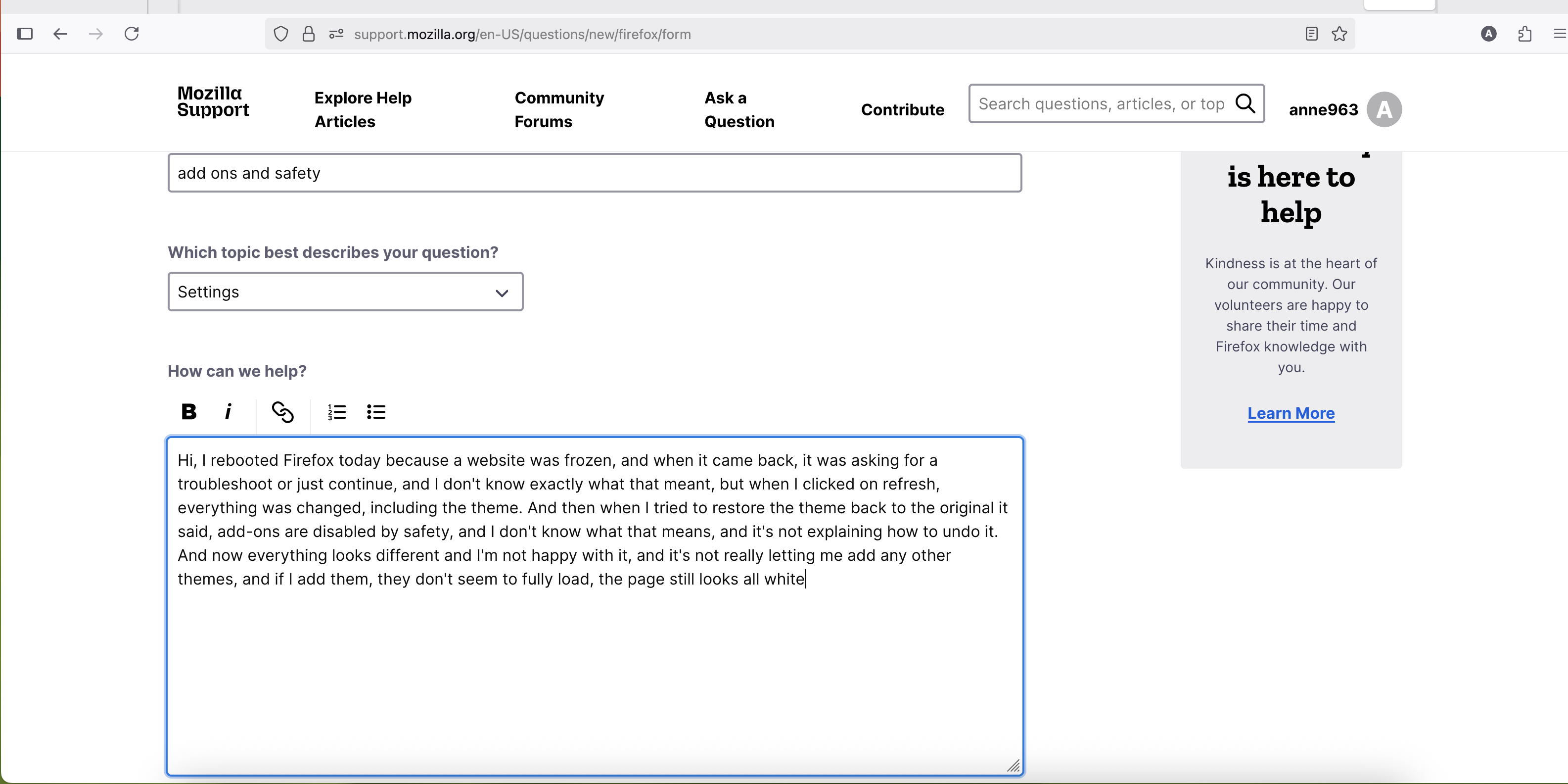
Hi, I rebooted Firefox today because a website was frozen, and when it came back, it was asking for a troubleshoot or just continue, and I don't know exactly what that meant, but when I clicked on refresh, everything was changed, including the theme. And then when I tried to restore the theme back to the original it said, add-ons are disabled by safety, and I don't know what that means, and it's not explaining how to undo it. And now everything looks different and I'm not happy with it, and it's not really letting me add any other themes, and if I add them, they don't seem to fully load, the page still looks all white
Hi, I rebooted Firefox today because a website was frozen, and when it came back, it was asking for a troubleshoot or just continue, and I don't know exactly what that meant, but when I clicked on refresh, everything was changed, including the theme. And then when I tried to restore the theme back to the original it said, add-ons are disabled by safety, and I don't know what that means, and it's not explaining how to undo it. And now everything looks different and I'm not happy with it, and it's not really letting me add any other themes, and if I add them, they don't seem to fully load, the page still looks all white