


Firefoxwont work at all

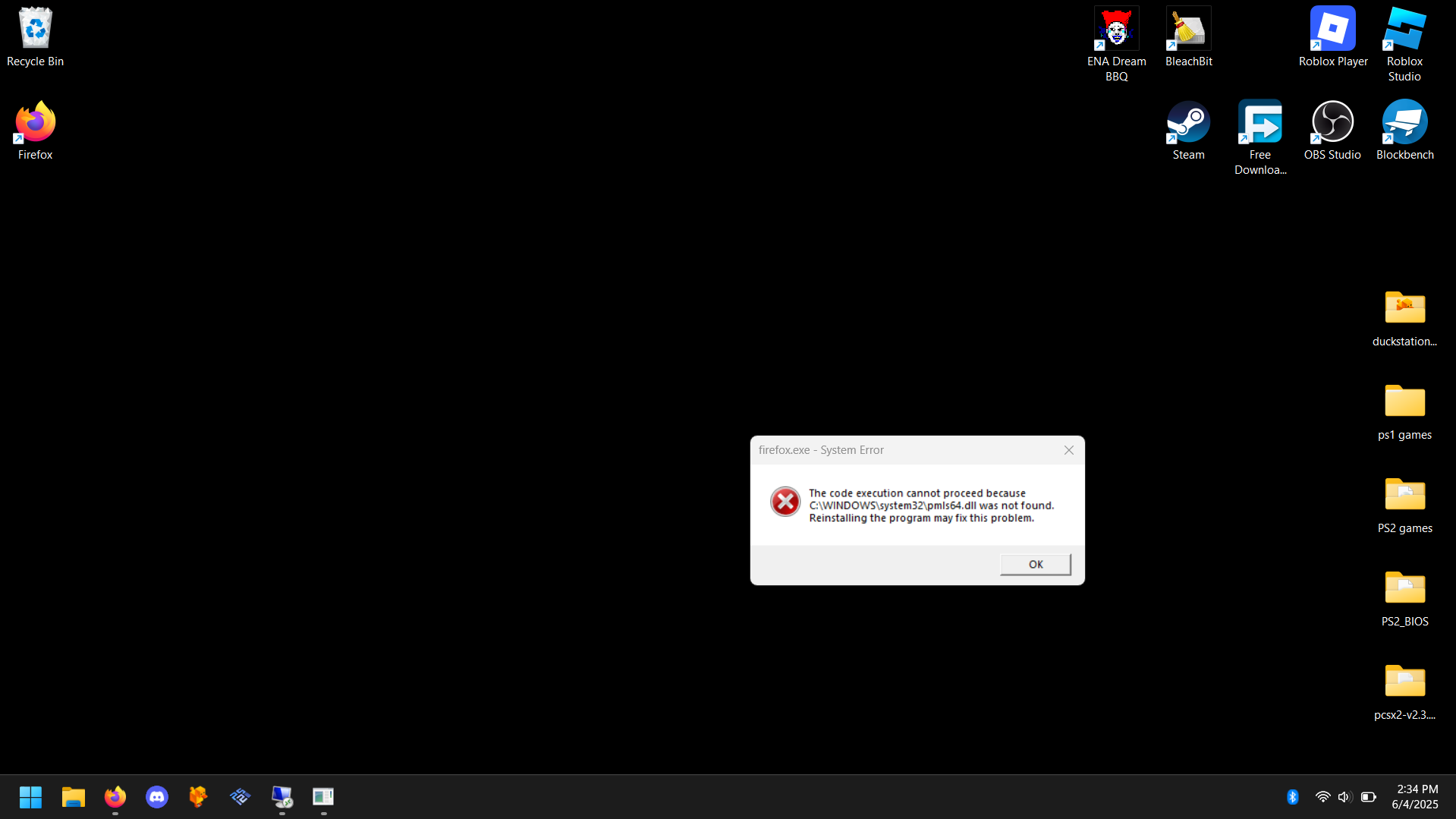
Whenever I close Firefox and try to reopen it, it brings up a system error that says, "The code execution cannot proceed because C:\WINDOWS\system32\pmls64.dll was not found. Reinstalling the program may fix this problem." I've tried completely deleting Firefox and reinstalling and it opens a new tab, but when I close it i get the same error message.
Whenever I close Firefox and try to reopen it, it brings up a system error that says, "The code execution cannot proceed because C:\WINDOWS\system32\pmls64.dll was not found. Reinstalling the program may fix this problem."
I've tried completely deleting Firefox and reinstalling and it opens a new tab, but when I close it i get the same error message.
Alle svar (1)
I don't have that file, so it doesn't seem to be part of Firefox.
Searching for it on the web yields some virus/antivirus infos.
Try deleting the file and ensure your antivirus is up to date. If it's not a virus, it may be part of some other software you installed that injects itself into Firefox in a broken way.