

Denne tråd blev arkiveret.
Stil et nyt spørgsmål, hvis du har brug for hjælp.

Løst
Arkiveret
Margin between icons too wide in newtab layout

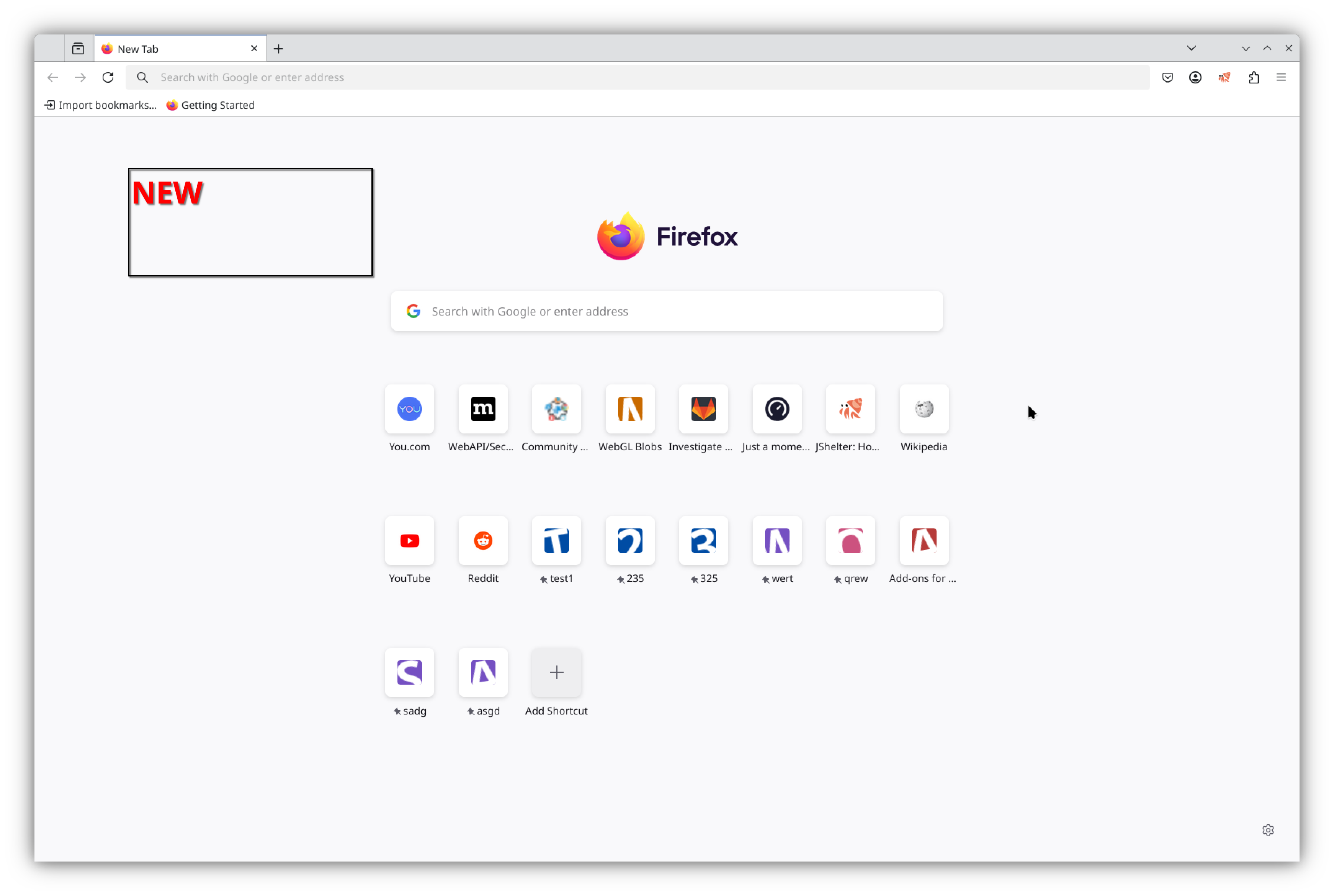
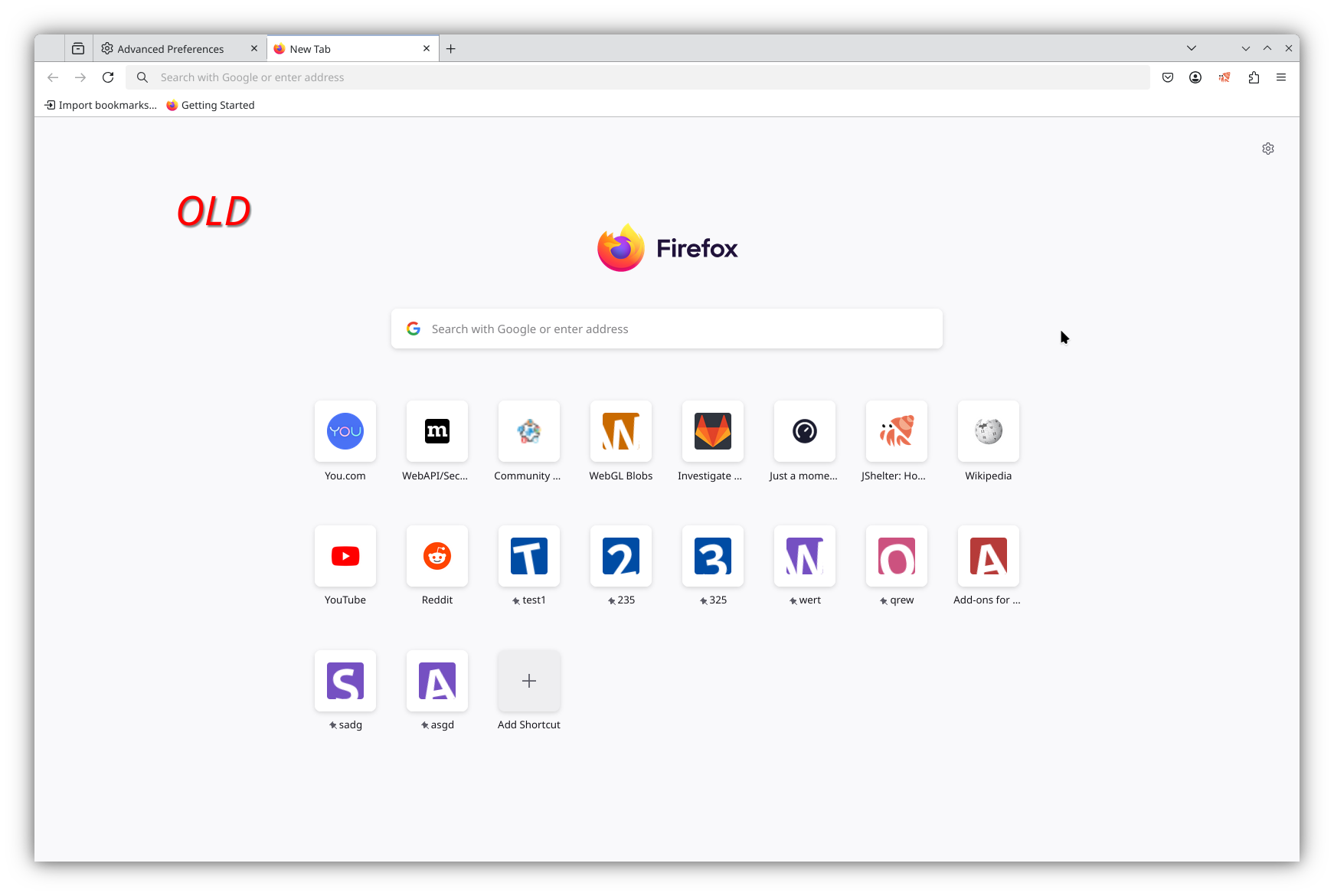
Since a few months ago the newtab page layout has been changed. The site icons are now smaller, leaving a wide margin on the page. In my opinion this margin is too wide and looks strange. Is there any way to change it back?
See the OLD and NEW layout in the uploaded images.
Since a few months ago the newtab page layout has been changed. The site icons are now smaller, leaving a wide margin on the page. In my opinion this margin is too wide and looks strange. Is there any way to change it back?
See the OLD and NEW layout in the uploaded images.
Alle svar (1)
Valgt løsning
I posted the question earlier mainly to share the answer I found with others.
TL;DR: change `browser.newtabpage.activity-stream.newtabLayouts.variant-b` to `false`.
I had to do some `git bisect` to find this setting that was changed in this change: https://phabricator.services.mozilla.com/D235716