

Denne tråd blev arkiveret.
Stil et nyt spørgsmål, hvis du har brug for hjælp.

Arkiveret
How do I to Change Column Widths in Message List in Thunderbird v100.0.2 (64bit)?
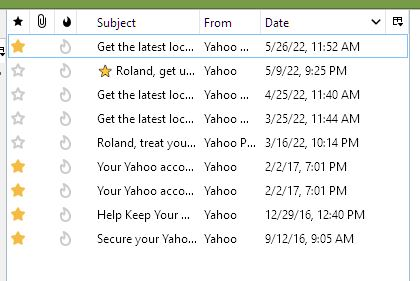
How do I to Change Column Widths in Message List in Thunderbird v100.0.2 (64bit)? I want to Resize my Message List Columns to make viewing my folder of emails to my uses. Some columns with more space and others with less.
How do I to Change Column Widths in Message List in Thunderbird v100.0.2 (64bit)?
I want to Resize my Message List Columns to make viewing my folder of emails to my uses. Some columns with more space and others with less.
Alle svar (1)
Widen the list itself and then you can resize the columns, trading space in one column for space in another by dragging the column names.