


How should I export a PDF so that it displays correctly in Firefox?

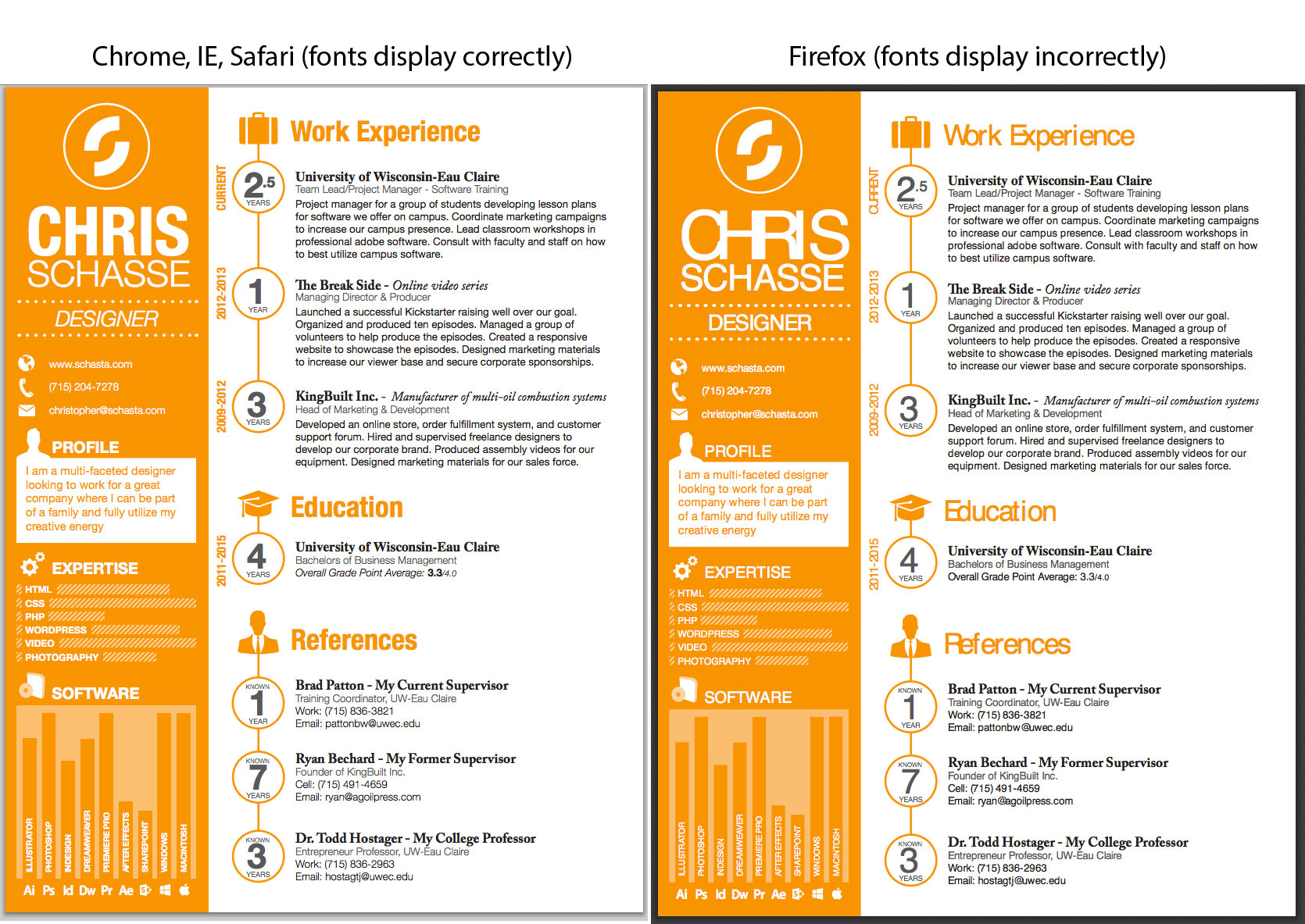
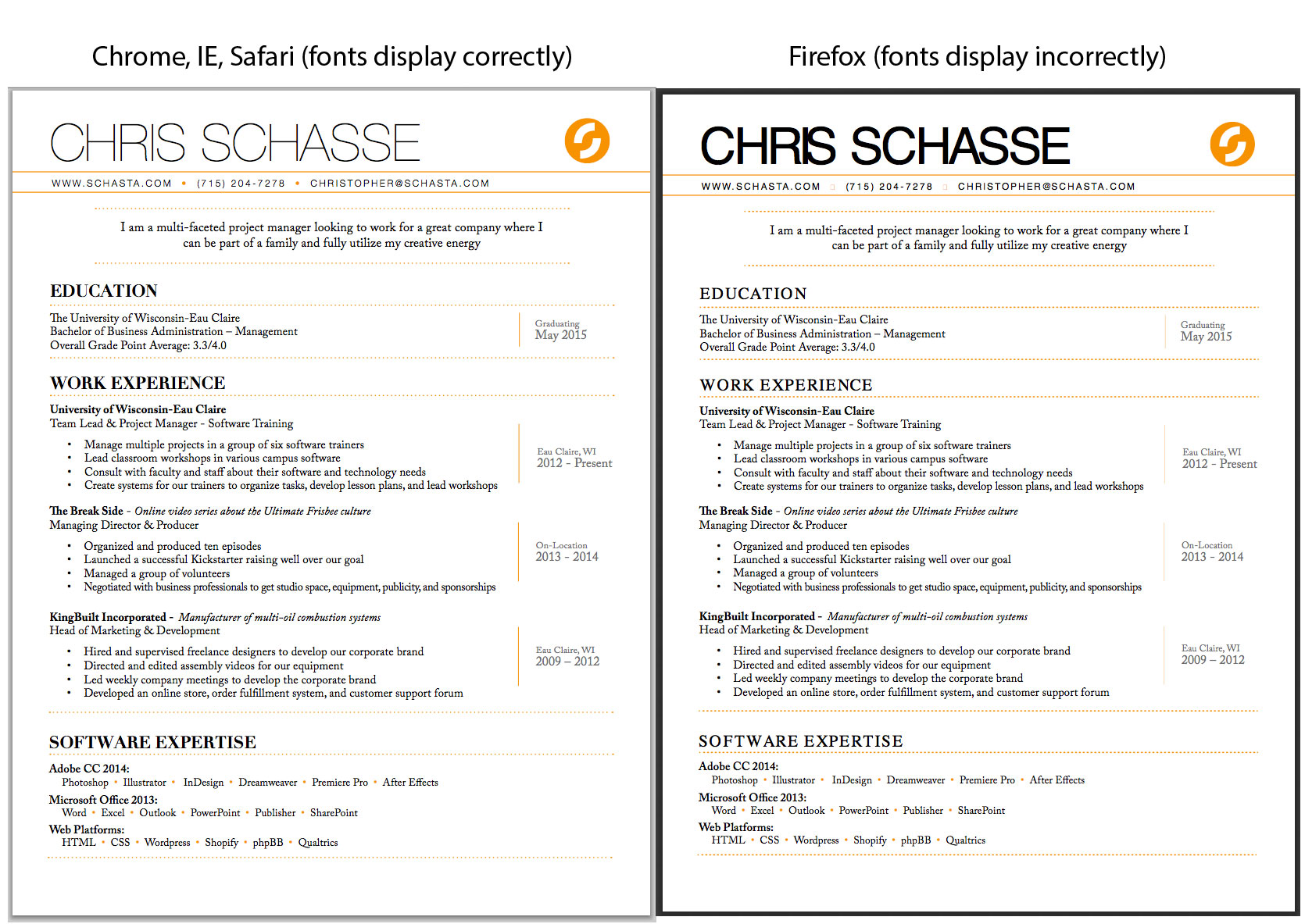
What settings should I use on PDFs for them to display properly in Firefox? For instance, I have two different resumes, one created in Illustrator, another in InDesign, that display correctly in chrome, safari, and IE, but are completely off in Firefox. It seems to be unable to properly display the fontset "Helvetica Neue."
Check out the PDF files below in Firefox as opposed to other browsers:
InDesign Resume: http://resume.schasta.com Illustrator Resume: http://bio.schasta.com
Alle svar (2)
Here's an example of what it looks like in Firefox as opposed to other browsers. Also, I tried many different settings in InDesign and Illustrator, to no avail. Doesn't matter if I save it for print or web.
Are you using the Firefox 31 ESR version or the outdated Firefox 31 release?
- Help > About
--- The built-in PDF Viewer is constantly being improved. The 1.0.68 version of the PDF Viewer that comes with Firefox 31 is not the most recent version and there have been many improvements and bug fixes in the viewer in later Firefox versions. Best would be to update your Firefox 31 version to the current Firefox 35 release if you aren't using the Firefox 31 ESR version to get a more recent version.