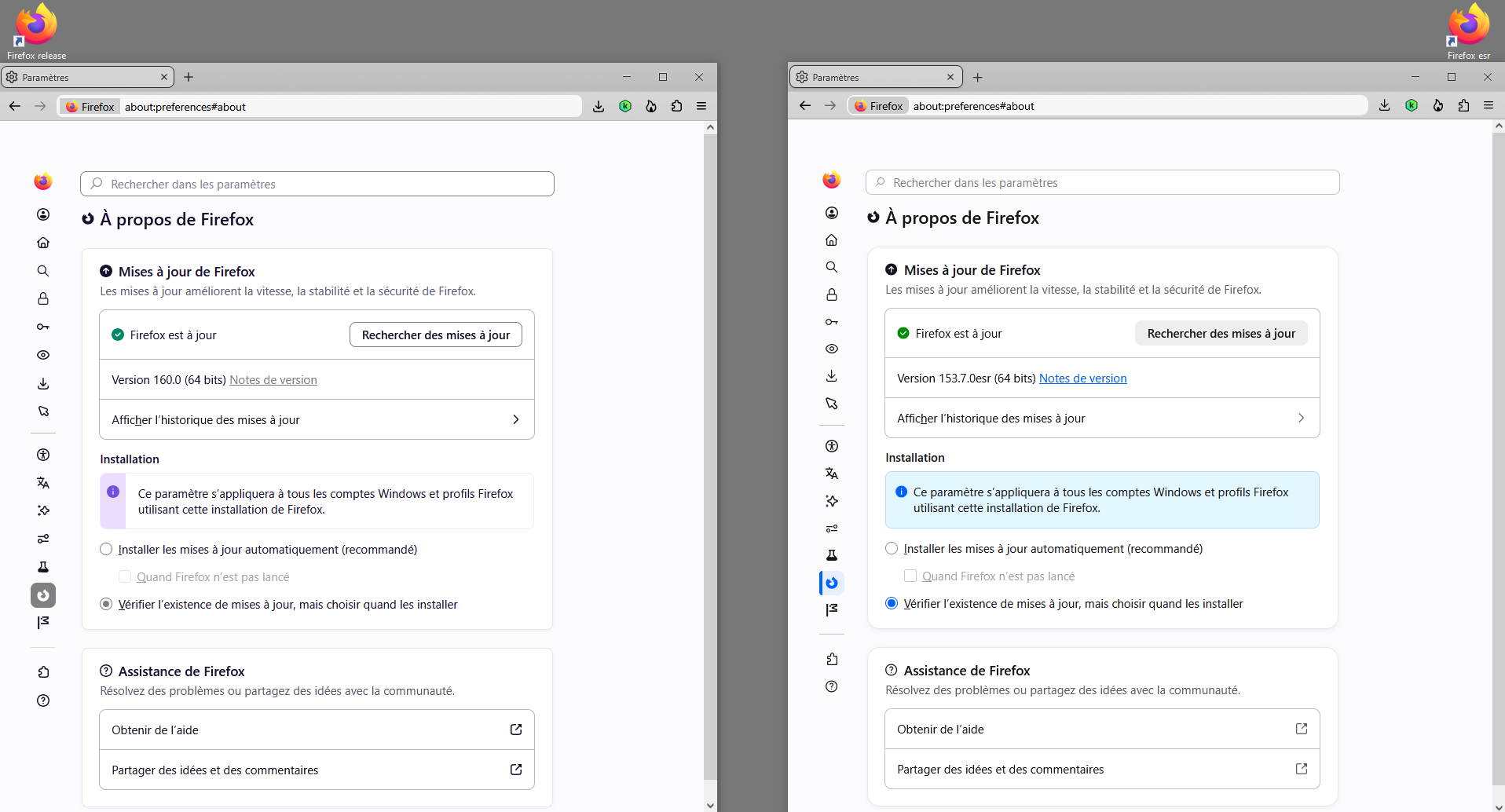
How do I change my browser tabs back to square instead of rounded?

After the last update the tabs are rounded instead of square. Where can I find the option to switch it back? If there isn't one, please add it back as an option in the next update.
All Replies (3)
Bonjour
A space for users to give product feedback https://support.mozilla.org/en-US/kb/what-mozilla-connect
A discussion thread css https://support.mozilla.org/en-US/questions/1610048

To mostly-reverse the recent UI change:
Type about:config in the web-address bar -> ENTER -> accept warning -> search for nova -> double-click the line "browser.nova.enabled" to change it to "false"
Bonjour
Among others discussions,
A discussion thread https://support.mozilla.org/en-US/questions/1610222
Below, clarification Firefox 160.0 : i'm not a fan the Nova Style. I use, css. Among others css.