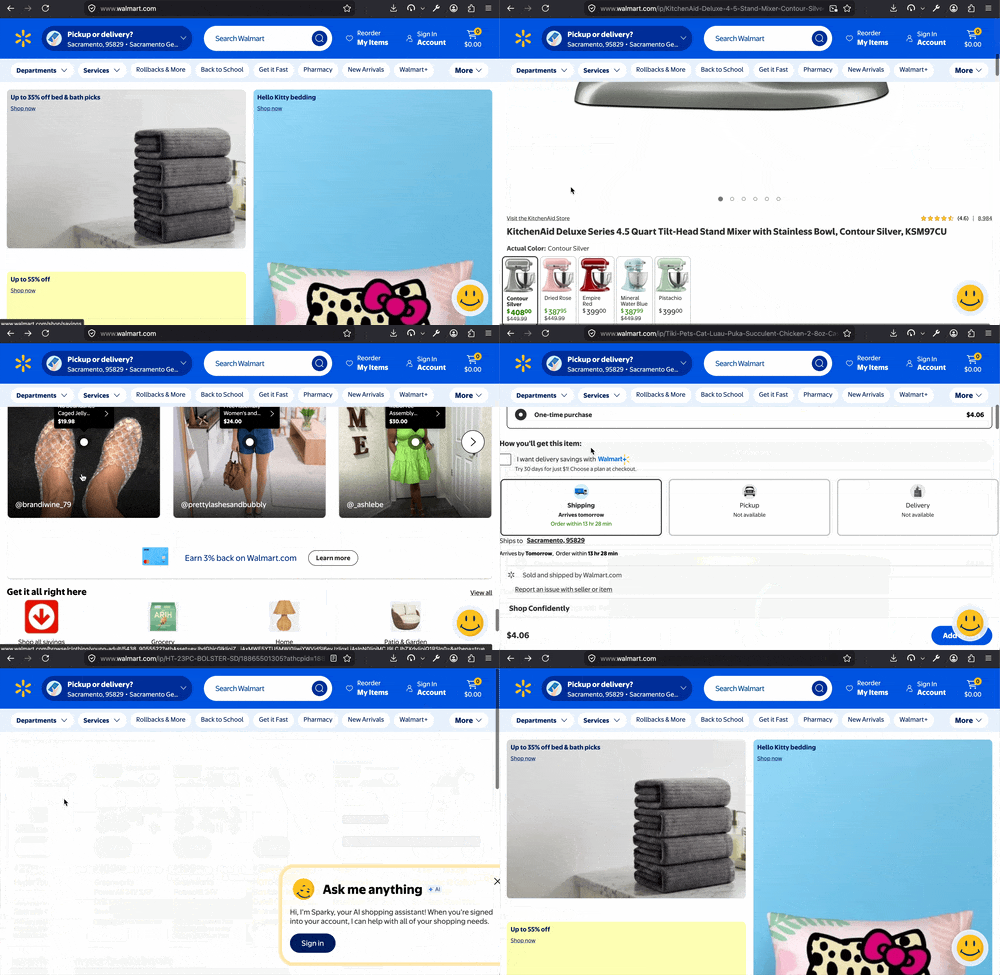
back button not picking up where I left off

Hi, I'm having this problem on 2 PCs and I'm not sure what in the world is going on. It's not only this browser but I'm trying to get Firefox sorted.
When on sites like Walmart or Costco I'll be scrolling down, click on something, hit 'back'...and then it won't return me to where I left off.
I'm really at wits end. I don't know if I have viruses on both causing aberrant behavior.
If the internet were in it's infancy last century, this would be understandable...or again maybe I have two compromised machines. I'm on the Malwarebytes forum doing all kinds of things to no avail. Defender and Malwarebytes don't find anything.
Thanks if anyone can provide some help. I'm starting to consider a dastardly ipad at this point...
All Replies (4)
Hello,
If you mean that the scrolling doesn't go back to where you were at, is because when you hit back, it reloads/refreshes the page, putting you back at the top.
This is pretty bad when lots of times you want to pick up where you left off...it seems another site I use called slickdeals works as I intend.
I really don't remember having a problem with this up until recently.
So...Firefox isn't behaving consistently. If another win11 user can please head over to walmart.com to do some fake shopping I'd appreciate it!
Thanks, Travis
Modified by Travis Thurston
That's the way the site is coded, and because it's slow on top.
Browsers try their best to return you to the exact same spot when navigating back. If sites tamper with that (breaking the back–forward caching), delay loading any meaningful content so there's no place to take you back to, and take over the navigation basics from when "internet were in it's infancy last century" and reimplement those foundations on their own, in puzzling bespoke ways, it's on them to then make these usability patterns work. Which they apparently don't.
I see e.g. Costco tries, and from some items it even succeeds, but the deeper it's loaded from, the more often just a footer or something else renders when I go back.