

This thread was archived.
Please ask a new question if you need help.

Solved
Archived
Turn off search suggestions in address bar

version 83.0 I reset all settings to default I unchecked "provide search suggestions" suggestions still appear when I start typing into the address box
version 83.0
I reset all settings to default
I unchecked "provide search suggestions"
suggestions still appear when I start typing into the address box
Chosen Solution
Set "browser.urlbar.maxRichResults" to zero https://support.mozilla.org/en-US/questions/1252496
All Replies (5)
But these are search suggestions or bookmarks suggestions?
How do I tell if search or bookmarks suggestions? See screenshot.
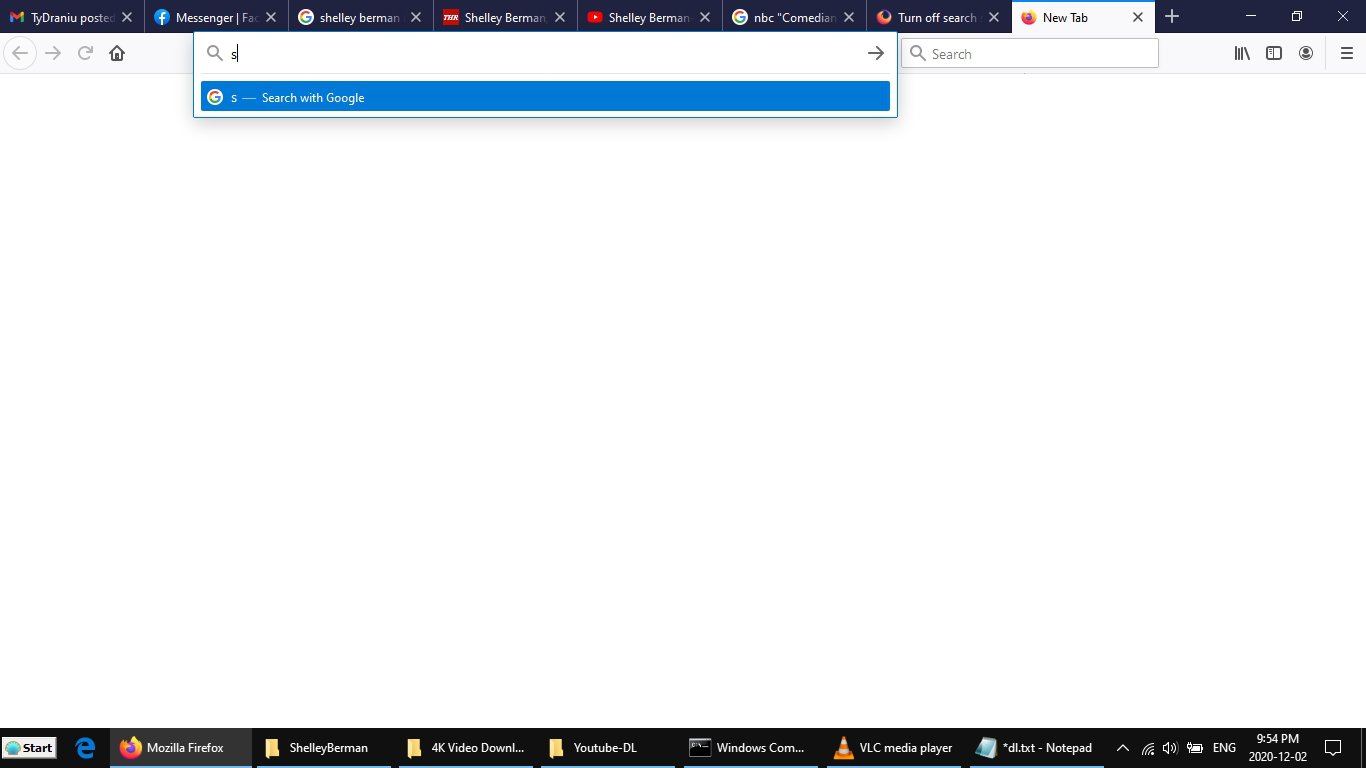
As far as I know, bookmarks are not enabled.
No star appears next to the suggestion.
Chosen Solution
Set "browser.urlbar.maxRichResults" to zero https://support.mozilla.org/en-US/questions/1252496