


Missing app to confirm yahoo account on thunderbird

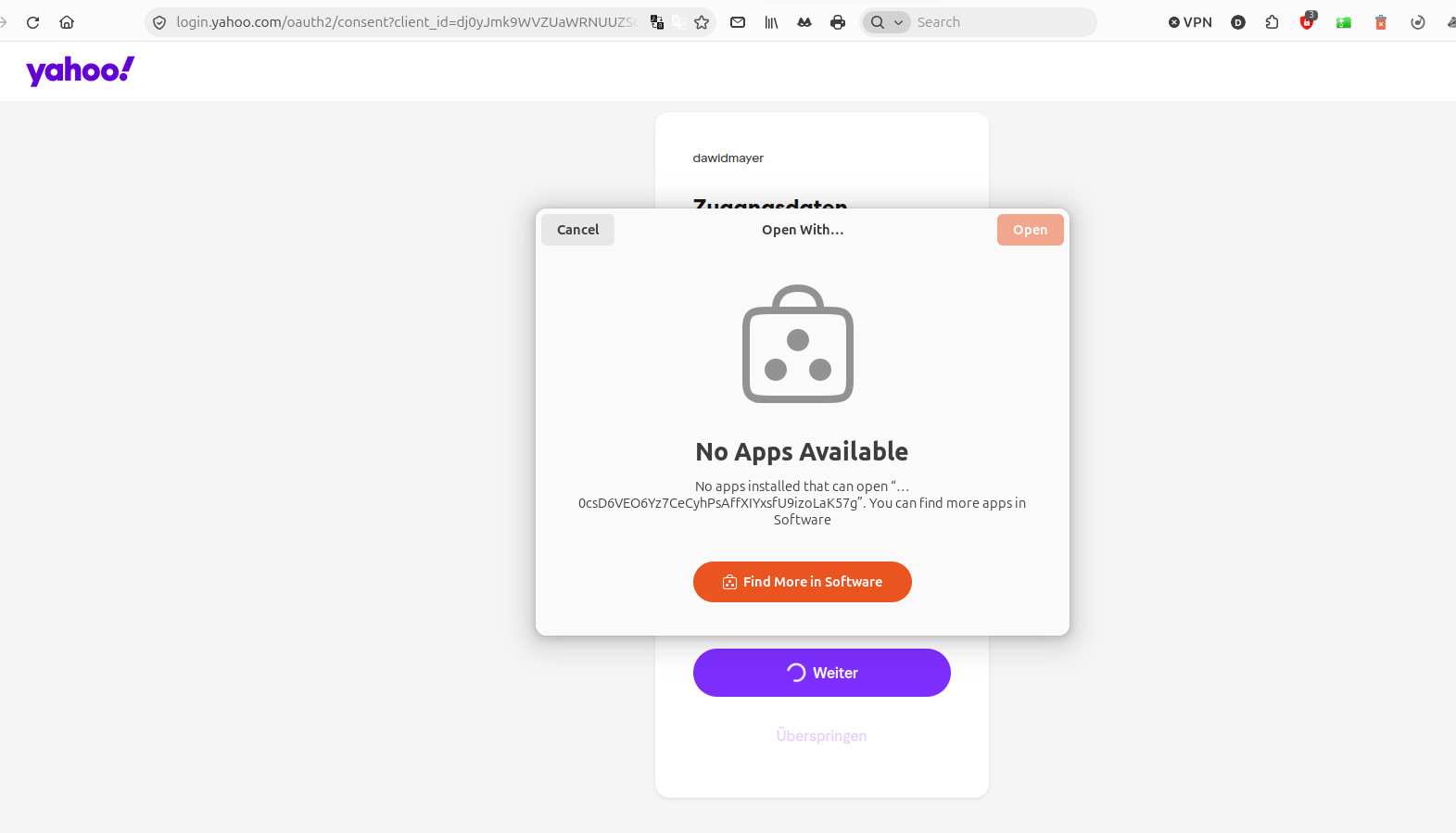
Using Thunderbird 160.0 (64-bit) on Ubuntu Linux 24.04.5 LTS. I cannot get my yahoo mail account set up on thunderbird. Settings, password etc all correct. Yahoo sends something back to my computer for a confrimation, and I receive the following error message: "No apps available that can open [a file(?) with many letters and numbers]". Is this a thunderbird, ubuntu or yahoo problem? How can I get my account installed on thunderbird?
All Replies (4)

What's supposed to happen during the account setup is that, using OAuth2 for authorization as (I believe) Yahoo requires, a web browser window should pop up and prompt you through entering your credentials and choosing whether or not to link to Yahoo's address book and calendar.
The only version of Ubuntu I have available is 26.04. I just added a Yahoo account to Thunderbird 160 and it all went as I described above. But I used to have the earlier version and did not have a problem with this. I would say that your Ubuntu is confused about how to deal with the authentication web page.
Some things that might help...
- Make sure cookies are enabled in Thunderbird (see <Settings | Privacy & Security | Web Content | Accept cookies from sites>.)
- Remove any existing cookies from Yahoo in Thunderbird (see <Settings | Privacy & Security | Web Content | Show Cookies button>.)
- Remove any existing Yahoo entries in Saved Passwords (see <Settings | Privacy & Security | Passwords | View Saved Passwords>.)
- Try changing the default web browser to something else temporarily. You can change it back after a successful authorization. Or, confirm to the OS that your current browser is truly the default.
Then restart Thunderbird and try setting up the account again. Hopefully the authorization will complete successfully. Please let us know how it goes.
Izmjenjeno od strane Lin
Thank you for your quick response.Unfortunately your suggestions did not resolve my issue. I will be upgrading my OS to 26.04 soon, so maybe it might work then. Interestingly, I have an older version of Ubuntu on another laptop and successfully set up yahoo mail account with an older version of thunderbird.

See if this helps. https://support.mozilla.org/en-US/questions/1597219
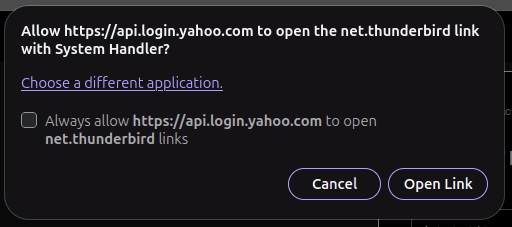
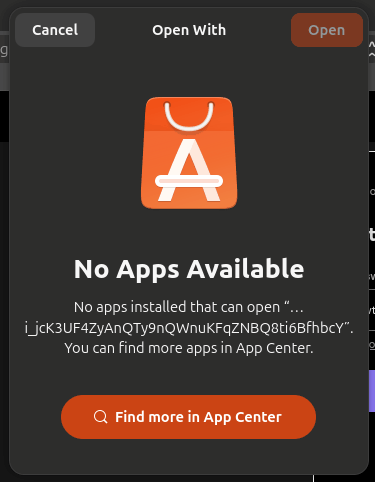
I just tried adding a Yahoo account on a different Ubuntu 26.04 machine, TB 160, and I got the same error messages as Mr. frank_zappa (great googly-moogly!) See attached images. I then made the Advanced Settings changes recommended by christ1 above... and it worked! I think this will work for you, too.
What this does is force Thunderbird to use its built-in web browser during OAuth2 authorization, rather than passing the job off to the system default browser. This is a peculiarity of Yahoo and should not be necessary for other email providers.
Izmjenjeno od strane Lin