


Audible Cloudplayer wont work since current update of Firefox!

Dear Helper,
since the newest Firefox update, i got today (16.09.25), the audible cloudplayer doesnt work anymore, meaning it wont load the audiobook! I emptied the cache, but nothing changed. I tried the audible cloudplayer with Windows Edge and it works fine, so it is a Firefox specific problem. I granted all websides access to audio and media automatic replay, nothing changed. The cloudplayer doesnt work! So my question is: What else is interfering in Firefox with the loading of the player? Thank you so much in advance for your help :) Yours sincerely David
All Replies (5)
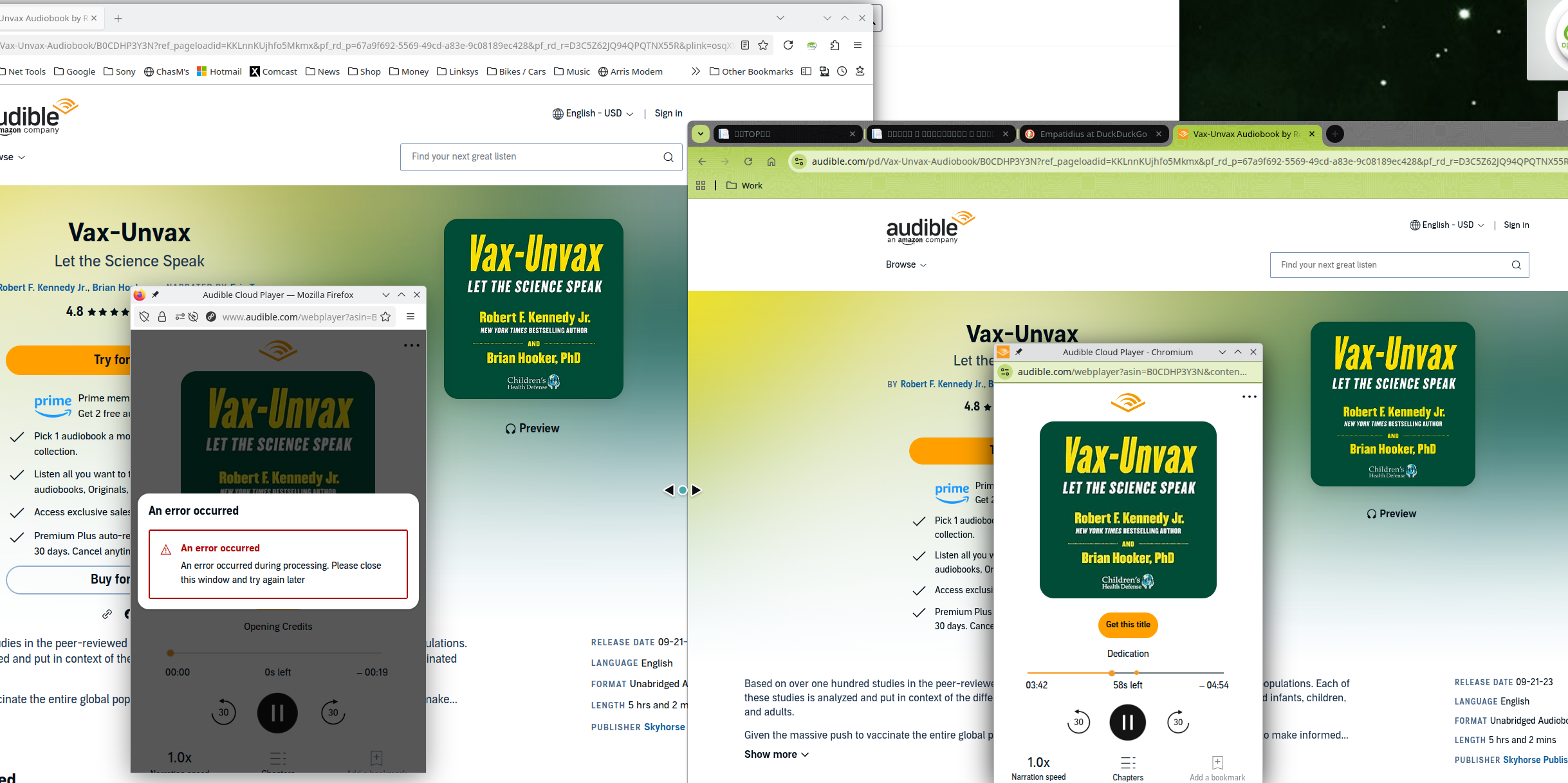
Yes, I'm just playing samples and they start, but the audio is choppy and then after 2mins, it stops playing. https://www.audible.com/pd/Vax-Unvax-Audiobook/B0CDHP3Y3N?ref_pageloadid=KKLnnKUjhfo5Mkmx&pf_rd_p=67a9f692-5569-49cd-a83e-9c08189ec428&pf_rd_r=D3C5Z62JQ94QPQTNX55R&plink=osqXVCrixiJX5hGh&pageLoadId=kbPcaJWAKBARxS0a&creativeId=f95414bc-7ba6-4405-a00d-814a498f7165&ref=a_pd_The-Fi_c5_adblp13npsbx_4
Chrome on the other hand does work better. I've turned off most add-ons and also ETP, but no joy.
Izmjenjeno od strane jonzn4SUSE

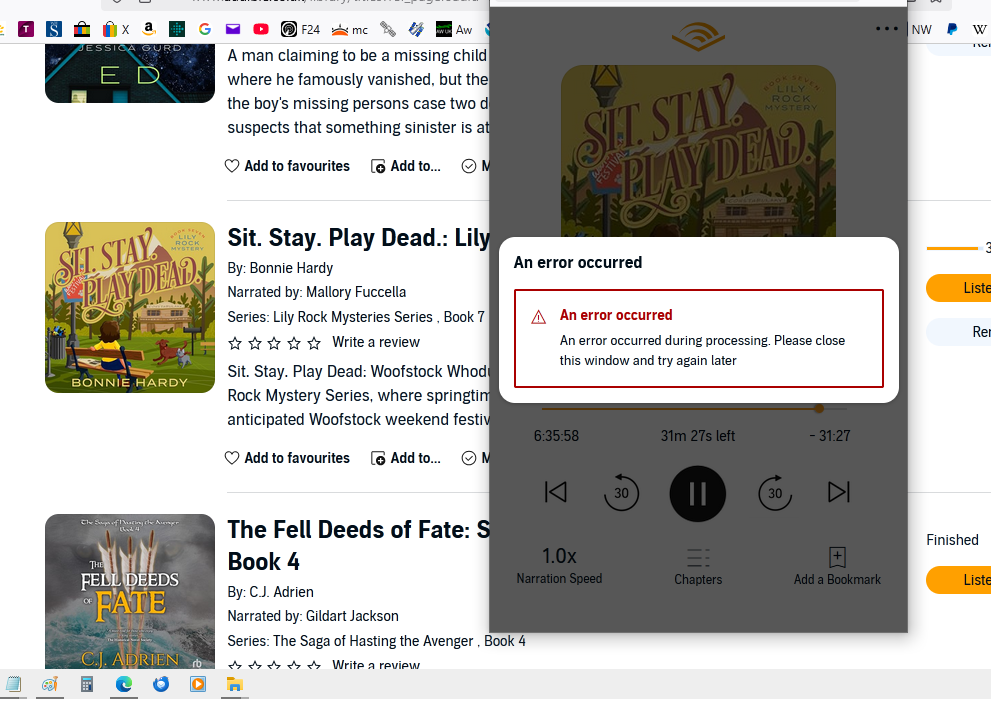
Its not working for me. The audiobook opens but when I click on play it just hangs in endless circles then an error message comes up. Screenshot below.
It was working fine last night but since computer restart as above. I have cleared cookies etc, forced a refresh, tried with no add-ons and restarted, nothing helps.
Its working perfectly using MS Edge (sorry had to go over to the dark side - I just got to the interesting bit and wanted to finish the book )
Izmjenjeno od strane Spikeygran

I had the same issue and got it to work by disabling UBlock Origin. I will not disable my ad blocker so I installed Libation which scanned my audible library and downloaded my audiobooks locally so I can play them through a media player.
The problem still persists even a quarter year later.
I have used the incognito mode to no avail; whereas the audio books are just working fine on Google Chrome instead.
Still there appears to be no solution to this?
Hi all,
If you still experience issues with the website, here are the standard troubleshooting steps you can try (with the last one being reporting the issue properly):
- Please check if you have Enhanced Tracking Protection (ETP) enabled. You can do that by clicking the shield
 icon at the left of the address bar.
- If ETP is enabled, try disabling it.
- If the problem is not fixed, try clearing Firefox cache.
- If it does not help, also try clearing cookies and data for the website you experience troubles with (warning: you will be logged out on this website).
- If it also does not help, try running Firefox in Troubleshoot Mode. If the problem doesn't persist, please follow the steps from this article to troubleshoot further.
- Finally, if the problem is still not fixed, please check if it persists in other browsers (e.g. Chrome, Edge, Opera or Safari).
- If it does, it is most likely an issue on the website's side. You may want to inform the website owner or administrator about that.
- If it doesn't, that's a compatibility issue. Please report it on WebCompat, so that our team there may be able to look into it. We'd also appreciate posting a link to your report here.
Please make sure to file a report as mentioned above if nothing helps. That will let the developers know about the issue.