


email addresses

I recieve email with a LOT of other addresses in the "to" list. how can i copy these addresses into a new contact list without typing each one separately.[which would take a LOT of time]
All Replies (12)
Try this add-on, which will copy addresses to a csv file, which you can import to TB:
https://addons.thunderbird.net/en-us/thunderbird/addon/mail-extractor/
So, I have downloaded it. where do i store the program,'Thunderbird Add-ons" and how do i use it?
downloaded and followed install suggestions. "thunderbird extracteur_de_mtb.xpi" shows in my download folder. After following instructions, it does NOt present in 'Add-ons-Manager' ~Curt
Try this: enter mail extractor in the search box on the Add-ons & Themes tab. A new tab will open where you can Add to TB. After installation, Mail Extractor should appear in the list of extensions, and a toolbar button is added on the main window. Works here with TB 128, 142.
~Thank you sf. I have extracted email addresses from an email. they show up in a new List which i created in 'Address Book' However neither the copied email addresses nor the list shows up in 'contacts' when i 'Write', or 'Reply' or 'forward".
there is, however, a List called "emails_extracted_2025" which is useless since it is Blank.
~thank you again for your continuing help ~Curt
The add-on creates a csv file that must be imported to create a new address book. Importing a csv requires care in matching the input fields to the TB structure, otherwise the contacts will not appear in address autocomplete in the message composer. In my test, the extracted csv has two columns, Name and address. The TB address book's first columns are First Name, Last Name, Display Name, Nickname, Primary Email. Before importing, it helps to edit the csv in e.g. a spreadsheet, to make it conform to the TB layout.
http://kb.mozillazine.org/Import_address_list_from_text_file
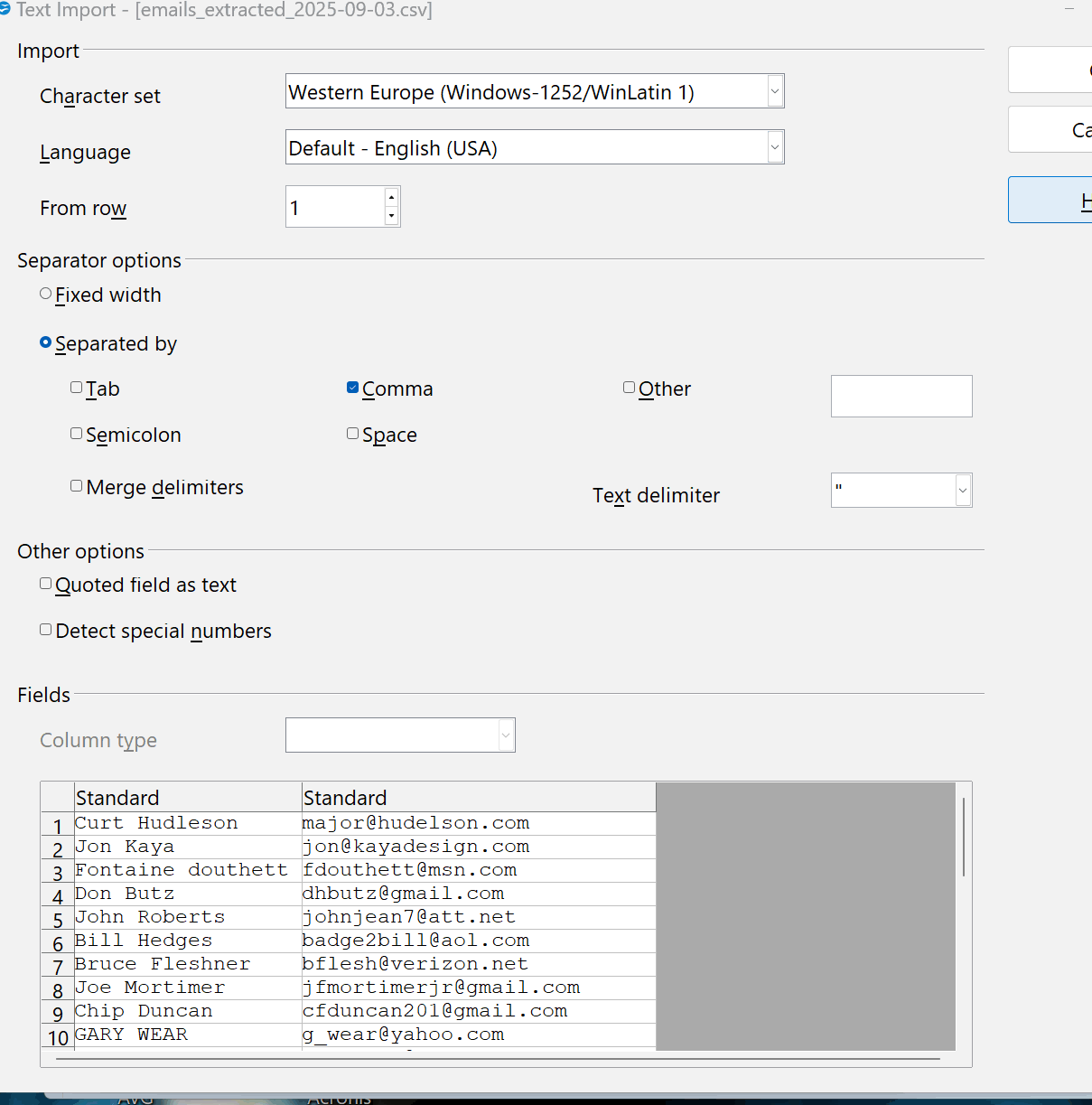
don't really know how to 'edit' the extracted file. Link you provided looks like a scam. [image] Image of emails-extracted-2025
It's not a scam. If your browser doesn't automatically redirect to the secure site, use this link:
https://kb.mozillazine.org/Import_address_list_from_text_file
You will have to rearrange the csv, otherwise importing it as is will result in empty email fields.
` No good. it leads to the same ,<your context is not secure> page I previously sent ~
I'm afraid i do not know how to edit the CSV file. The attachment herein is what the add-on displayed. ~
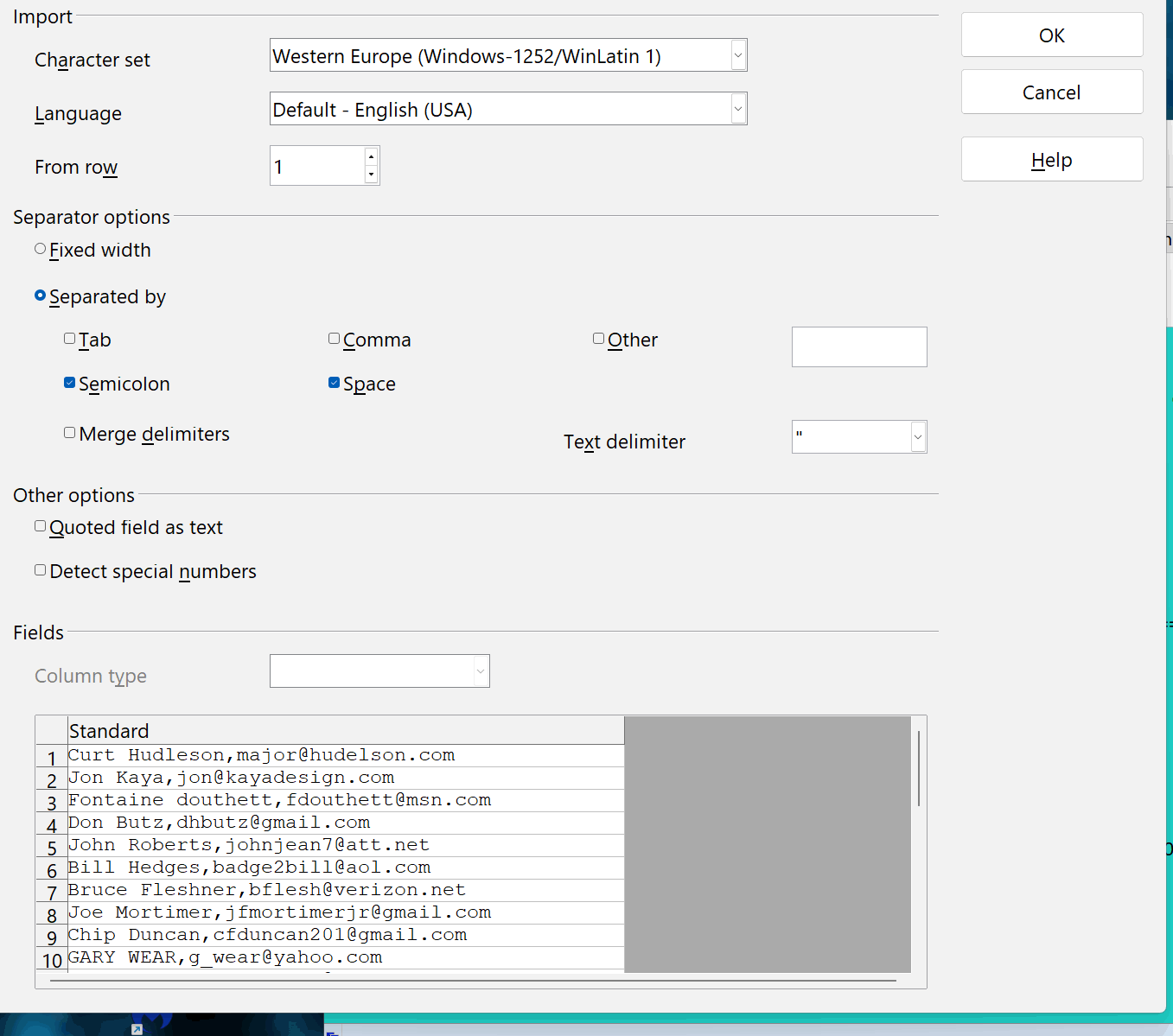
There are free csv editors, otherwise you can open a csv in a text editor and copy from there into an address book.