


Thunderbird suddenly stopped accessing my att email account. Automatic set up of the account fails. (bug1978361)

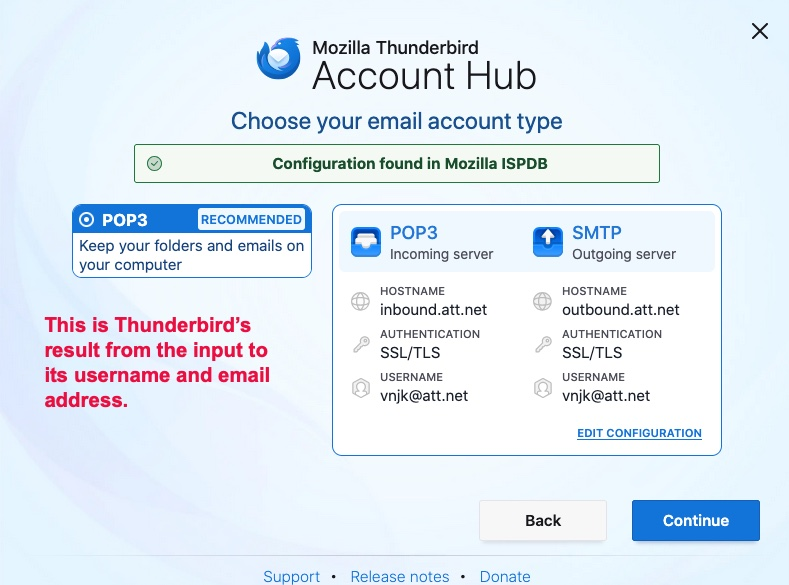
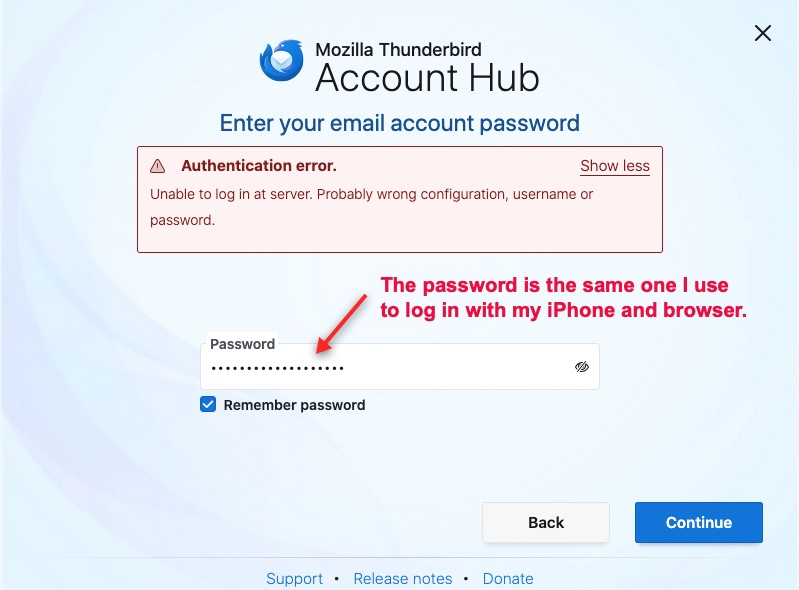
What settings do you suggest to allow access to my att email account? I am using Thunderbird V 140.0.1 esr on an iMAC running iOS 10.15.7. The attached screenshots show the results of attempts to re-establish the account and the resulting error messages. It appears that the server settings need tweaking, since the user name and password are those I use to log in successfully to the att account with both Firefox and my iPhone. Thank you, Vince K.
Modified by Wayne Mery
Chosen solution
You must create a secure mail key and use that in TB in place of the account password:
https://www.att.com/support/article/dsl-high-speed/KM1010523/
Read this answer in context 👍 1All Replies (1)
Chosen Solution
You must create a secure mail key and use that in TB in place of the account password:
https://www.att.com/support/article/dsl-high-speed/KM1010523/