

This thread was archived.
Please ask a new question if you need help.

Archived
Issue with Thunderbird Account Setup - Credentials Not Displayed

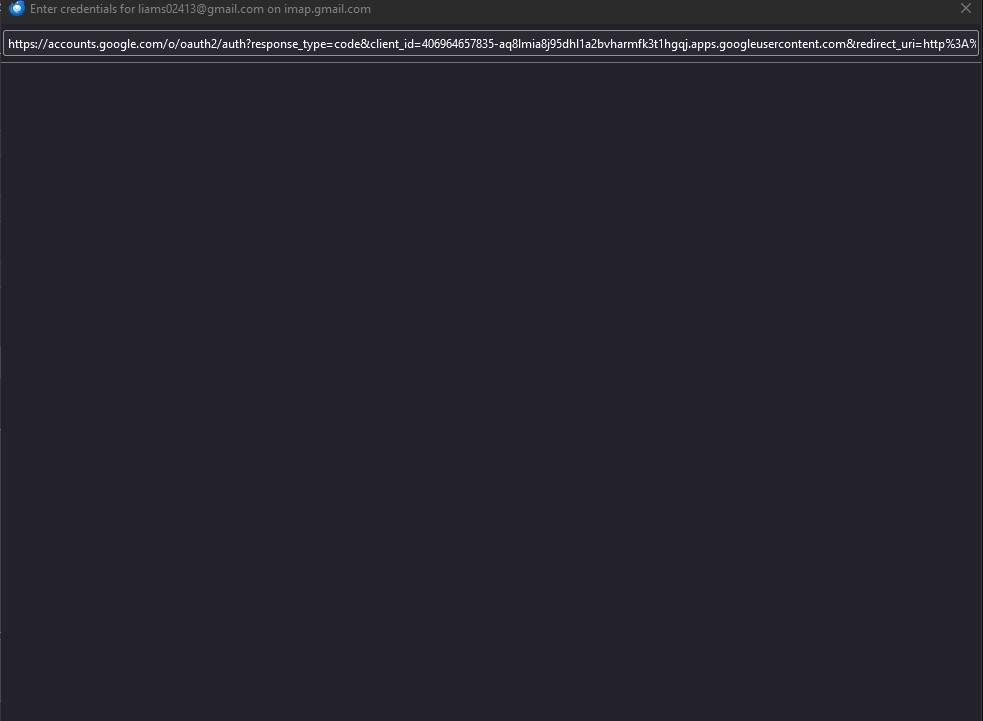
I am experiencing an issue while setting up my account in Thunderbird. After entering my email and password during the Account Setup process, the "Enter Credentials" window appears with a URL in the address bar. However, the window does not display any content.
I have attached a screenshot for your reference.
Could you please assist me in resolving this issue?
Thank you in advance for your help.
Best regards, Vasyl
I am experiencing an issue while setting up my account in Thunderbird. After entering my email and password during the Account Setup process, the "Enter Credentials" window appears with a URL in the address bar. However, the window does not display any content.
I have attached a screenshot for your reference.
Could you please assist me in resolving this issue?
Thank you in advance for your help.
Best regards,
Vasyl
All Replies (2)
Do you have oauth specified for authentication? https://support.mozilla.org/en-US/kb/automatic-conversion-google-mail-accounts-oauth20