

This thread was archived.
Please ask a new question if you need help.

Archived
Can't get out of 'Chat' window and back to my emails

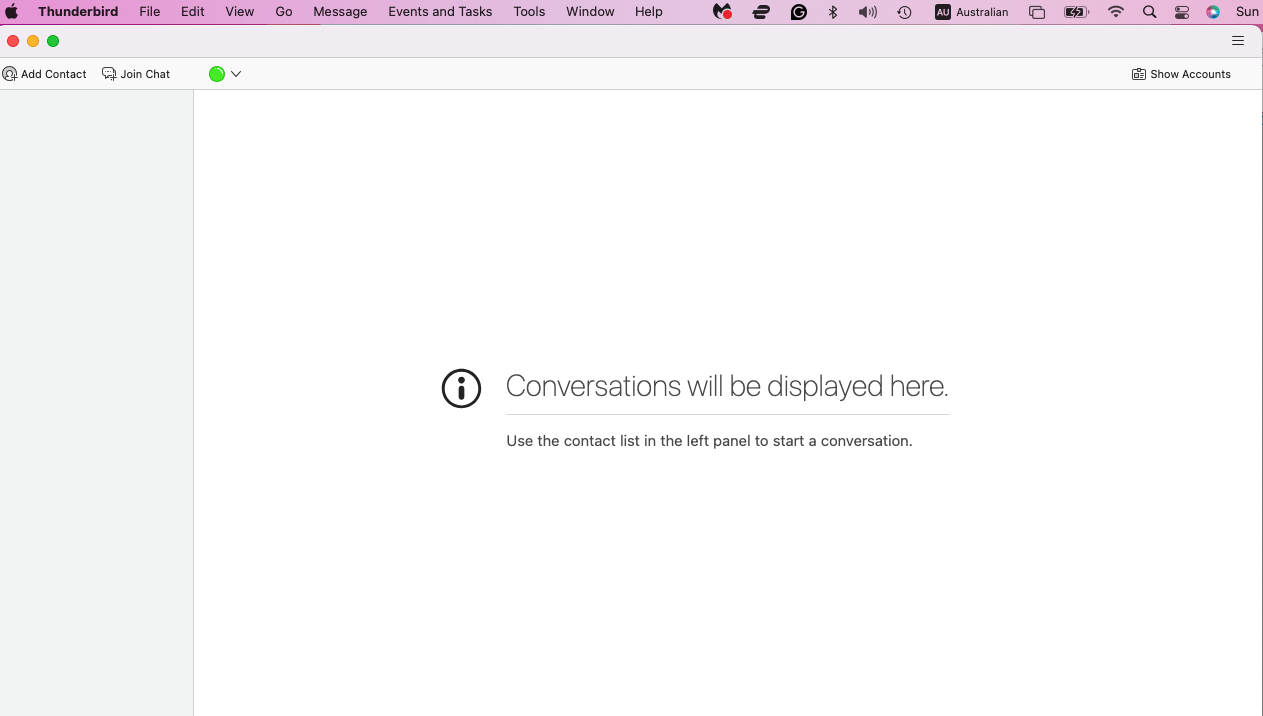
Hi, I don't know what I did but suddenly I only have the chat screen (which I have never been in, screenshot attached) and can't get back to my normal Thunderbird window where I see all my emails. All functions in the drop-down menus don't work, I can't get into settings or anything. What do I need to do to get back to my emails?
Hi, I don't know what I did but suddenly I only have the chat screen (which I have never been in, screenshot attached) and can't get back to my normal Thunderbird window where I see all my emails. All functions in the drop-down menus don't work, I can't get into settings or anything. What do I need to do to get back to my emails?
All Replies (2)
This may work: - click view>toolbars and tick 'spaces toolbar' - then, click the mail icon on the spaces toolbar
Hi David, thank you very much. I couldn't wait, so I deleted and reloaded the app for now. But I will try your suggestion should it happen again.